
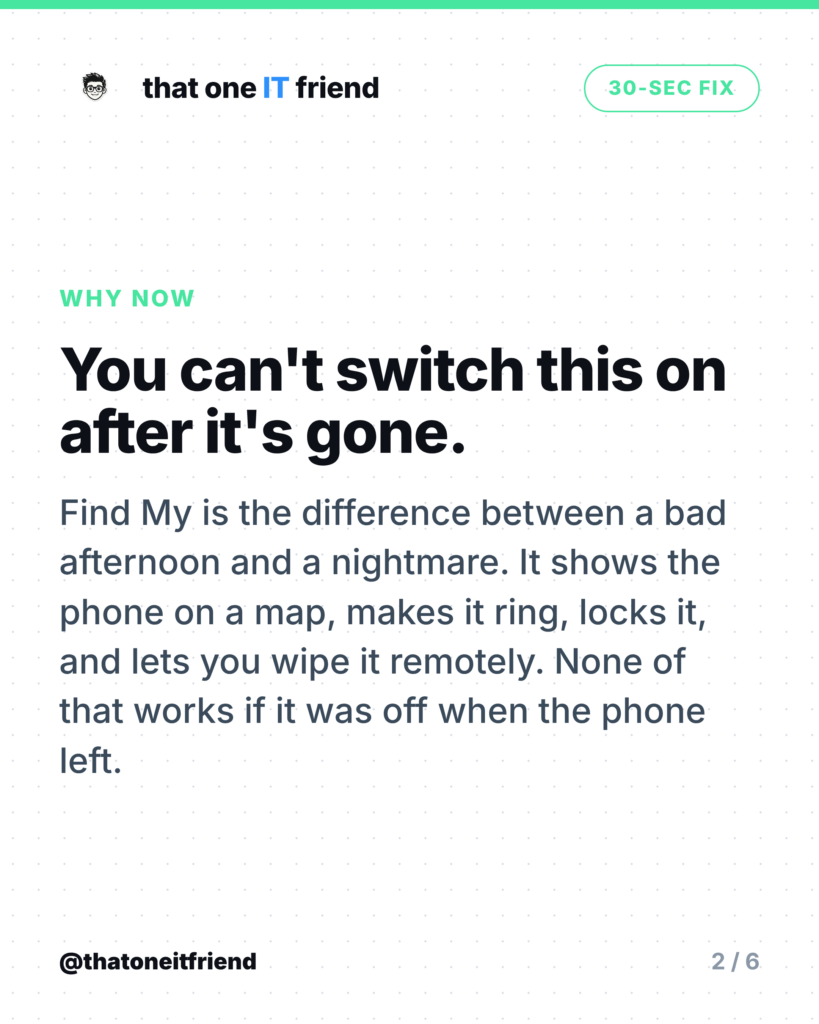
The fix: turn on Find My on iPhone, or confirm Find Hub is on for Android, before you need it. It takes about thirty seconds and it’s the only setting on this list you can’t enable after the fact. Once a phone is gone, whatever state that switch was in is the state you’re stuck with.
What this actually gets you
With it on, a missing phone shows up on a map, can be made to ring even on silent, can be locked with a message and a phone number on the screen, and can be wiped from anywhere. Without it, you have a serial number and a shrug. The wiping part matters more than most people realise, because the phone is a key to your email, your bank app, and your photos.
iPhone: 30 seconds
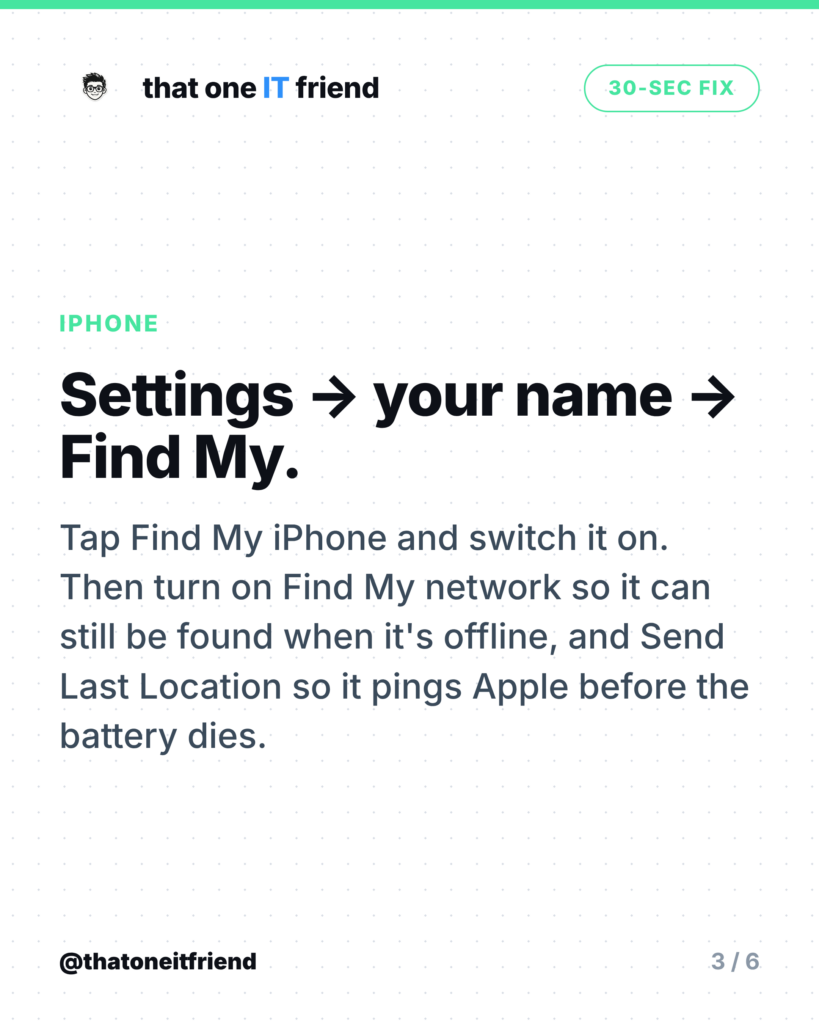
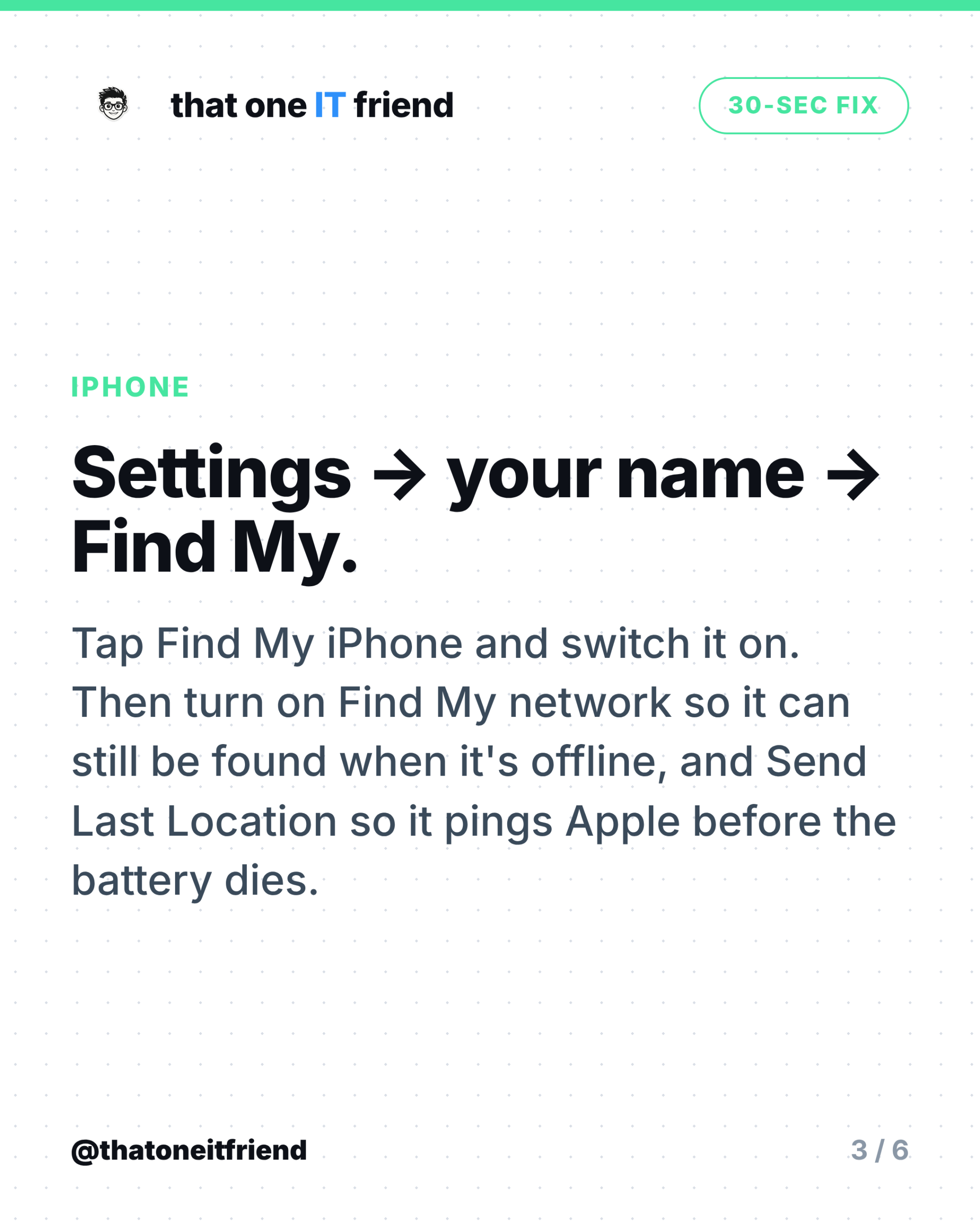
Open Settings, tap your name at the top, tap Find My, then tap Find My iPhone and switch it on. While you’re on that screen, turn on two more things Apple keeps there:
- Find My network. This is what lets the phone be located when it’s offline. Apple’s guidance is to check it’s on so you can find devices “even if they’re powered off or disconnected.”
- Send Last Location. When the battery gets critically low, the phone sends its location to Apple automatically. It’s the difference between a last known spot and nothing at all.
Android: it's on, but check
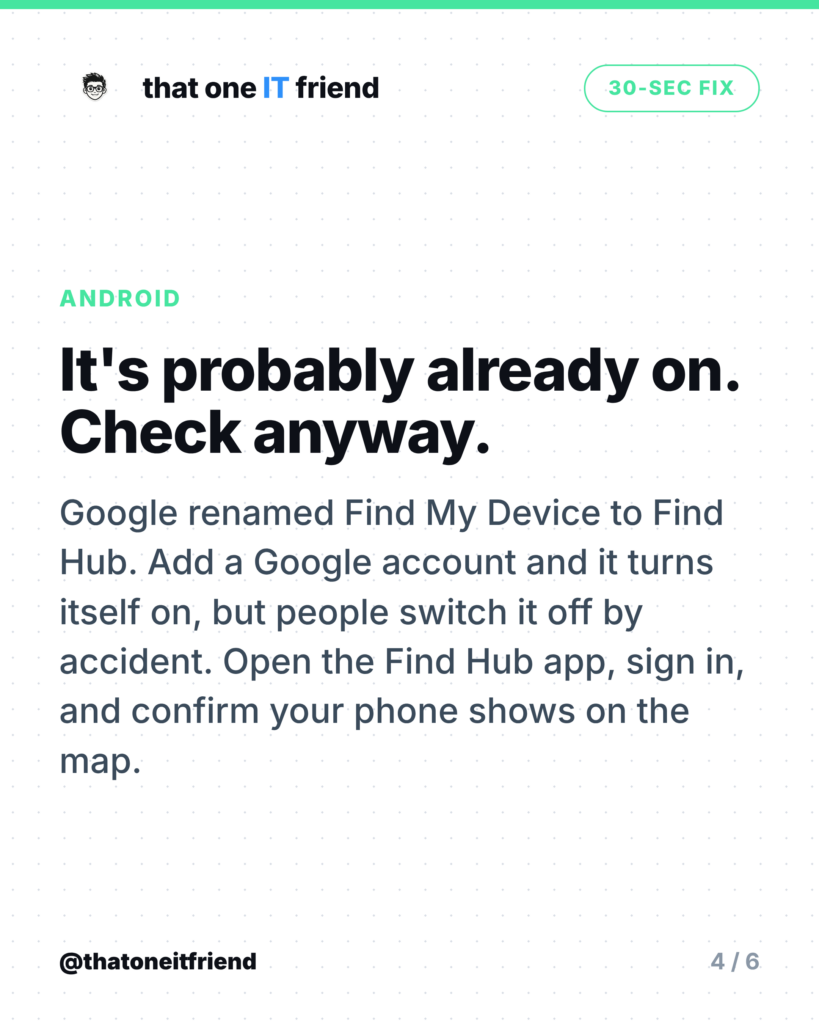
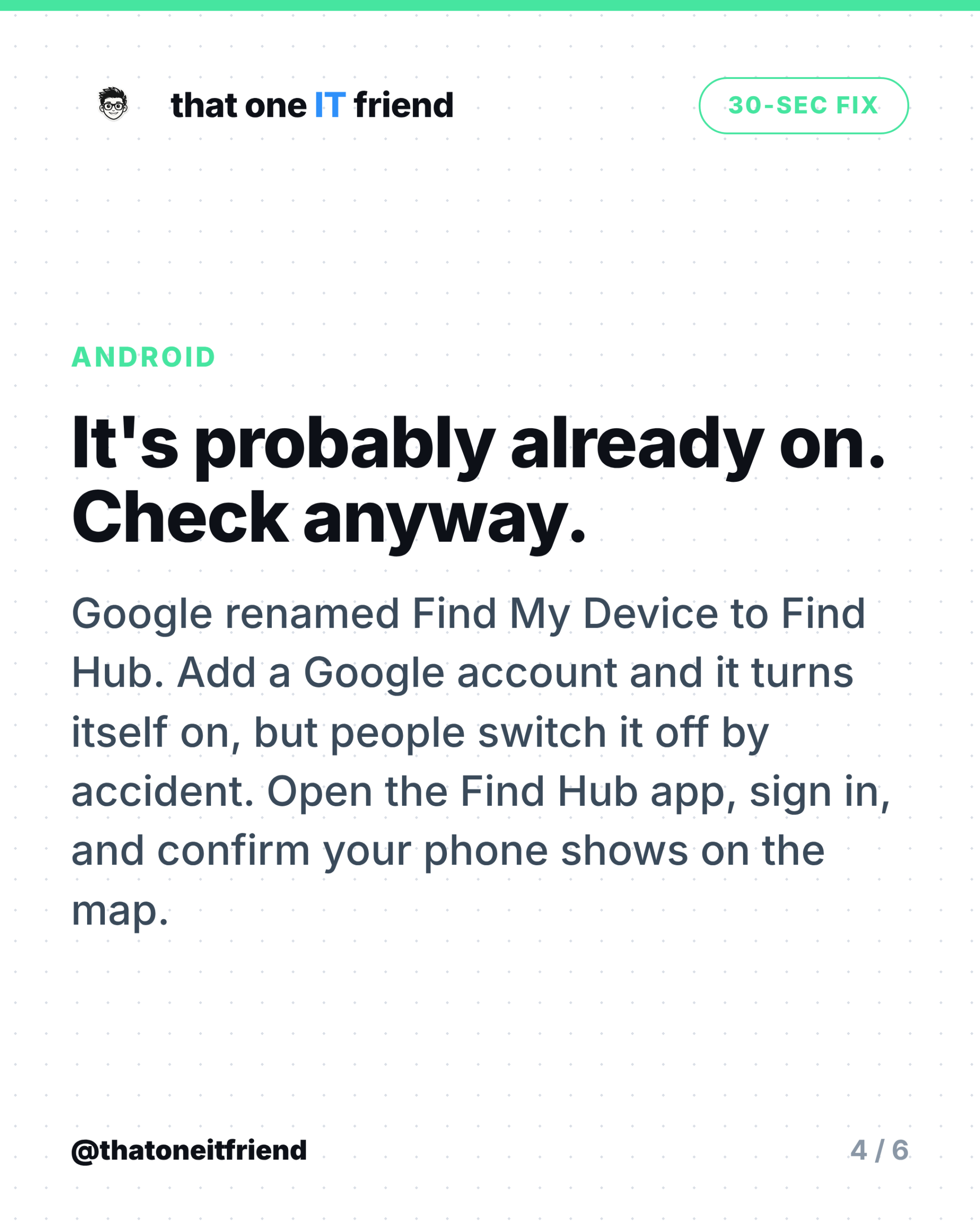
Google renamed Find My Device to Find Hub in May 2025, which is why old instructions send you to a menu that doesn’t exist any more. The good news is it’s on by default. Google’s own page says that if you’ve added a Google account to your device, Find Hub “is automatically turned on,” and that by default the device stores encrypted recent locations with Google and takes part in the Find Hub network.
Default doesn’t mean guaranteed, though. Settings get toggled during setup, by a phone shop, or by someone poking at menus. Open the Find Hub app, sign in, and check your own phone appears on the map. That single test is worth more than reading any settings screen.
One difference worth knowing
If you remotely erase an iPhone, it keeps showing up in Find My afterwards, which means a wipe doesn’t cost you the ability to track it. Android doesn’t work that way: erase the device and you lose the location trail with it. So on Android, exhaust the ringing and locking options before you reach for erase.
The three things people forget
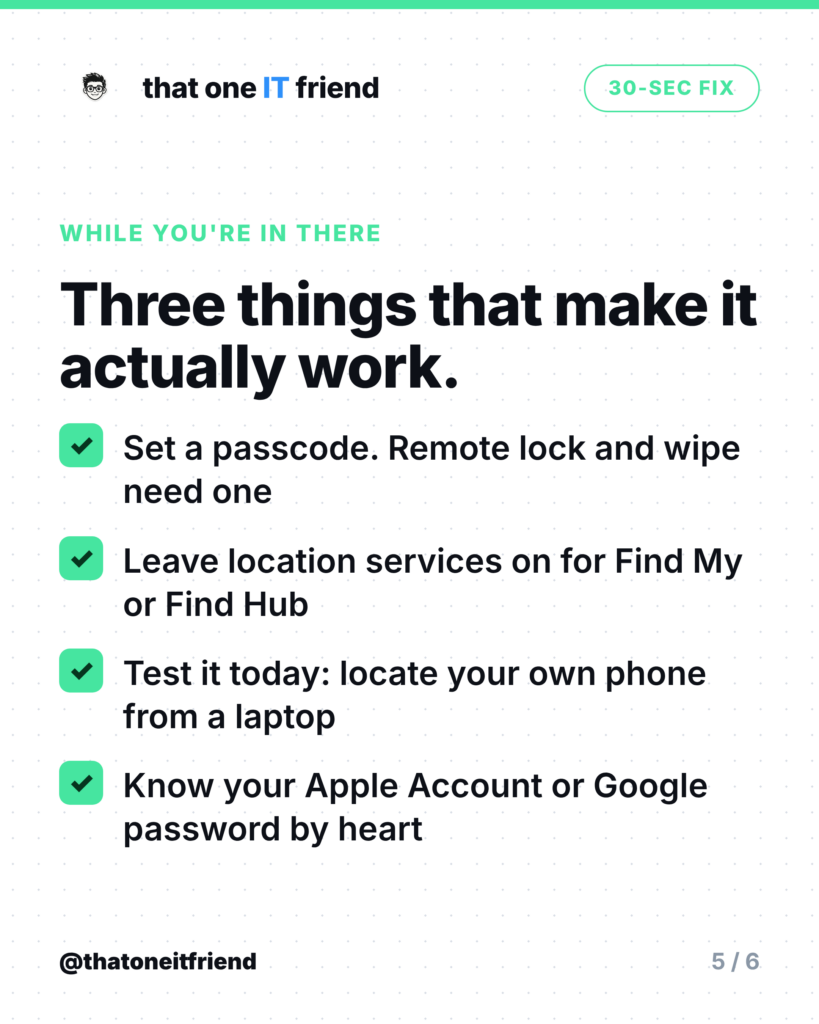
- Set a passcode. Remote lock and remote erase both depend on the device being lockable. No passcode, no protection.
- Leave location services on. Turning location off across the board to save battery quietly breaks the one feature you’d want most.
- Know your password. Finding the phone means signing in to iCloud or your Google account from a borrowed laptop, at the worst possible moment, from memory.
The one rule to remember
A phone you can’t find is a phone you can’t erase. The map is the fun part; the remote wipe is the part that protects your bank app and your photos. Both come from the same switch, and both have to be on before anything goes wrong.
Frequently asked questions
Does Find My drain my battery?
Not meaningfully. It piggybacks on connections your phone is already making. The battery cost is far smaller than the cost of losing a phone you can’t locate.
Can I find my phone if it's switched off?
On recent iPhones, yes, for a window after power-off, provided Find My network is on. On Android, a powered-off phone generally shows its last known location rather than a live one.
Can someone track me because this is on?
The location is tied to your account, and signing in needs your password. Both Apple and Google also warn you if unknown trackers appear to be travelling with you.
What if I never turned it on and my phone is already gone?
You can’t enable it remotely. Change your account passwords straight away, call your carrier to suspend the line, and report the loss. Then turn it on for your next phone today.
Does this work for tablets and laptops too?
Yes. Find My covers iPads, Macs, AirPods and AirTags; Find Hub covers Android tablets, Wear OS watches and compatible trackers. Same setting, same thirty seconds.
Every week I break down one scam to dodge, one genuinely useful AI trick, and one 30-second tech fix, in plain English. Follow @thatoneitfriend on Instagram, TikTok, and Facebook, or get the weekly rundown by email at thatoneitfriend.com.