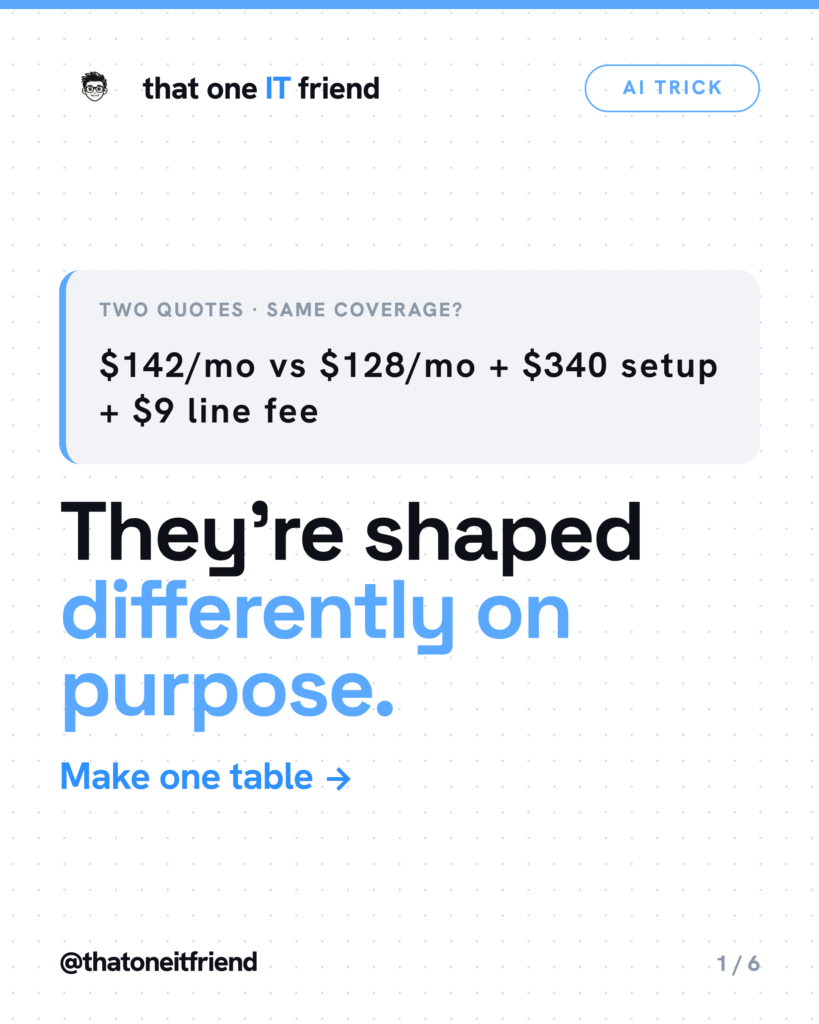
Short answer: photograph both quotes, send them in one message, and ask for a table showing only the lines where they differ plus the total cost over twelve months. Two offers for the same thing are almost never formatted the same way, and that isn’t an accident. The comparison is the work, and it’s the work you can hand off.
Why you can't just read them
One quote leads with a monthly number. The other leads with a discounted first-year rate and puts the setup fee on page three. One lists a deductible; the other calls it an allowance. They use different words for the same thing and the same words for different things. Holding both in your head at once is genuinely hard, and everyone selling you something knows it.
How to do it on a phone
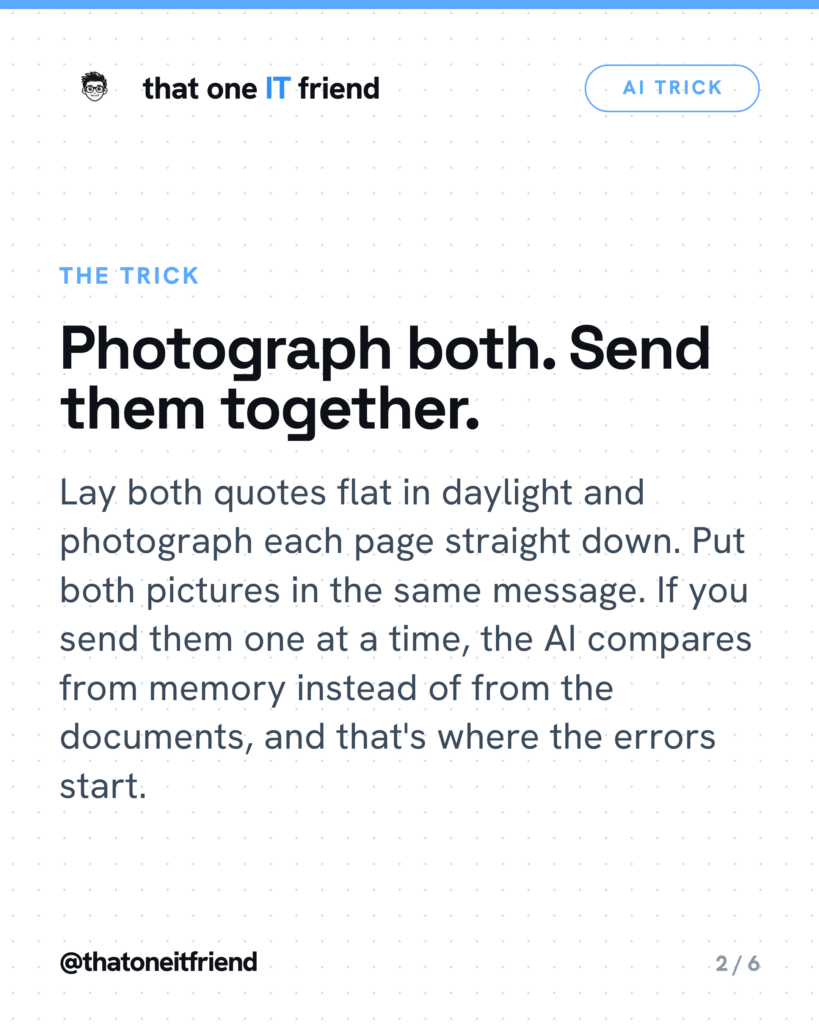
- Lay each quote flat on a table in daylight. No glare, no angle, no shadow from your own head. Photograph each page straight down, filling the frame.
- Before you shoot, cover the account number, policy number and your address with a slip of paper. None of that is needed to compare prices.
- Open a free AI app. Gemini is the easiest here because you can take the photos inside the app and attach up to ten files to a single prompt.
- Type the prompt below, attach both quotes to the same message, and send.
That last point is the one that matters most. Send them one at a time and the AI is comparing the second document against its memory of the first, which is where invented numbers come from.
The prompt that actually works
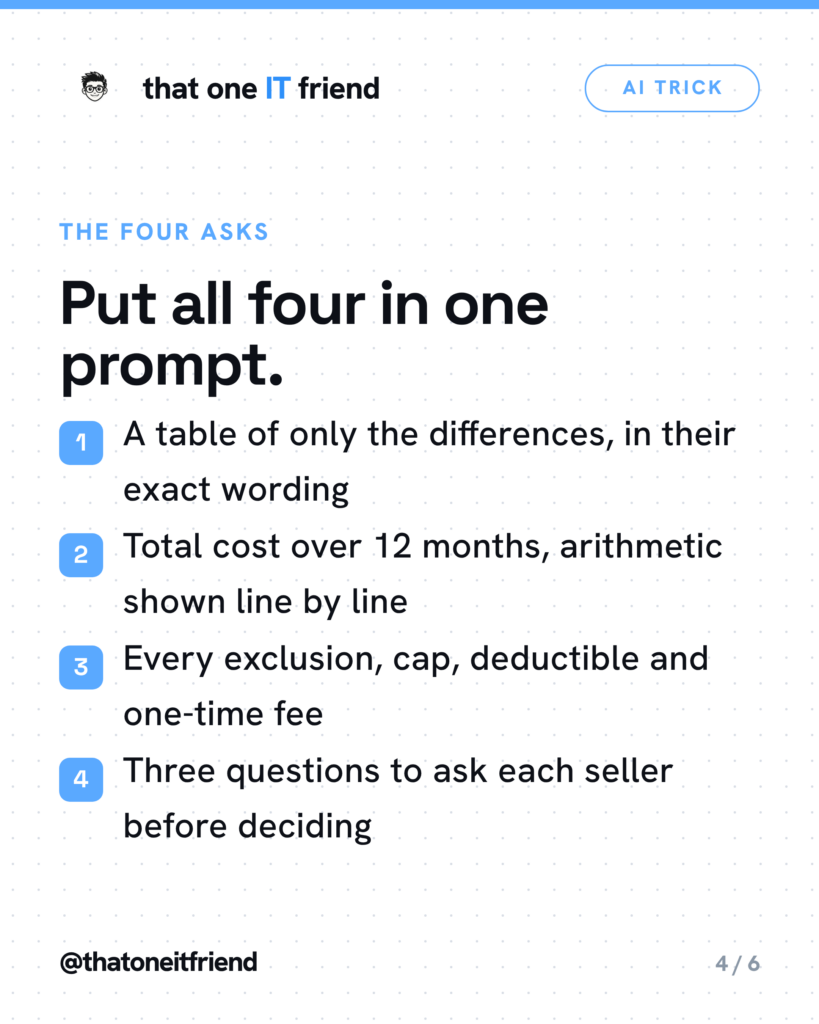
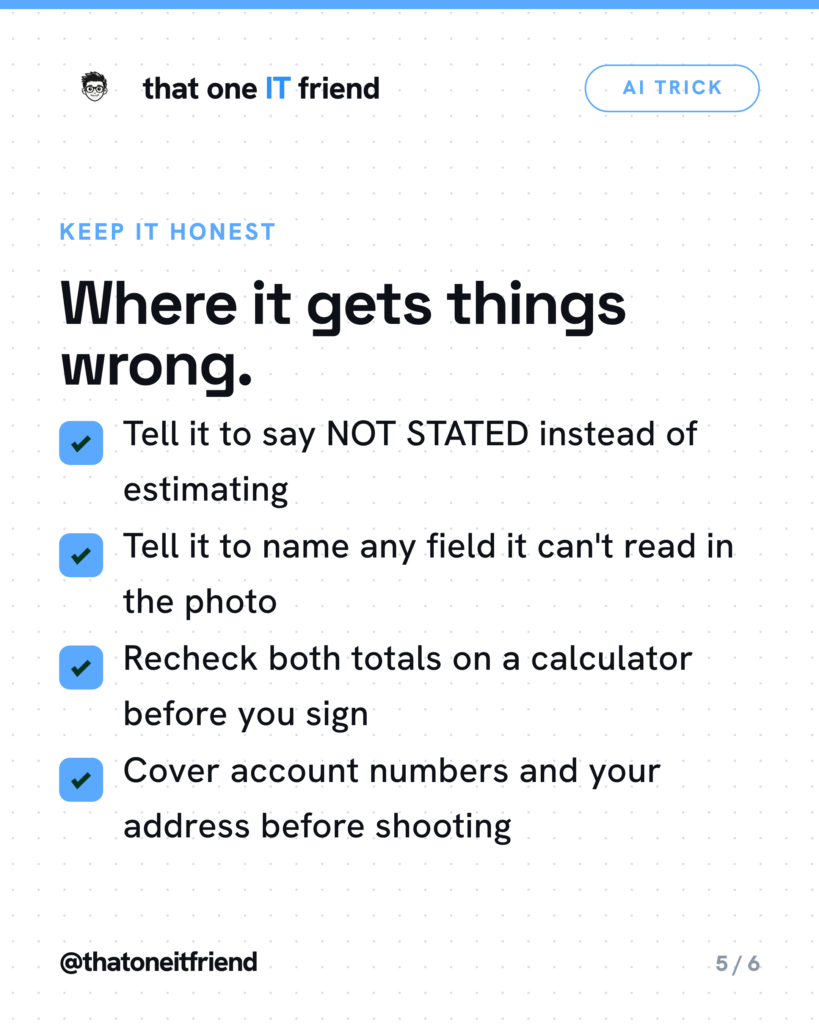
I’m attaching two quotes. I haven’t decided anything yet. Build one table comparing them and include only the lines where they actually differ, using the exact wording and exact numbers printed in the documents. Then calculate the total I’d pay over 12 months for each, including every fee, deposit, surcharge and one-time charge, and show your arithmetic line by line. Then list every exclusion, deductible, cap and waiting period for each. Then name the terms most likely to cost me money later that a seller wouldn’t volunteer. Then give me three questions to ask each seller before I decide. If a number isn’t in the document, write NOT STATED — don’t estimate. If something is unreadable in the photo, tell me which field and ask me to re-photograph it. Don’t tell me which one to choose.
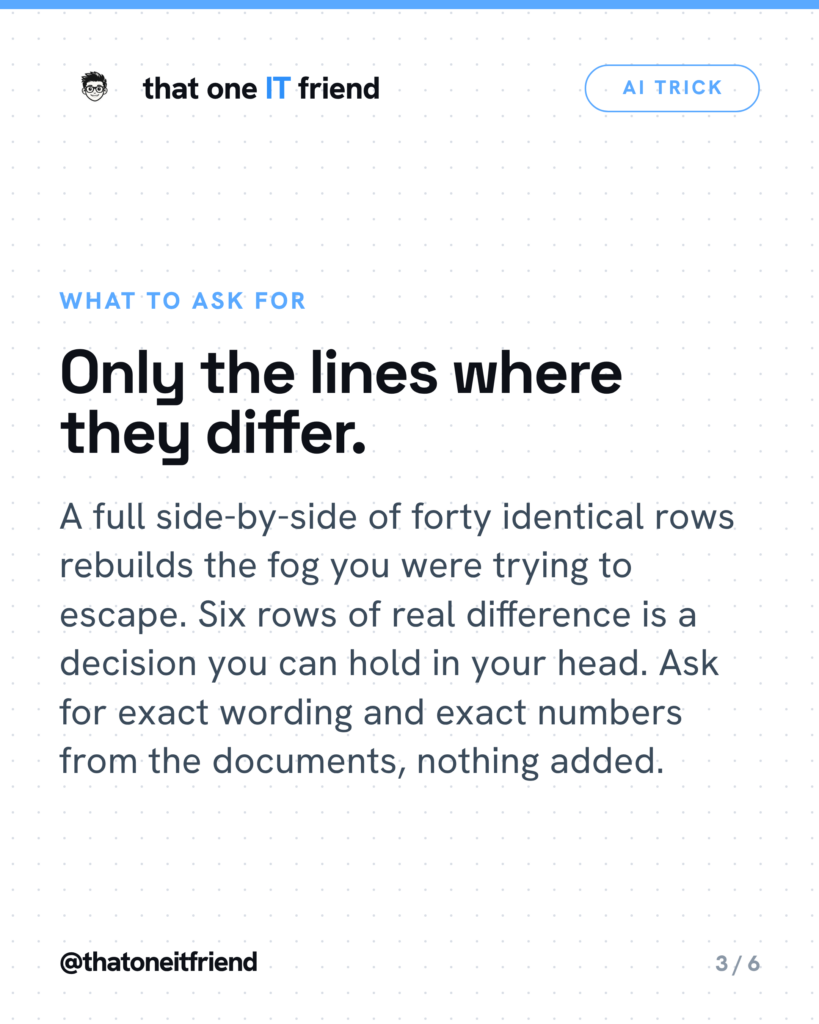
Every clause in there is doing a job. “Only the differences” is what turns forty rows into six. “Total over twelve months” defeats the low monthly headline. “Show your arithmetic line by line” turns the math into something you can check on a calculator rather than something you have to trust. “Write NOT STATED” is the anti-invention lever — without it, the model fills gaps with plausible numbers. And “tell me which field you can’t read” converts a silent misread into a visible, fixable problem, which is the single most valuable line in the whole thing.
Where this goes wrong
OpenAI documents the photo problems in its own limitations list: the model “may misinterpret rotated / upside-down text or images,” “may struggle to understand graphs or text where colors or styles like solid, dashed, or dotted lines vary,” and “may generate incorrect descriptions or captions in certain scenarios.” A quote comparison sheet is exactly the kind of document that trips all three. Google is equally direct about the broader risk: “Gemini can hallucinate and present inaccurate information as factual.”
Then there’s arithmetic. No vendor publishes an accuracy rate for adding up a column of fees, and in practice a model can transcribe every figure correctly and still misplace one in a sum or quietly drop a one-time charge. Treat every total as a draft. That’s why the prompt makes it show its work.
And there are two things it simply cannot know. It has no idea what a roof costs in your county this month, so it can tell you Bid A is $4,000 more than Bid B but not whether either is fair — that takes a third local quote. And it cannot verify a contractor’s license. It can only read the number printed on the page, which may be expired or invented.
What the FTC says to do with the difference
On home improvement bids, the FTC’s advice is short and human: “Don’t automatically choose the lowest bidder. And ask for an explanation if there’s a big difference among the estimates.” That’s the handoff. The AI finds the gap in ninety seconds; the next move is a phone call. The same page adds a step no chatbot can do for you: “Check with your state or county government to confirm a contractor’s license, and ask the contractor for proof of insurance.”
One bonus if you’re comparing Medicare supplement plans. Medicare.gov states that “price is the only difference between plans with the same letter that are sold by different insurance companies.” So if both quotes are the same letter plan, your differences table should show price and nothing else. If it shows more than that, either the letters differ or something is being misrepresented, and either way you’ve learned the most useful thing in the stack.
The one rule to remember
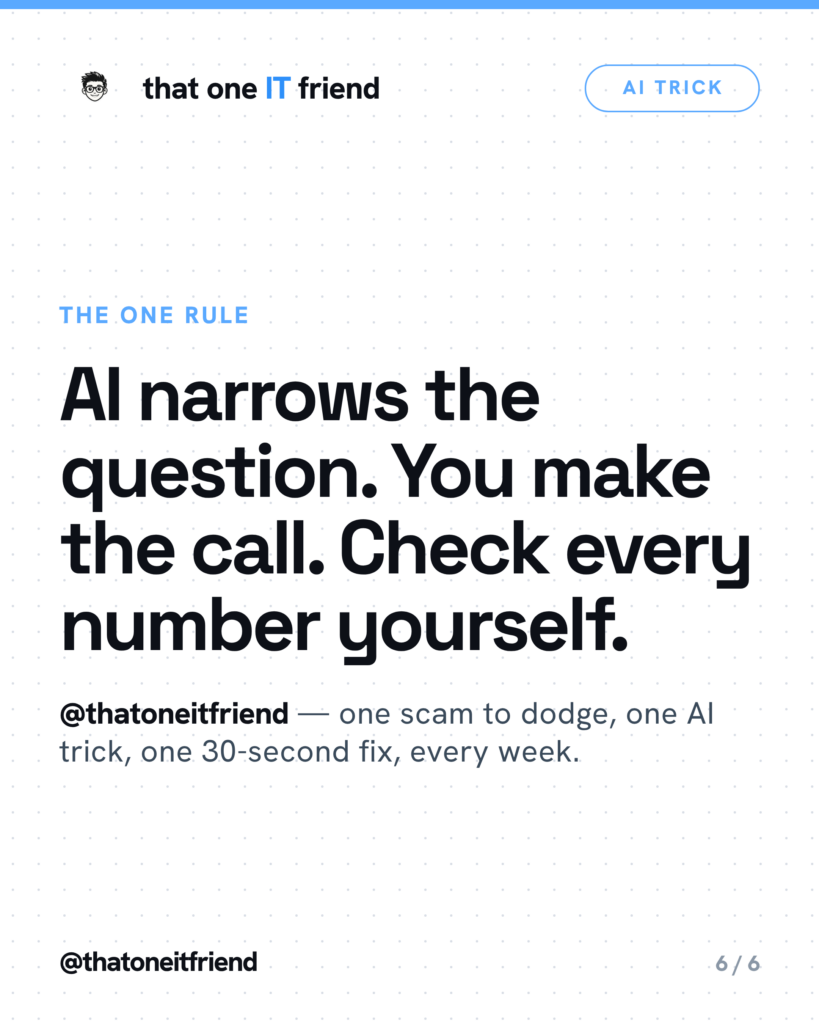
AI narrows the question. You make the call. Check every number yourself. It is very good at pulling two differently-shaped documents into one shape. It is not your advisor, it doesn’t know your budget or your risk tolerance, and it has never seen your roof.
Frequently asked questions
Can I trust the math?
No — verify it, which is why the prompt makes it show its work line by line. Google states outright that Gemini “can hallucinate and present inaccurate information as factual,” and no vendor publishes an accuracy rate for summing a column of fees. Read the arithmetic it shows you, add the same numbers on a calculator, and check each figure against the paper. Two minutes.
Should I show it my personal information?
Take it out first. Cover the account number, policy number, date of birth and address before you photograph, or crop them after. None of it is needed to compare prices and terms. Google’s own privacy notice says “please don’t enter confidential information that you wouldn’t want a reviewer to see,” and confirms that a subset of chats are reviewed by humans.
Will it tell me which one to buy?
It shouldn’t, and the prompt tells it not to. It doesn’t know your budget, your health, your driving record or what you’d do if the bill went up next year. What it’s genuinely good at is the tedious part: pulling two differently-shaped documents into one shape so you can see the six things that actually differ.
What if it reads a number wrong?
It happens, especially with glare, angled photos or small print. That’s why the prompt tells it to name any field it can’t read instead of guessing, and why you check every figure against the paper. If a number looks off by a decimal place, it usually is. Re-shoot that page and ask again.
Every week I break down one scam to dodge, one genuinely useful AI trick, and one 30-second tech fix, in plain English. Follow @thatoneitfriend on Instagram, TikTok, and Facebook, or get the weekly rundown by email at thatoneitfriend.com.