
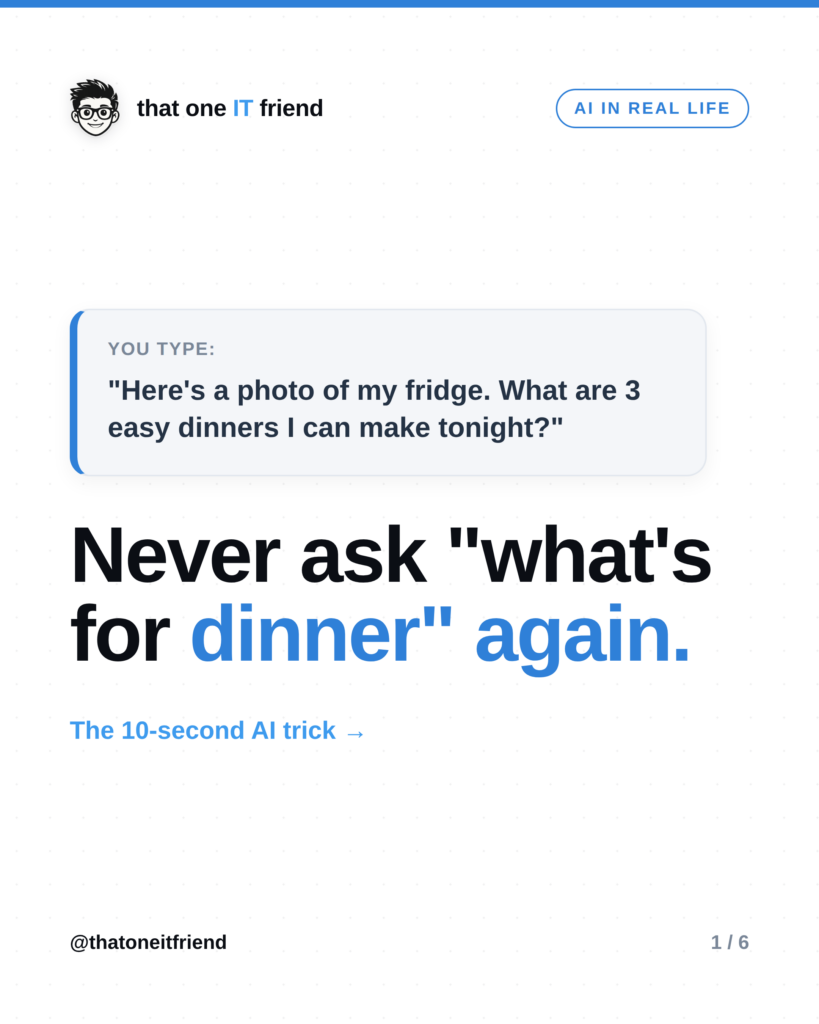
The trick: take a photo of the inside of your fridge, send it to any AI app with a camera, and ask “What are three easy dinners I can make with this?” It reads the photo, spots what you’ve got, and hands you real options, no recipe hunting, no grocery run. Here’s how to do it and how to get answers that are actually good.
How the fridge-photo trick works
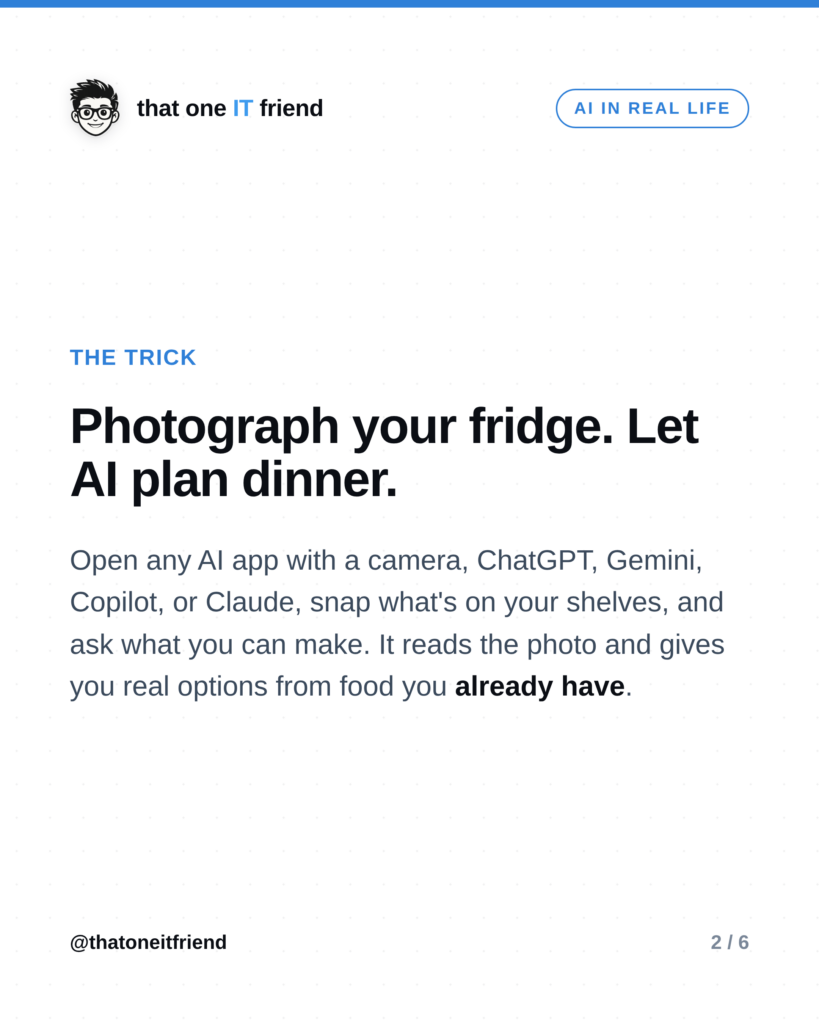
 Modern AI apps can look at a photo and describe what’s in it. So instead of typing out everything you own, you just show it. Open ChatGPT, Google Gemini, Microsoft Copilot, or Claude on your phone, tap the camera or photo icon, snap your open fridge (or pantry), and ask what you can cook. Ten seconds, and you’ve skipped the “there’s nothing to eat” spiral.
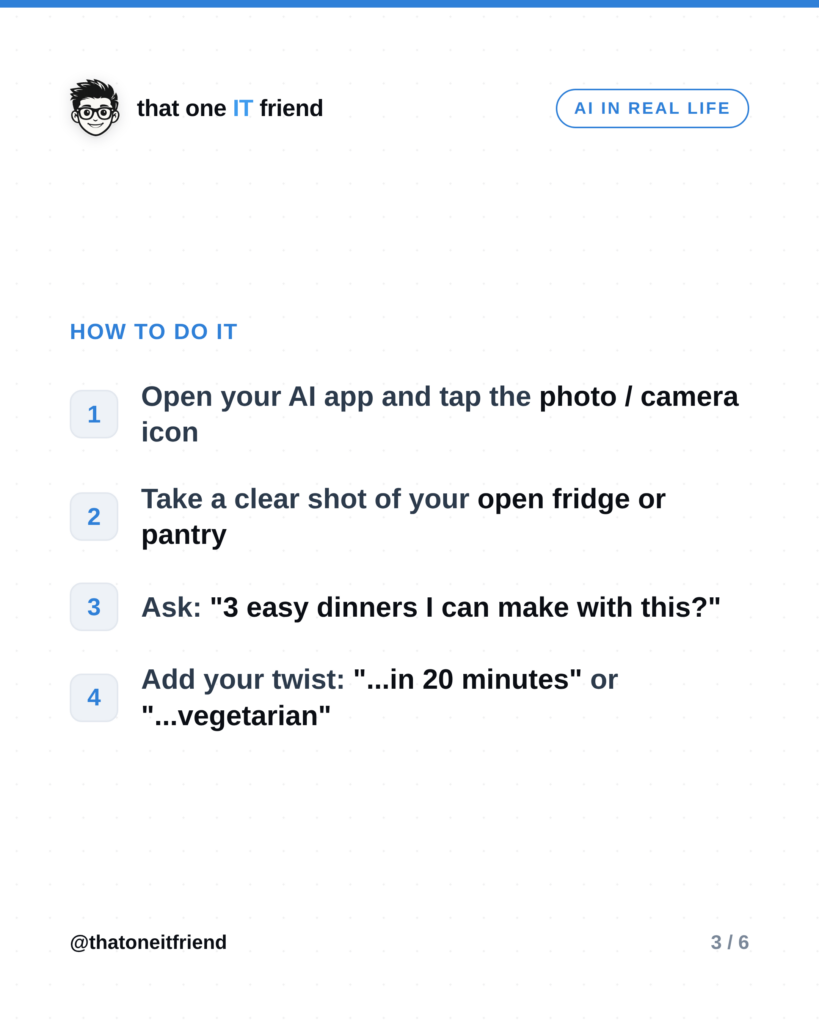
Do it in four steps

- Open your AI app and tap the photo or camera icon.
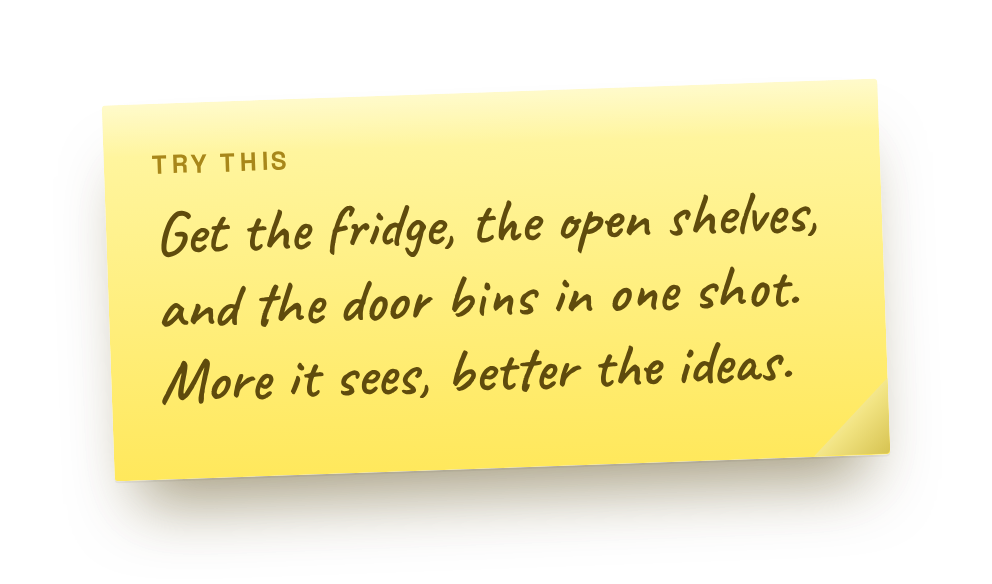
- Take a clear shot of your open fridge or pantry (good light helps it read labels).
- Ask: “What are 3 easy dinners I can make with this?”
- Add your twist: “…in 20 minutes,” “…vegetarian,” or “…for four people.”
How to get better answers

The more you tell it, the better it gets. Try any of these follow-ups:
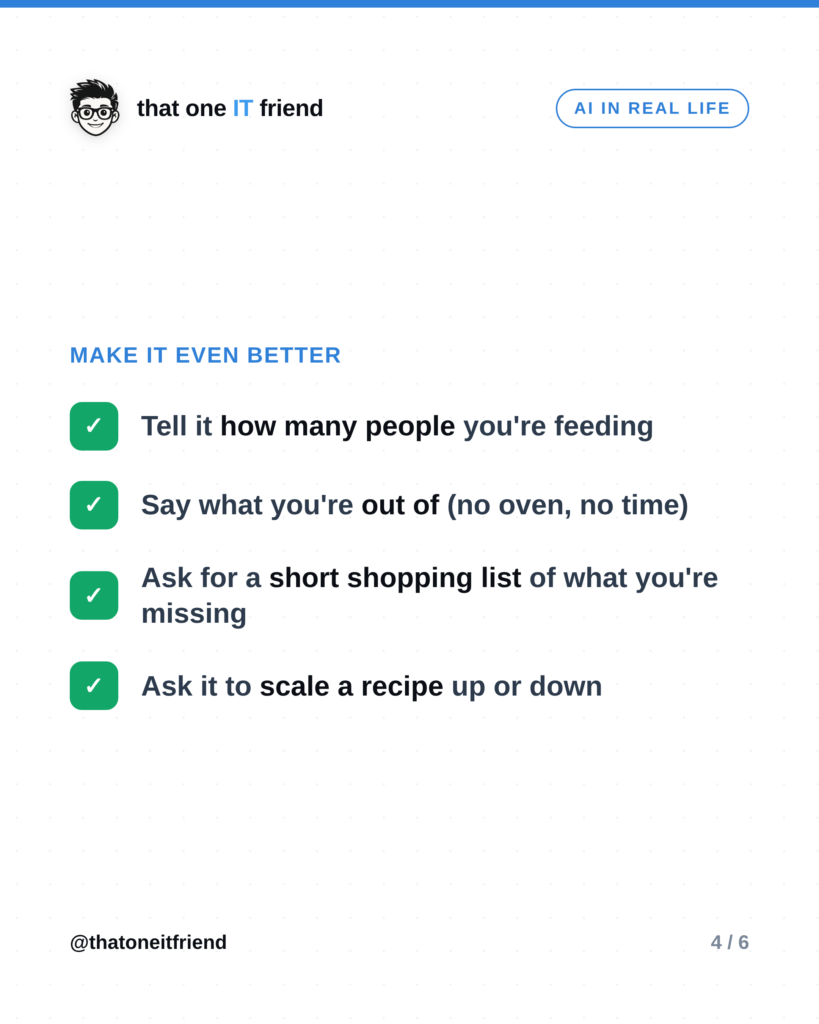
- Say how many people you’re feeding, so portions make sense.
- Tell it what you’re out of (“no oven,” “no time,” “we’re low on eggs”).
- Ask for a short shopping list of the two or three things that would unlock more meals.
- Ask it to scale a recipe up or down, or turn one into leftovers for lunch.
The one thing to remember
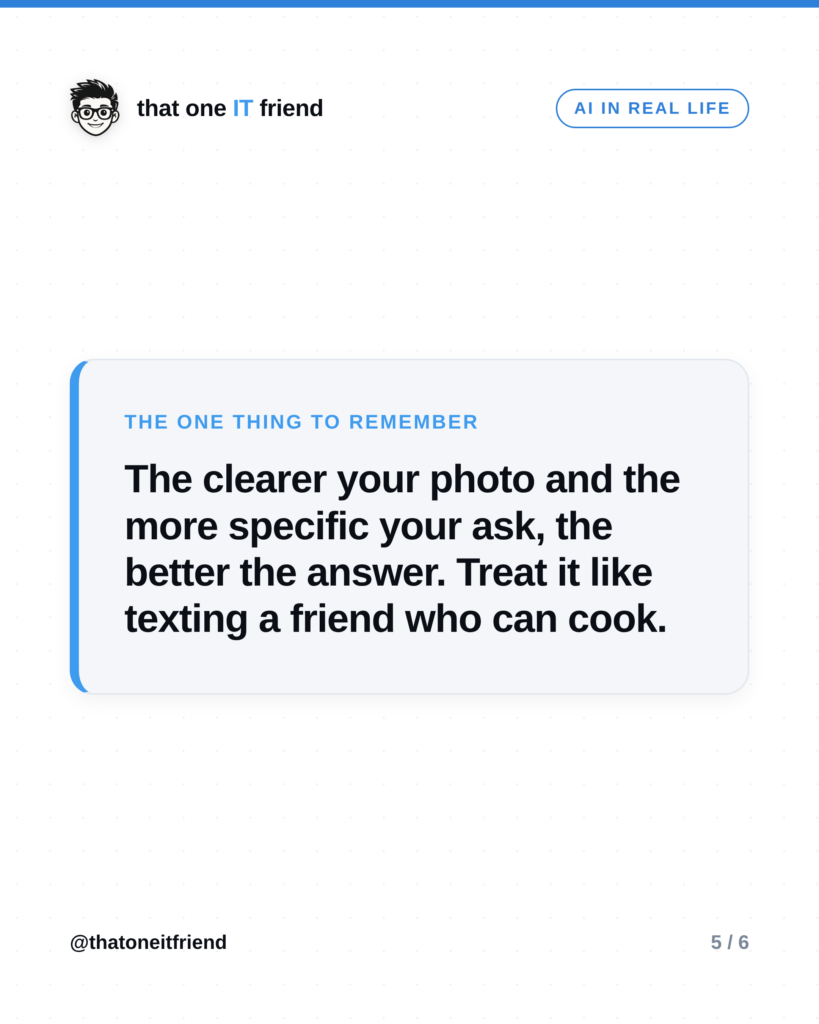
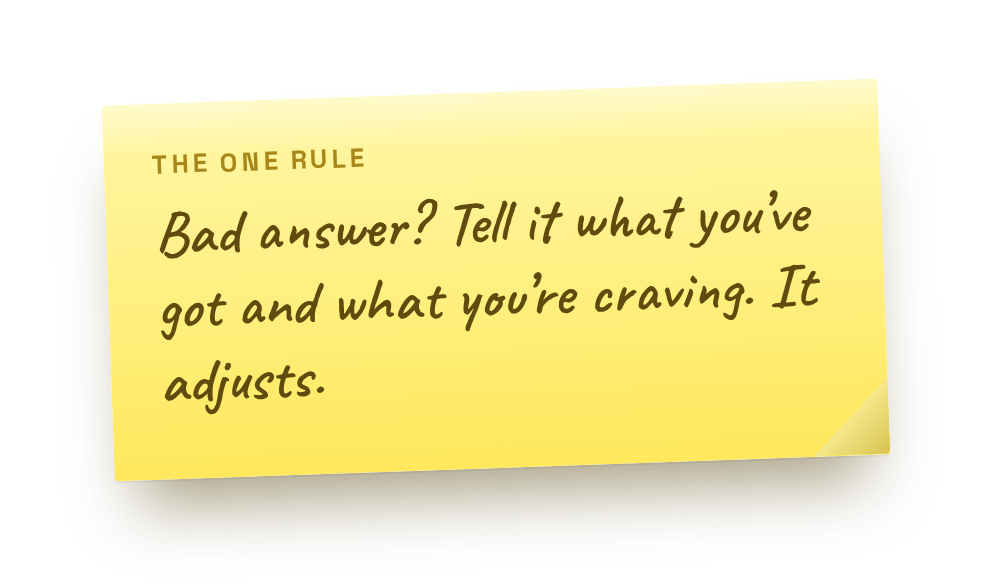 The clearer your photo and the more specific your ask, the better the dinner. Treat it like texting a friend who happens to be a good cook, give it a little context and it’ll give you something you’ll actually want to eat.
Frequently asked questions
Which AI app is best for this?
Any of the big free ones that accept photos work: ChatGPT, Google Gemini, Microsoft Copilot, or Claude. Use whichever you already have on your phone.
Is it accurate about what’s in the photo?
It’s good, not perfect. It might miss something tucked in the back or misread a label. Skim the ideas and swap anything that’s off, you’re the one who can actually see the fridge.
Can it handle allergies or diets?
Yes, just say so. “Dairy-free,” “no nuts,” “diabetic-friendly,” “high protein,” it’ll work around it. For serious allergies, still double-check ingredient labels yourself.
Prefer the visual version?
Swipe through, then save it or send it to someone who needs it.
Every week I break down one scam to dodge, one genuinely useful AI trick, and one 30-second tech fix, in plain English. Follow @thatoneitfriend on Instagram, TikTok, and Facebook, or get the weekly rundown by email at thatoneitfriend.com.