
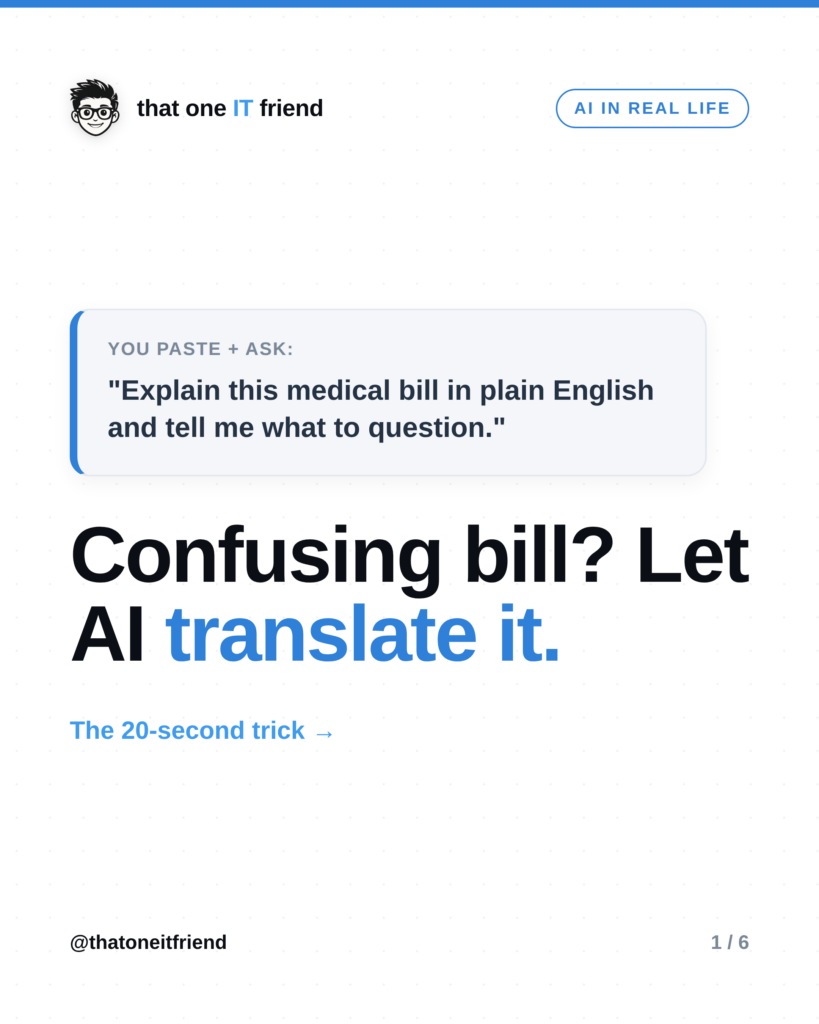
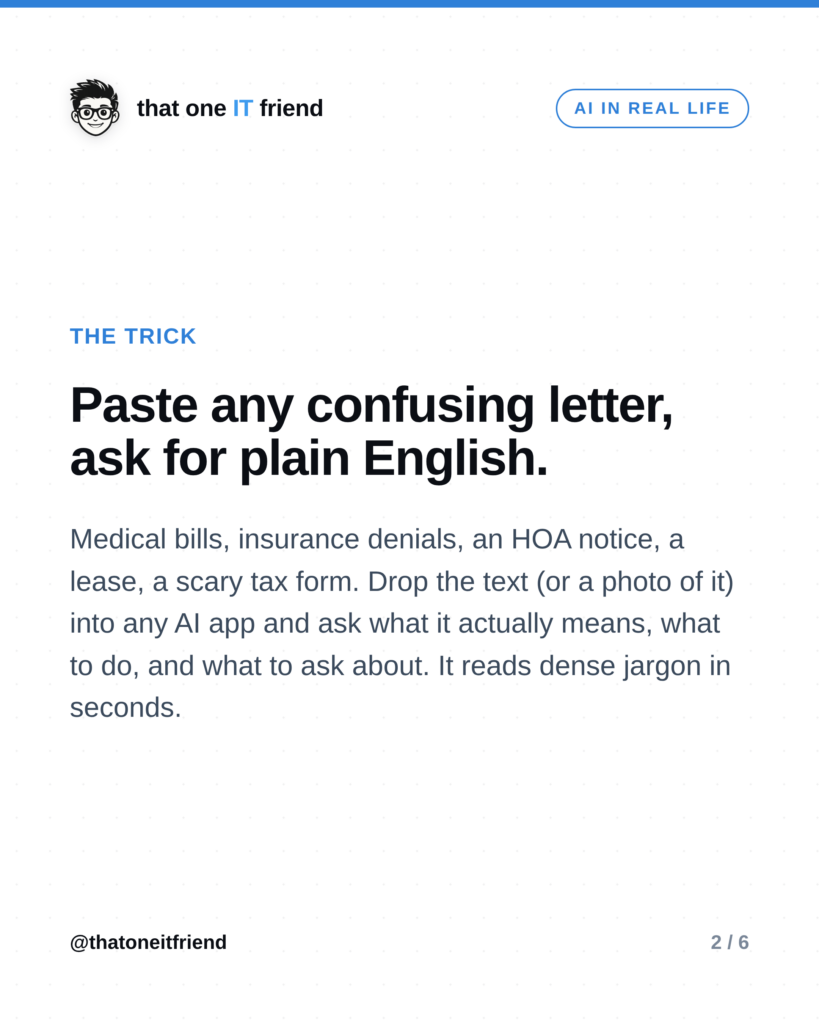
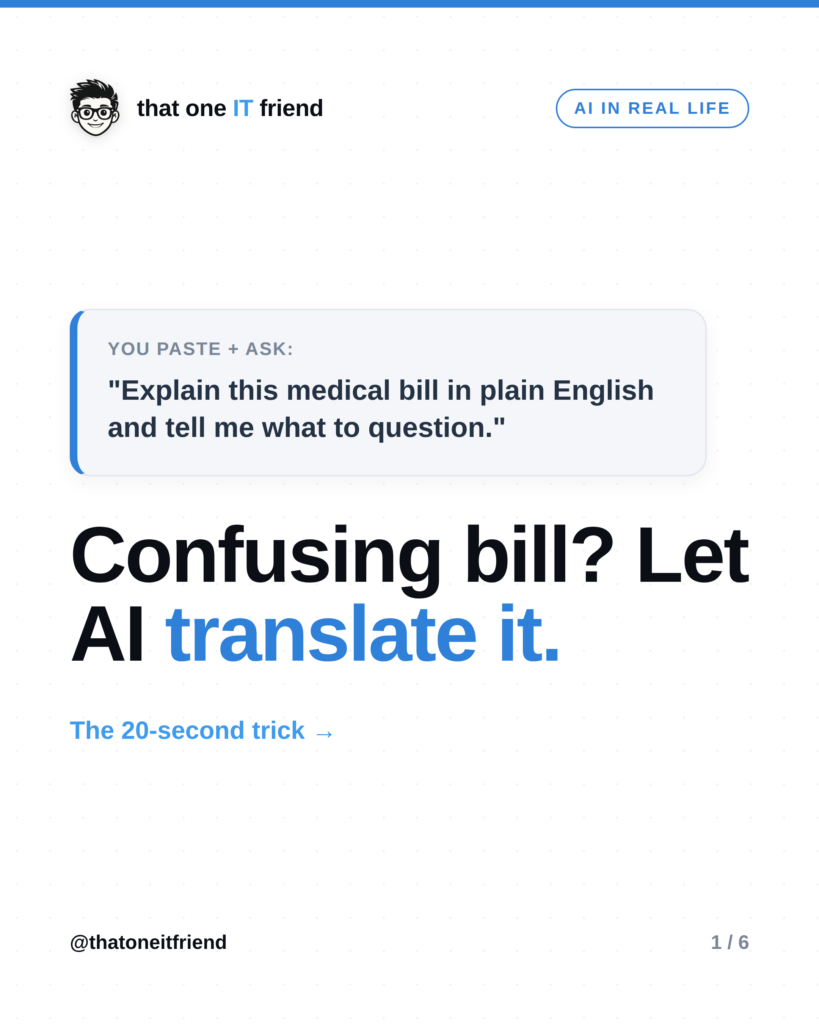
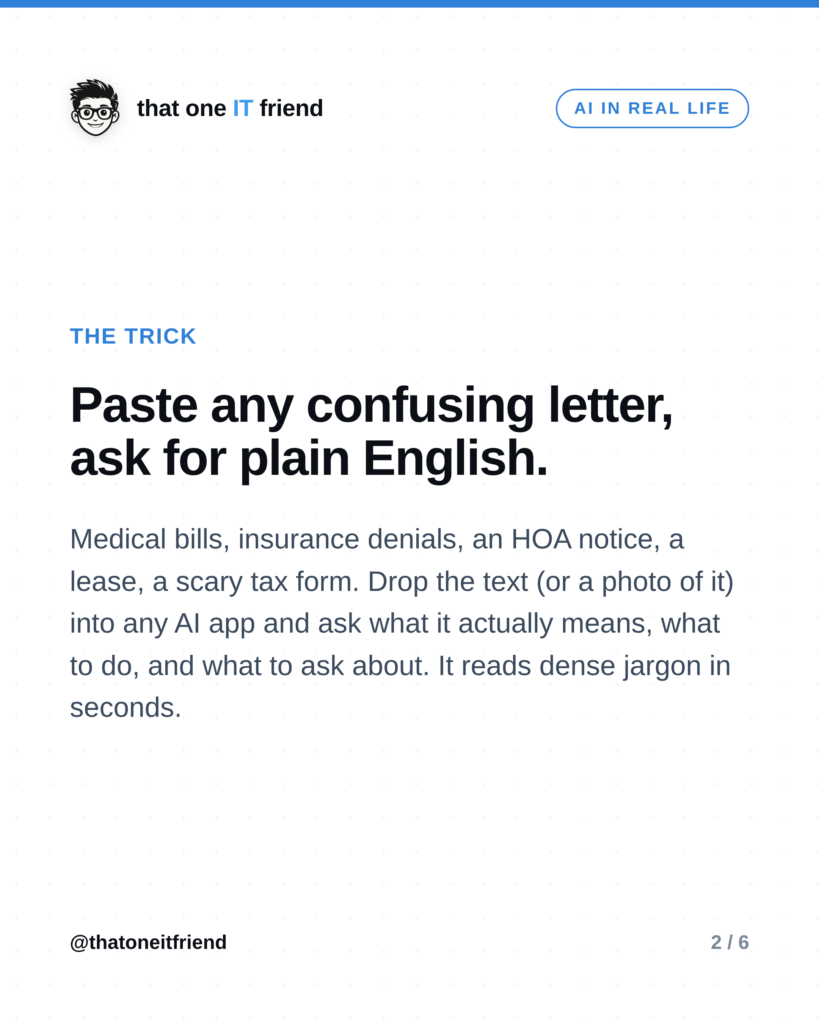
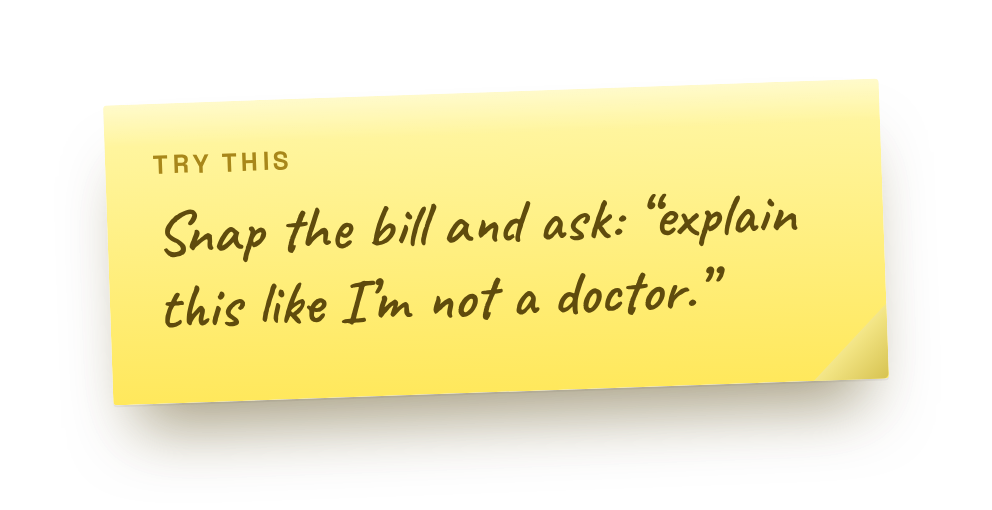
The trick: paste any confusing letter into an AI app and ask it to explain the thing in plain English, tell you what to question, and even write your reply. Medical bills, insurance denials, an HOA notice, a lease, a scary-looking tax form, drop the text (or a photo of it) into ChatGPT, Gemini, Copilot, or Claude, and it turns dense jargon into something you can actually act on, in seconds.
Why this is so useful
 A lot of official mail is written to be confusing, or at least not to be understood. That’s how people end up overpaying a bill they didn’t owe or missing a deadline they didn’t see. AI is genuinely good at reading that stuff and telling you what it means, what your options are, and what looks off. It’s like having a friend who reads fine print for a living.
How to do it
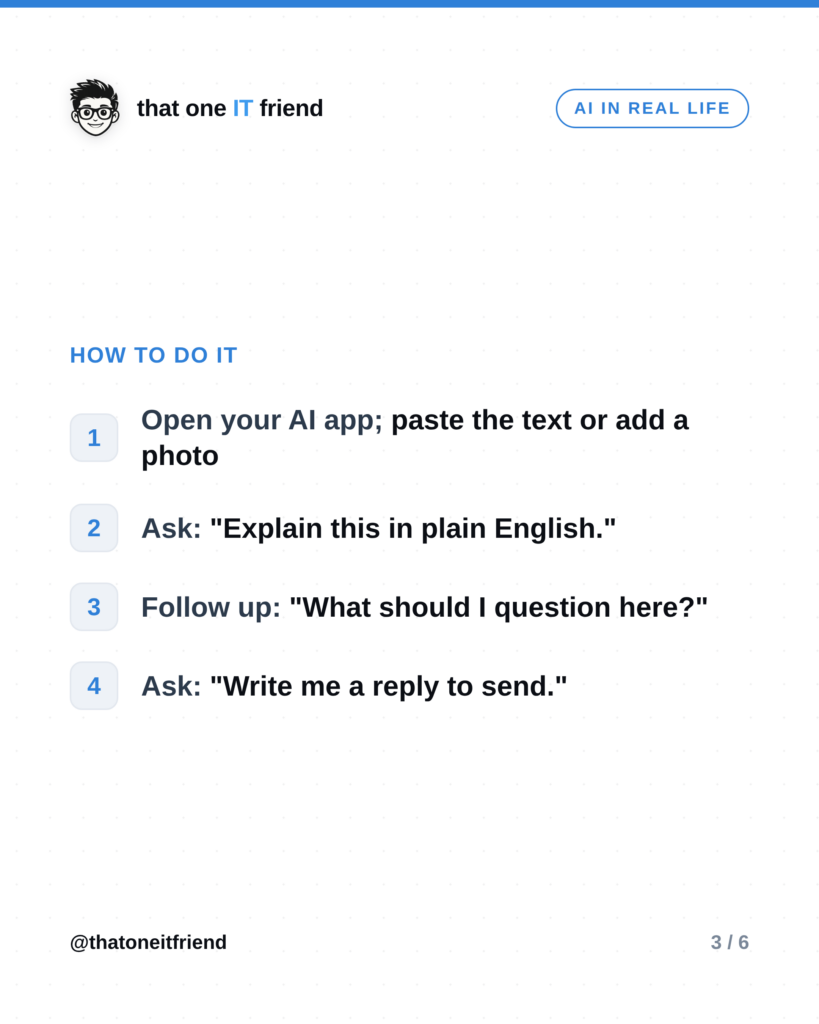
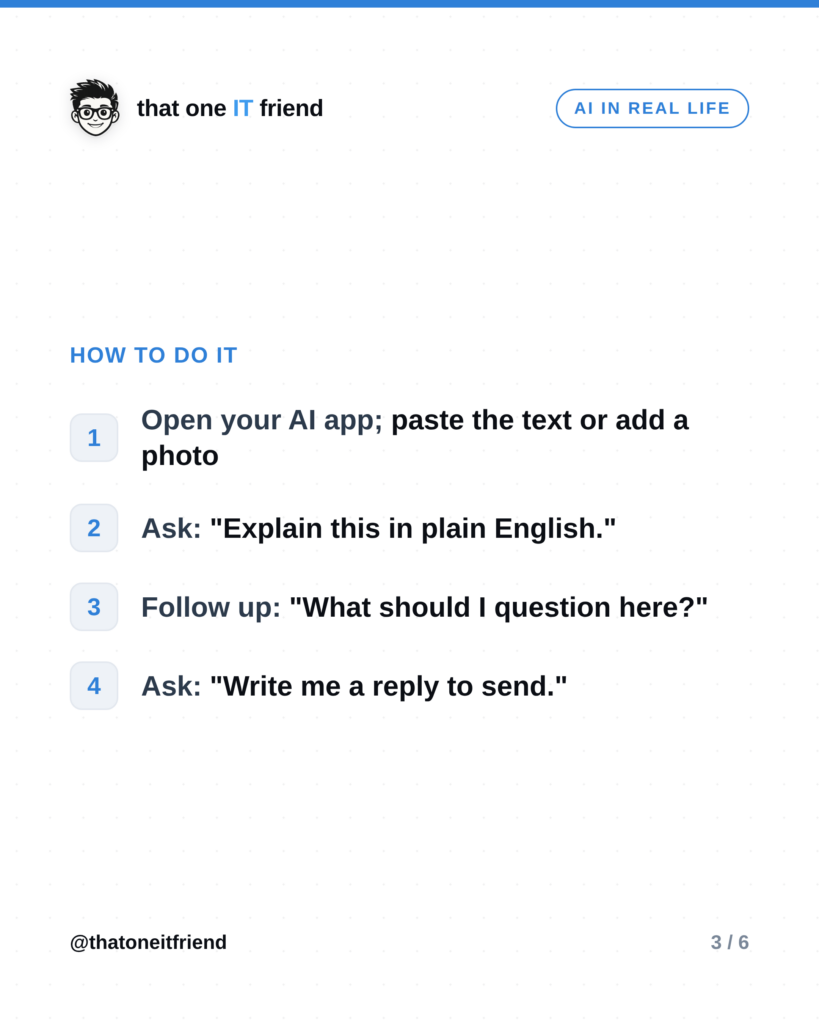
- Open your AI app and paste the text, or add a photo of the letter.
- Ask: “Explain this in plain English.”
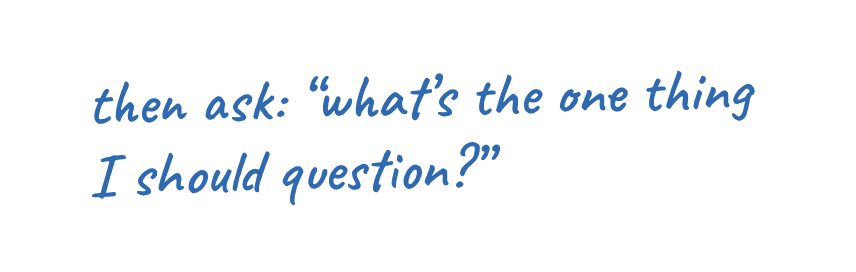
- Follow up: “What should I question or push back on?”
- Then: “Write me a short, polite email (or script) to respond.”
What it’s great for
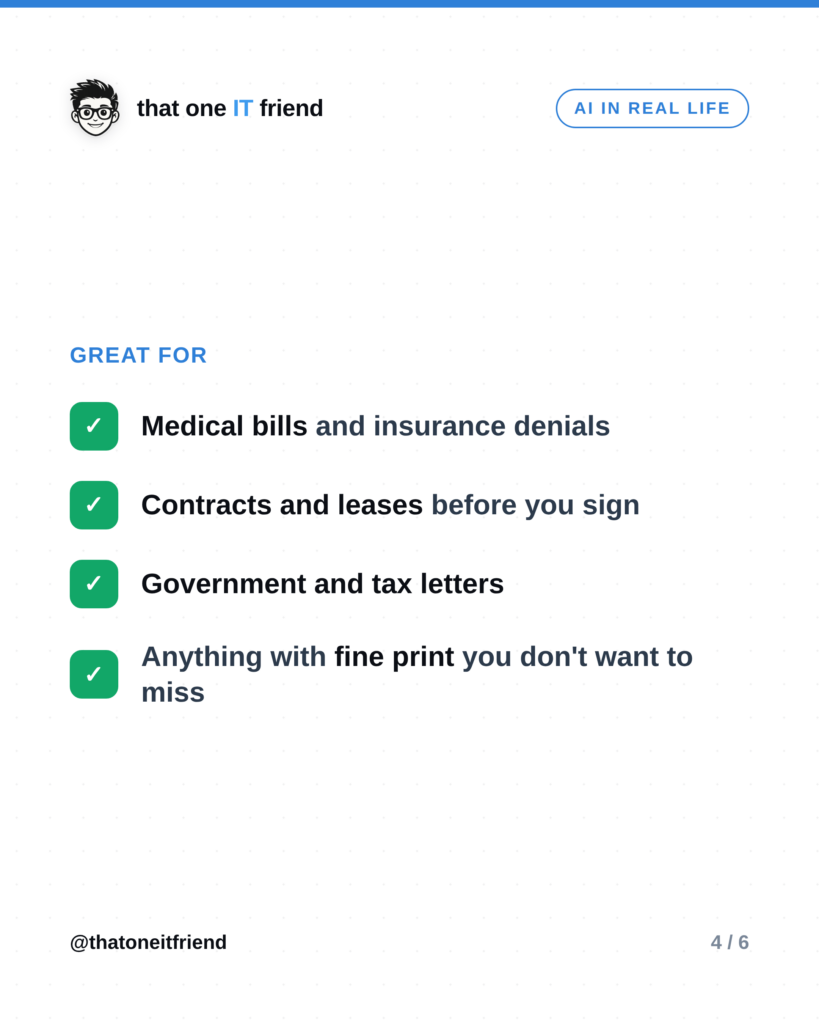
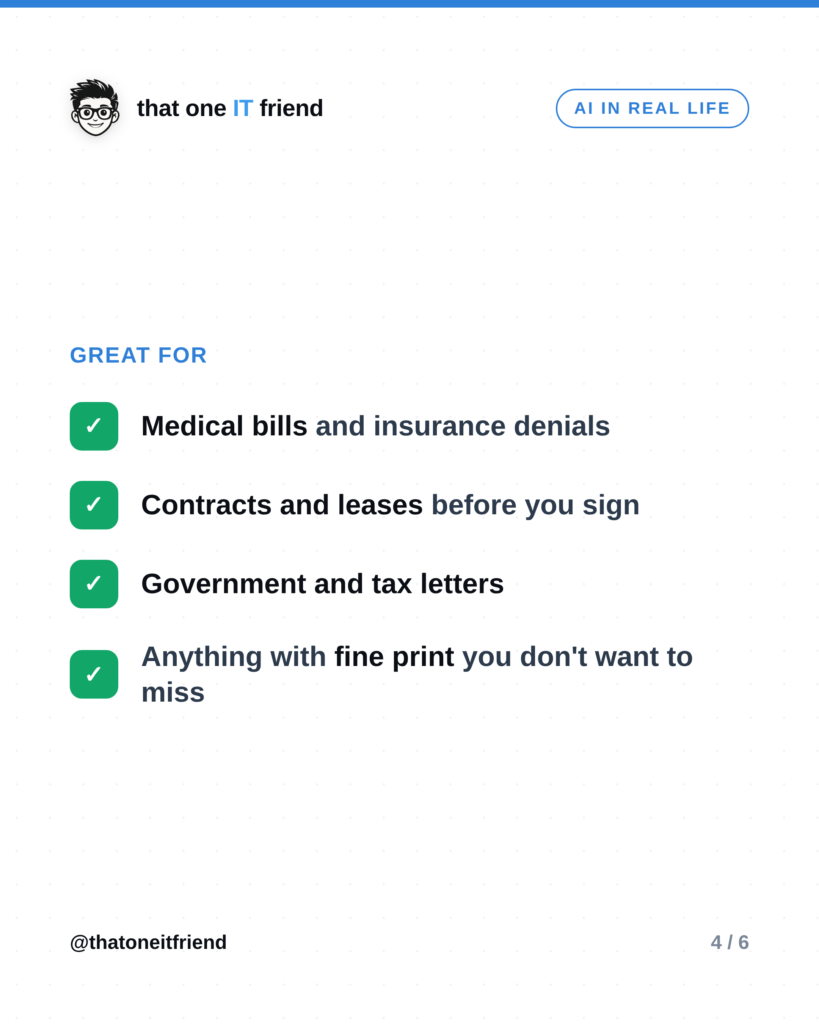
- Medical bills and insurance denials, spotting duplicate charges or a code worth appealing.
- Contracts and leases, understanding what you’re signing before you sign it.
- Government and tax letters, figuring out what they actually want and by when.
- Anything with fine print you don’t want to skim past.
The one thing to remember
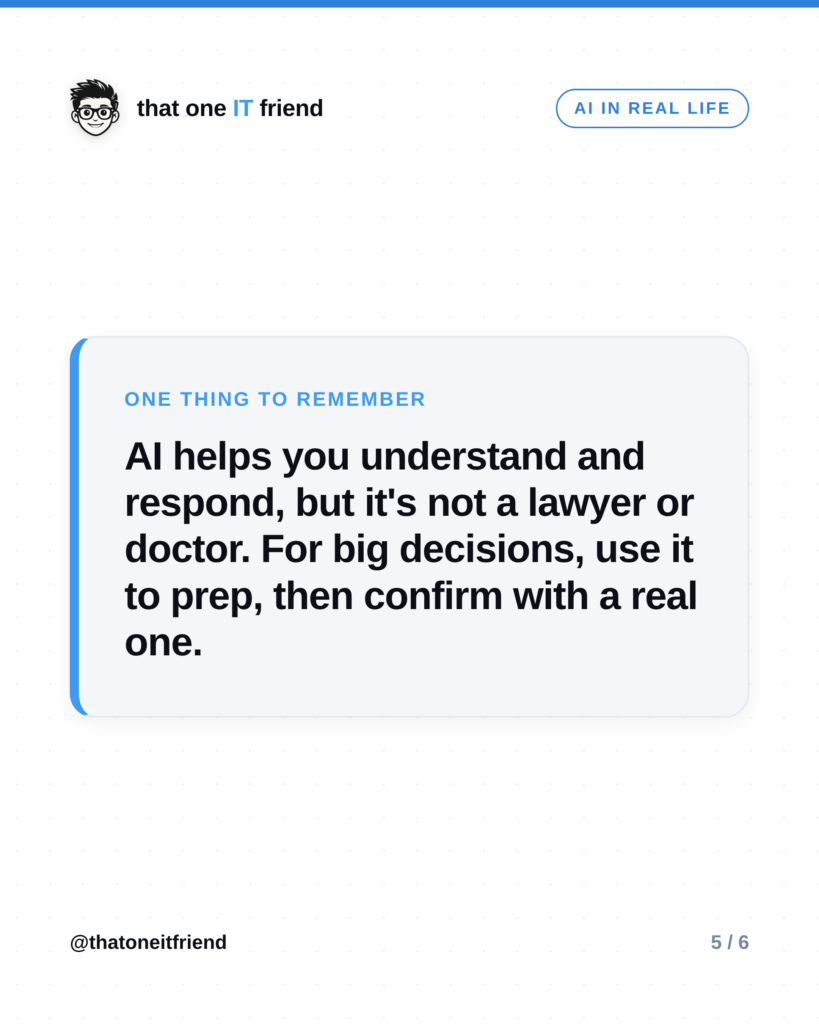
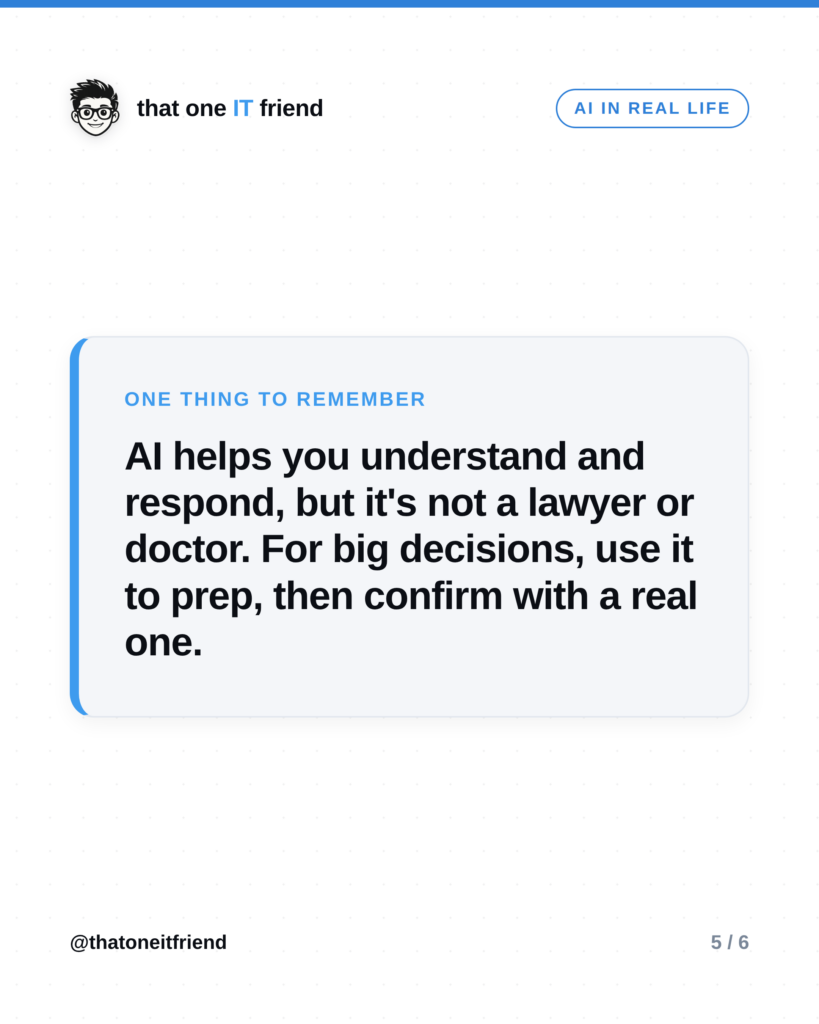
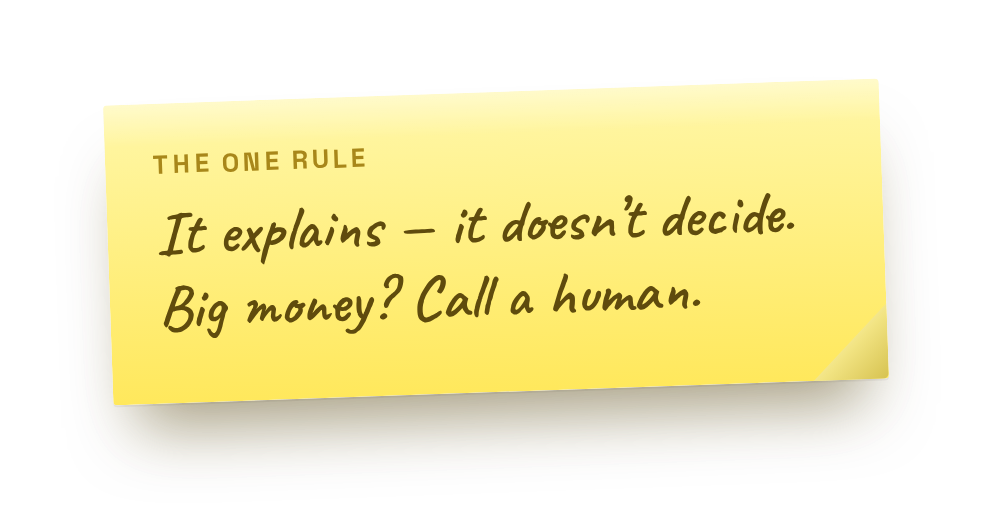 AI helps you understand and respond, but it’s not a lawyer or a doctor. For anything big, a serious contract, a major medical decision, a legal dispute, use it to prep your questions and get oriented, then confirm with a real professional. It makes you a sharper, better-prepared version of yourself; it doesn’t replace expert advice.
Frequently asked questions
Is it safe to paste a bill with my personal info?
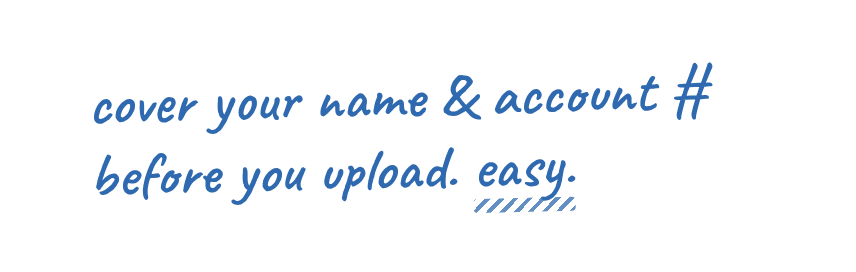
Be sensible: you can black out or leave off account numbers, Social Security numbers, and the like, the AI doesn’t need those to explain the letter. Paste the parts that matter (the charges, the terms, the deadline) and hold back the sensitive identifiers.
Can it actually catch billing errors?
Often, yes. It’s good at flagging duplicate charges, vague line items, and things worth asking about. It won’t have your full records, so treat what it finds as a smart list of questions to raise, not a final verdict.
Which app should I use?
Any of the major free ones that accept text and photos, ChatGPT, Gemini, Copilot, or Claude. Use whatever you already have.
Prefer the visual version?
Swipe through, then save it or send it to someone who needs it.
Every week I break down one scam to dodge, one genuinely useful AI trick, and one 30-second tech fix, in plain English. Follow @thatoneitfriend on Instagram, TikTok, and Facebook, or get the weekly rundown by email at thatoneitfriend.com.