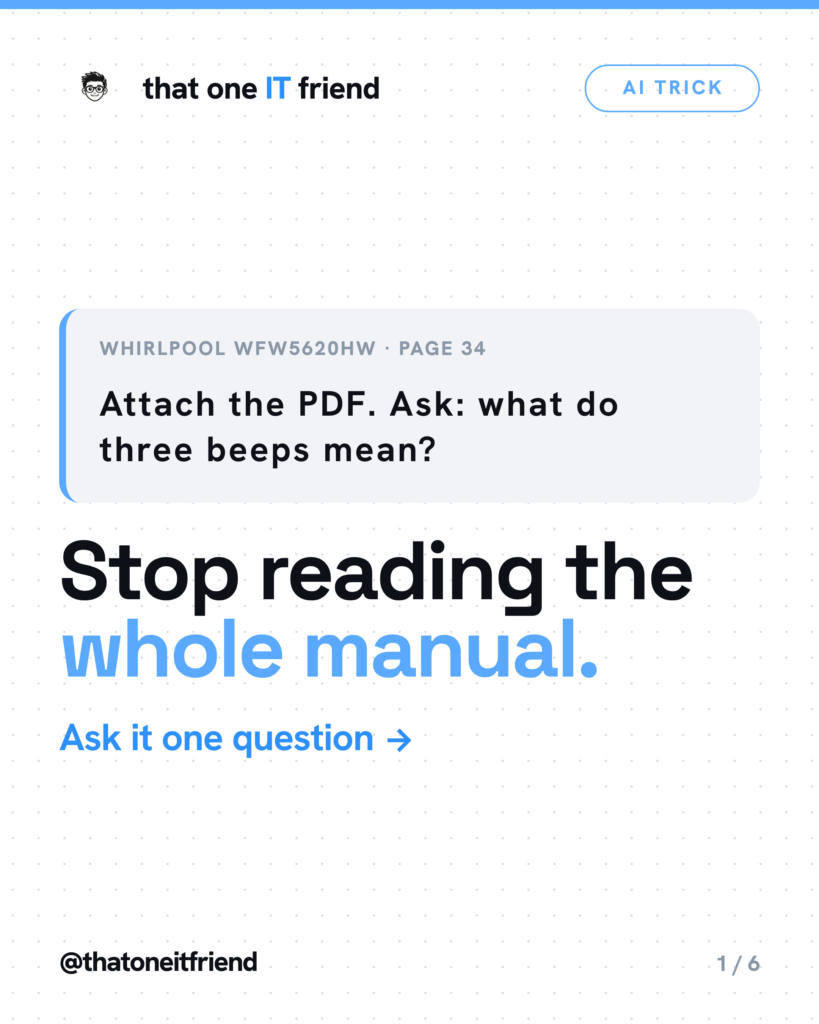
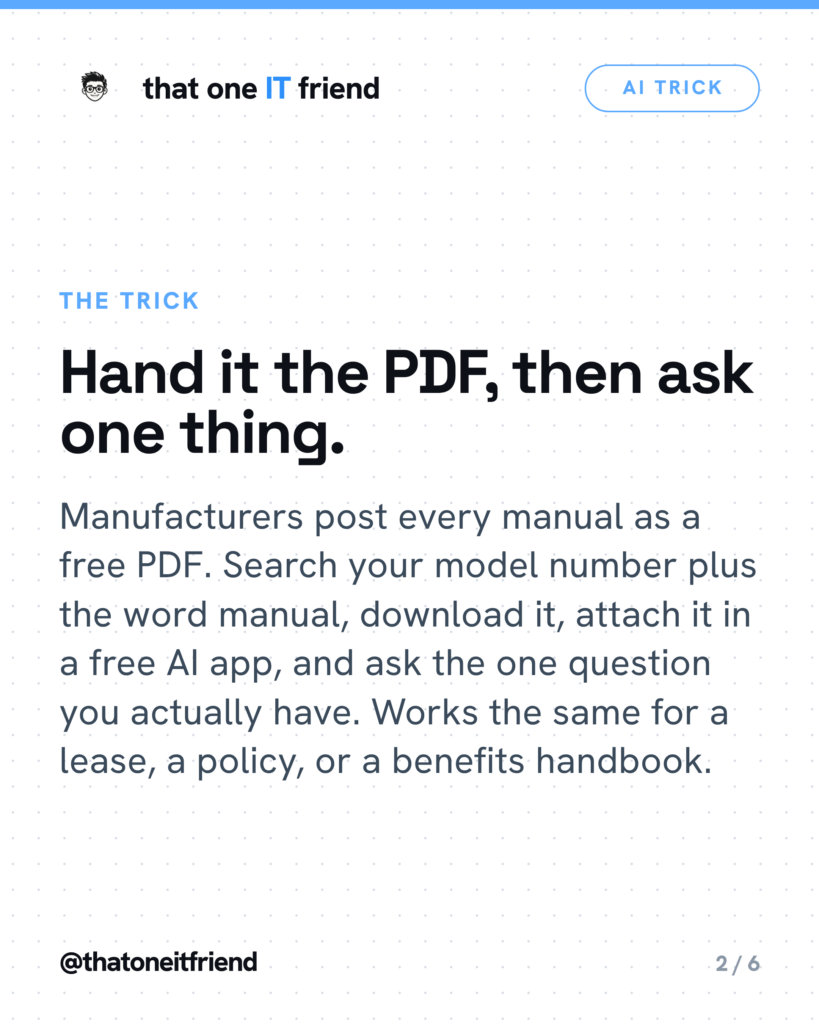
Short answer: download the PDF manual, attach it in a free AI app, and ask your one real question — then make the AI quote the exact line and page so you can check it. Nobody reads sixty pages to find out what three beeps means. The manual has always had the answer; the problem has always been finding it.
Getting the PDF, which is the part people get stuck on
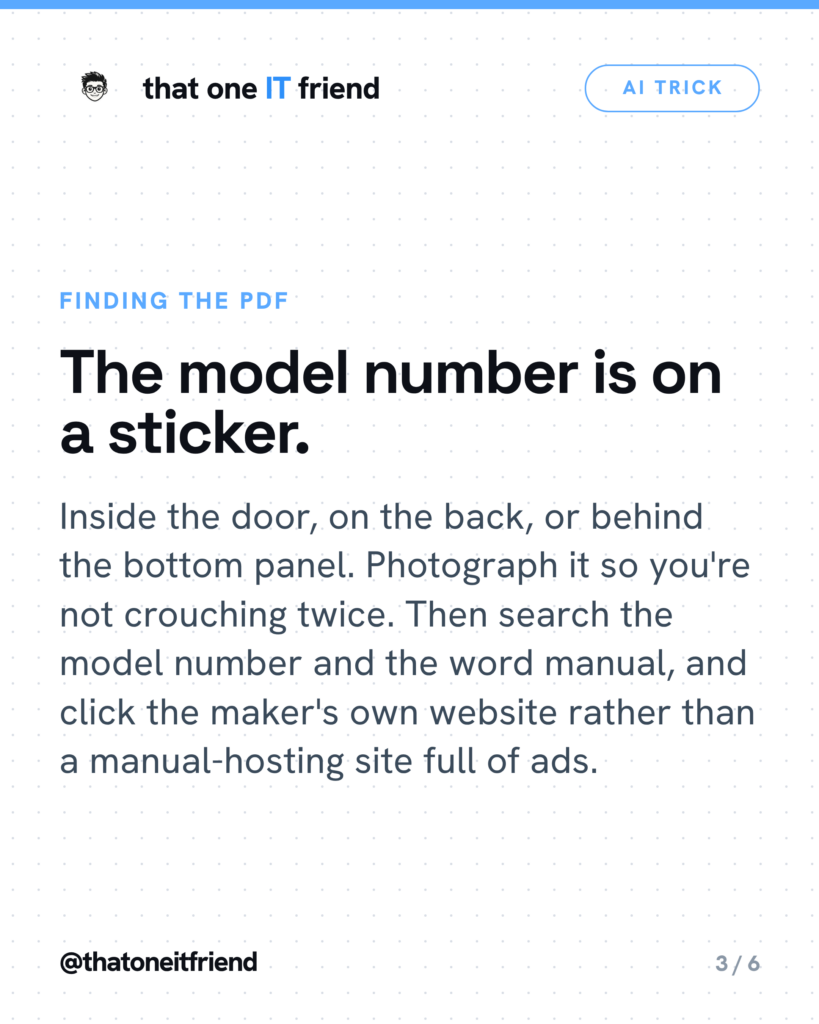
Every manufacturer posts its manuals free. The obstacle is that you need the model number, and the model number is never where you’d expect. Look inside the door, on the back panel, or behind the bottom kick plate. Take a picture of it while you’re down there so you don’t have to do it twice.
Then search the model number followed by the word manual — something like WFW5620HW manual PDF. Click the manufacturer’s own site rather than one of the manual-hosting sites that want you to sign up. Same document, fewer ads, and you know it’s the right revision. On an iPhone, tap Share and then Save to Files. On Android it lands in Files, under Downloads. For a lease or an insurance policy you usually already have the PDF sitting in an email attachment.
Attaching it and asking
- Open a free AI app. ChatGPT is the most straightforward for this because PDF support is explicit on the free plan.
- Start a new chat and tap the plus or paperclip next to the message box.
- Choose Files, pick the PDF, and wait until the thumbnail finishes loading before you send anything.
- Type your actual question in the same message. One specific question, not “summarize this.”
The one sentence that makes this trustworthy
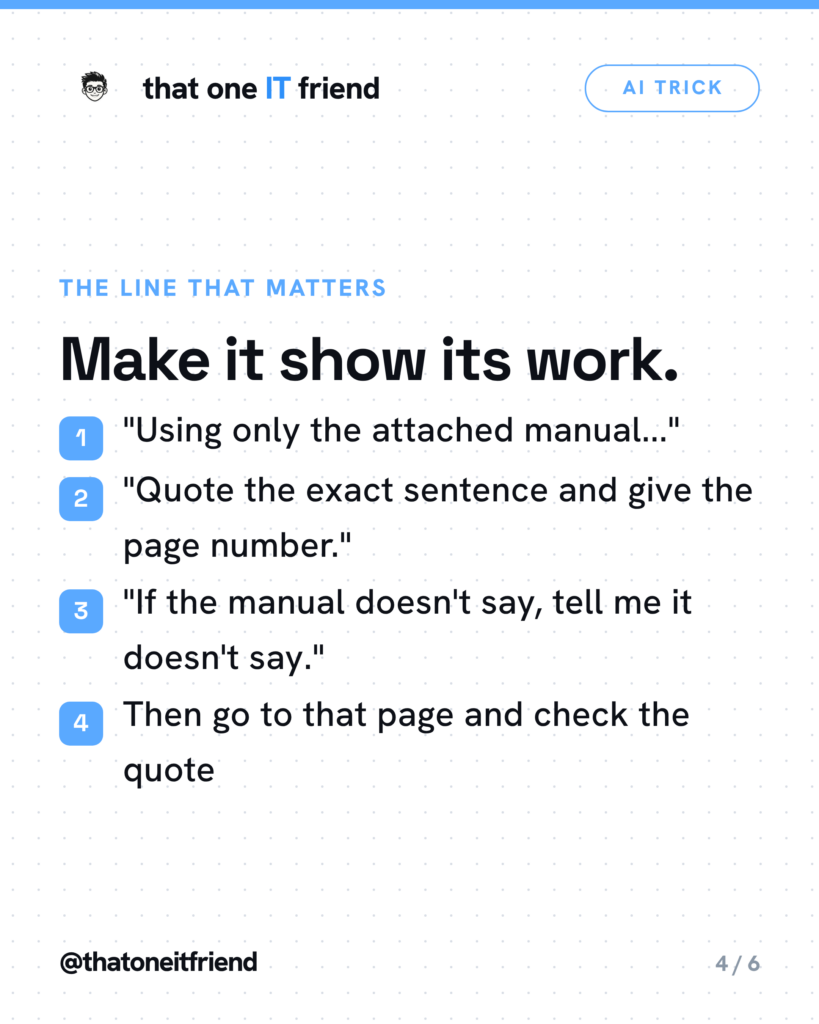
Add this to your question: Quote the exact sentence from the document and give me the page number. If the manual doesn’t say, tell me it doesn’t say.
That does three things at once. It turns a claim you can’t evaluate into one you can — you don’t have to know anything about dryers, you just have to turn to page 34 and see whether the sentence is there. It makes the most common failure visible, because if the AI is answering from general knowledge instead of your document, it has no sentence to quote and will produce a vague paraphrase or a page number that isn’t right. And it gives the model explicit permission to say the document doesn’t cover it, which is otherwise the answer it’s least willing to give.
It is not a guarantee. OpenAI’s own accuracy page lists “fabricated quotes, studies, citations or references to non-existent sources” as a documented failure mode and tells people to “always verify quotes, data, technical information or references to external documents.” So the quote is not proof. It’s something you can check in ten seconds, which is the entire point.
Where this genuinely falls down
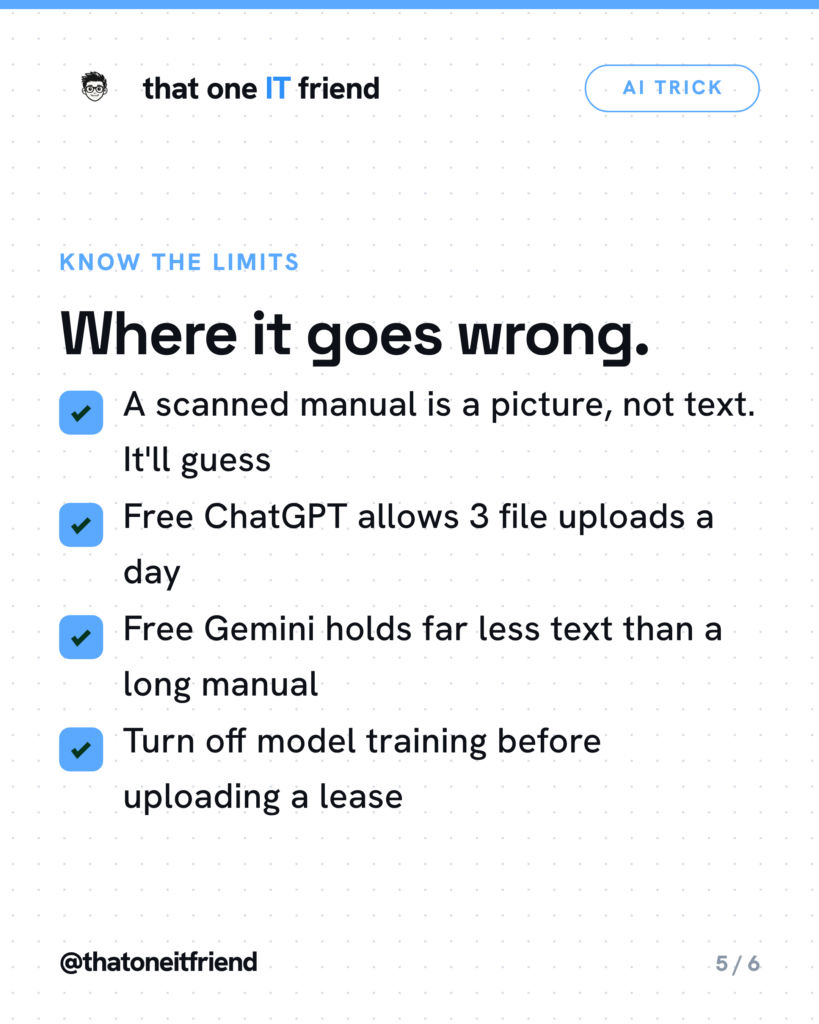
- Scanned manuals. If the PDF is a photograph of paper, the page is an image of words, not words. Open it and try to highlight a sentence with your finger. If you can’t, the AI is largely guessing.
- Free limits are real. ChatGPT’s free plan allows three file uploads a day. Google’s free Gemini tier is capped at a 32,000-token context window — roughly 25,000 words — so a long manual may simply not fit. The 1,500-page figure you see quoted for Gemini is the paid tier.
- Silent truncation. When a document doesn’t fit, you don’t get an error. You get a confident answer built on the part that survived.
- Locked PDFs. Password-protected files don’t work, which matters for insurance and benefits documents.
Is it reading your private documents?
Depends on the product, and on one setting. On ChatGPT, training on your content is on by default for personal accounts; turn it off under Settings, Data Controls, “Improve the model for everyone.” Google’s Gemini notice says in its own words: “Please don’t enter confidential information that you wouldn’t want a reviewer to see or Google to use to improve our services.” Claude is opt-in rather than opt-out, under Settings, Privacy.
A dryer manual is a public document and carries no risk at all. Your lease, your benefits handbook, and anything with your salary or signature on it are a different question. Change the setting first, then upload.
The one rule to remember
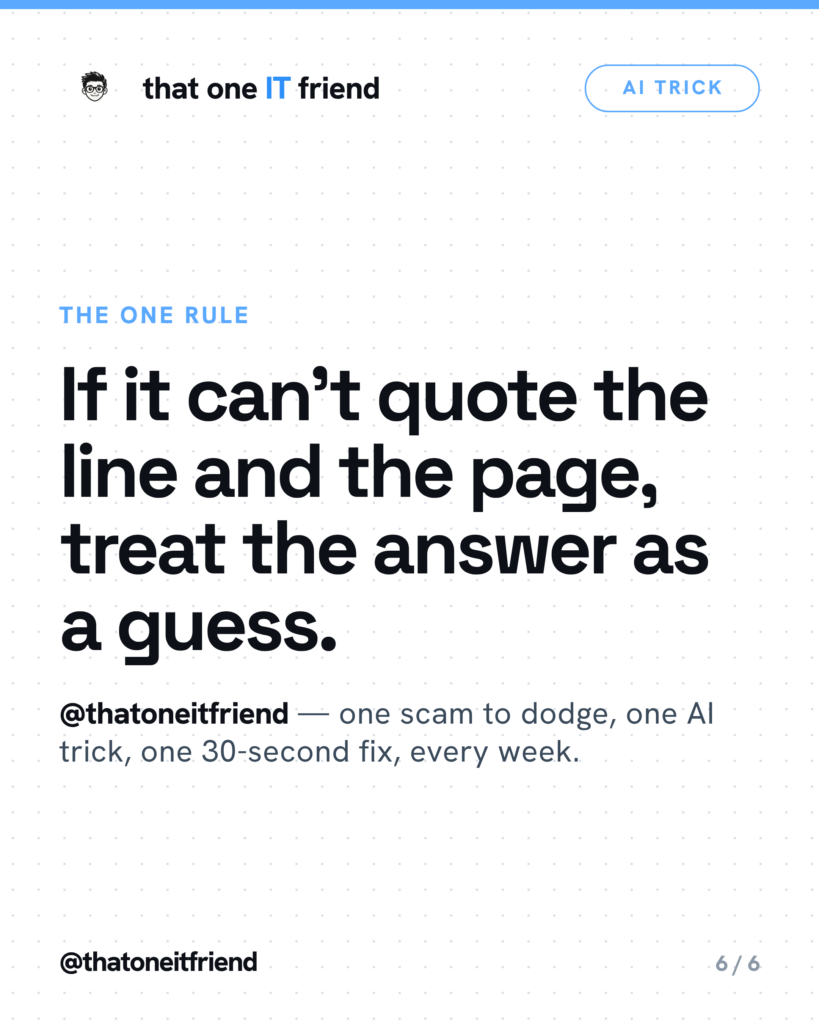
If it can’t quote the line and the page, treat the answer as a guess. For an error code on a dryer, a wrong answer costs you five minutes. For a lease clause or an insurance claim, use the AI to find the right page fast — then read that page yourself.
Frequently asked questions
Can I just take a photo of the page instead of finding the PDF?
Sometimes, but it’s the weaker option. A photo is an image, and on free plans PDF handling is text-based, so a picture of a page may be read poorly or not at all. If you do photograph it, shoot one page flat and straight on in good light, then insist on the quote-back. If it can’t quote what you photographed, it didn’t read it.
Is my lease being used to train the AI?
On ChatGPT, yes by default for personal accounts — you turn it off under Settings, Data Controls, “Improve the model for everyone.” Google warns not to enter anything you wouldn’t want a human reviewer to see. Anthropic’s Claude is opt-in instead. Change the setting before you upload anything with your name and salary on it.
Will it just make something up?
It can, and it will sound equally confident either way. OpenAI’s own guidance is to use it as a first draft rather than a final source and to always verify quotes and references. That’s the vendor talking, not a critic. Asking for the line and page gives you a fast way to catch it.
Is it actually free?
Yes, with caps you will meet. ChatGPT’s free plan allows three file uploads a day. Free Gemini can accept a large file but only holds about 32,000 tokens of it at a time. Claude’s free plan allows uploads but has session limits that a long document burns through quickly. None of them need a credit card to try.
Every week I break down one scam to dodge, one genuinely useful AI trick, and one 30-second tech fix, in plain English. Follow @thatoneitfriend on Instagram, TikTok, and Facebook, or get the weekly rundown by email at thatoneitfriend.com.