
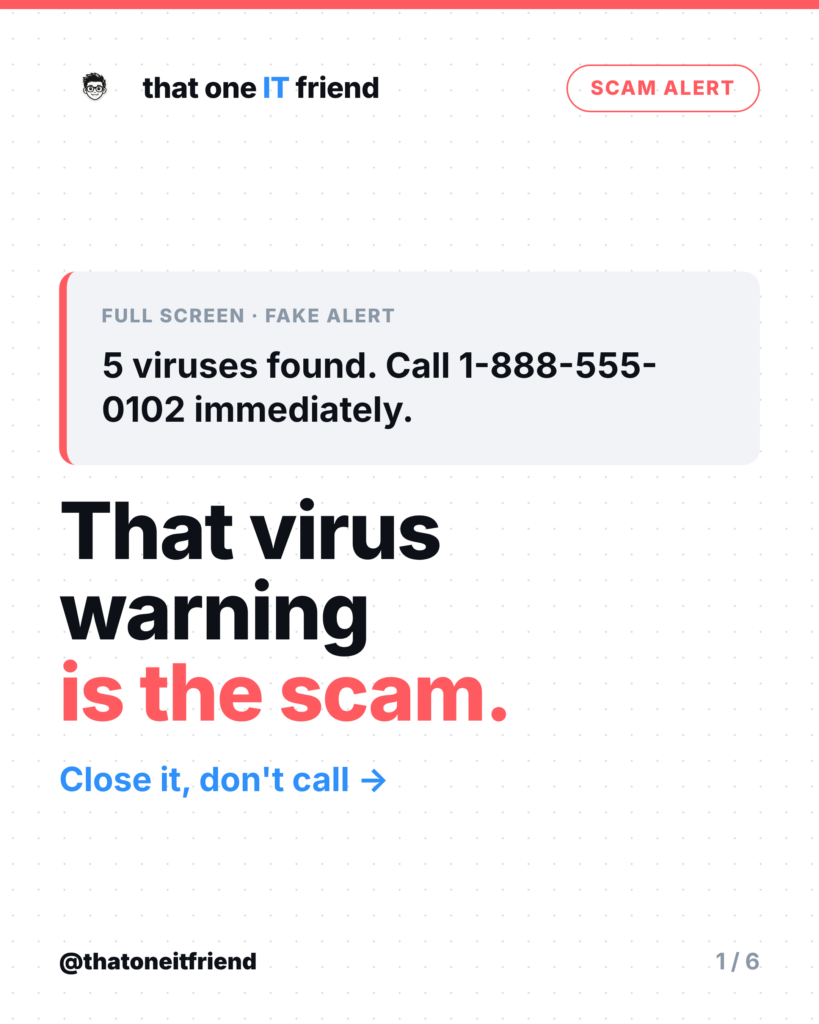
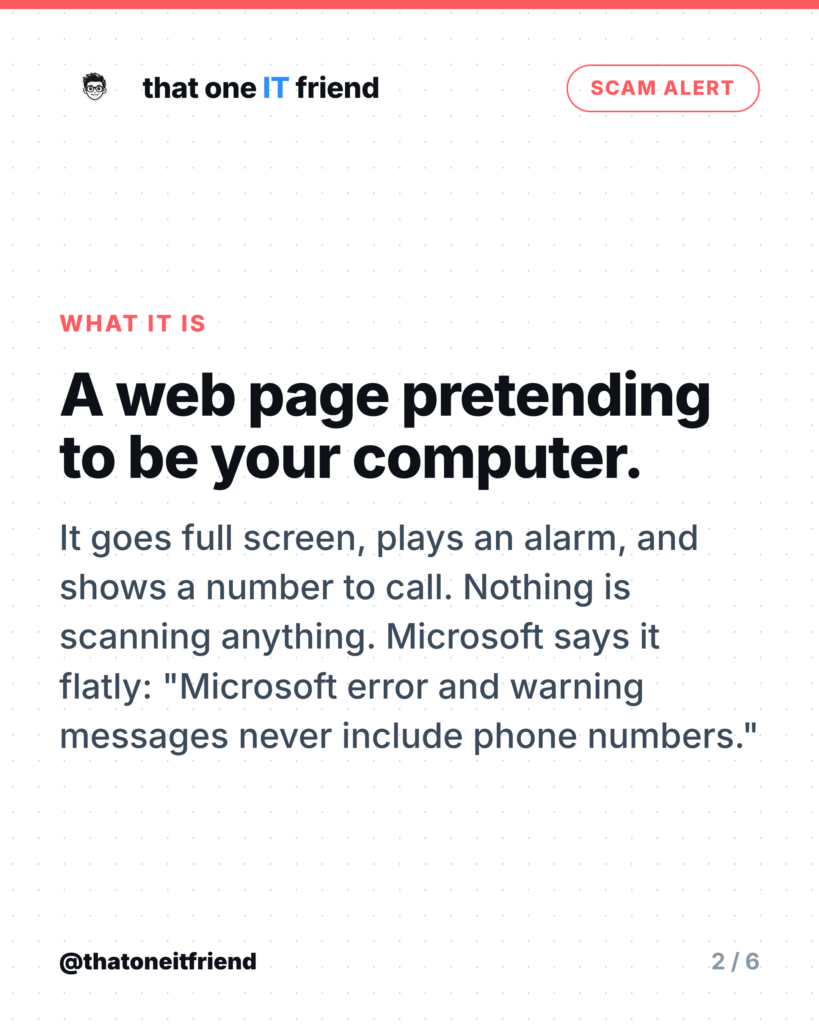
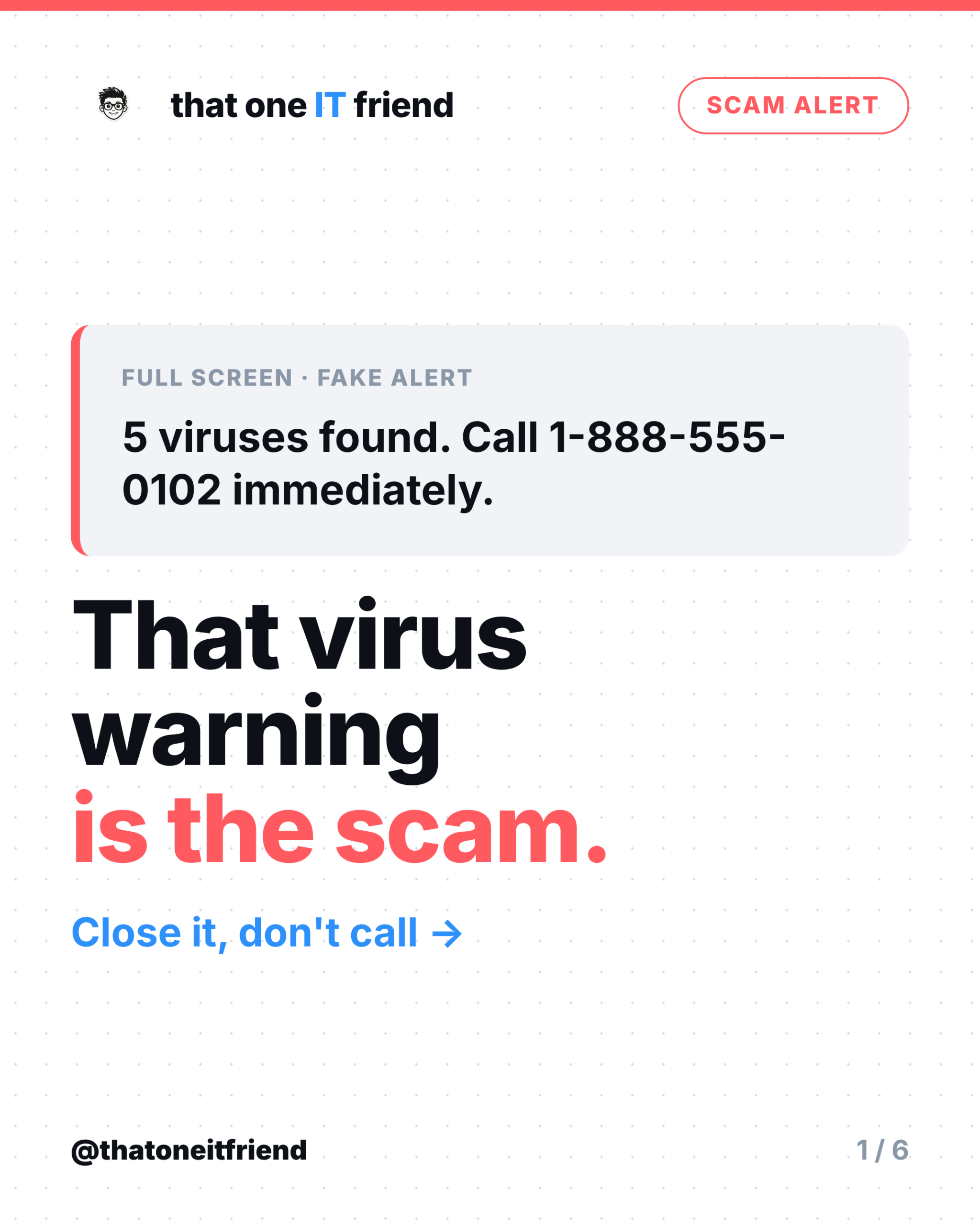
Short answer: the popup is fake, your computer is fine, and you should never call the number. What you’re looking at is a web page, not your computer. It’s designed to fill the screen, make noise, and get you to dial a call centre where someone will take remote control of your machine and charge you for fixing nothing. Closing it is a keyboard problem, not a virus problem.
How to tell instantly
Microsoft’s own guidance settles it in one line: “Microsoft error and warning messages never include phone numbers.” Neither does Windows Security, or Defender, or any real antivirus you’ve paid for. Real software fixes things in its own window; it doesn’t ask you to pick up the phone. The FTC puts the same rule slightly differently, saying real security pop-ups will never ask you to call a number.
The other tell is the alarm. Genuine security software does not play a siren, flash red, or speak to you. That’s theatre, and it exists because panic is the product.
Why it's so profitable
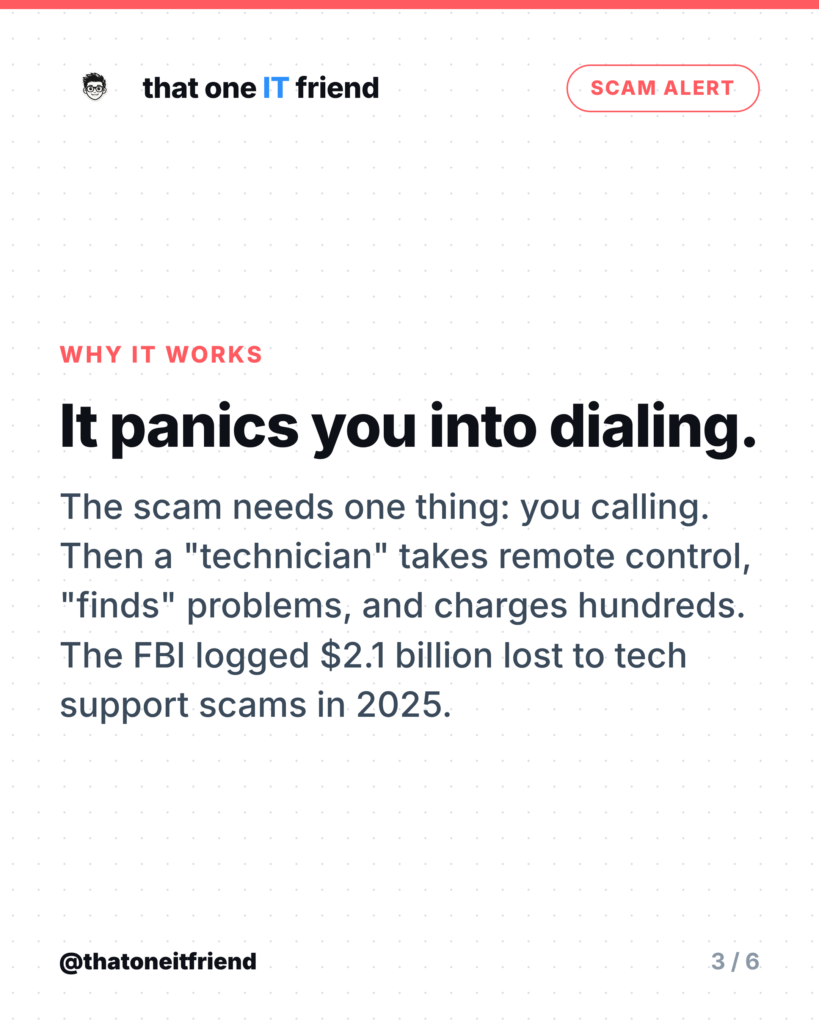
The FBI’s Internet Crime Complaint Center recorded 47,794 tech and customer support complaints in 2025, with losses of more than $2.1 billion, making it the third costliest category of the year. People aged 60 and over accounted for 21,333 of those complaints and just over $1 billion of the losses. This isn’t a fringe nuisance; it’s one of the biggest fraud categories in the country, and it all starts with a page that looks like an error message.
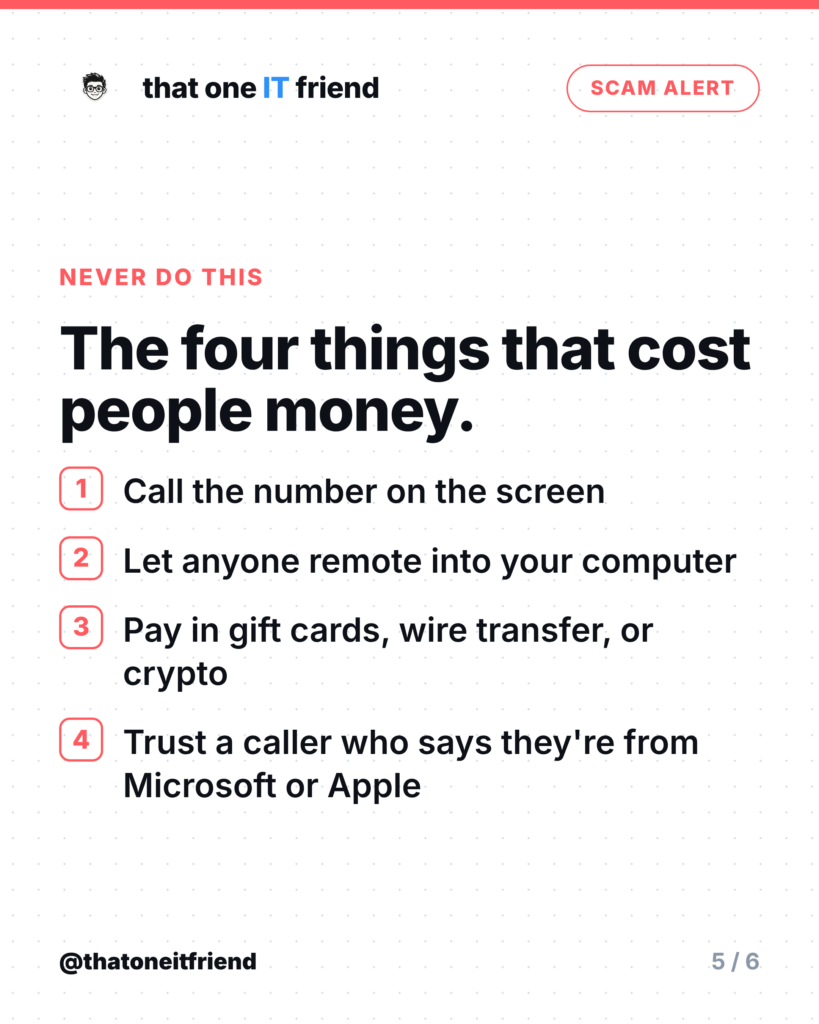
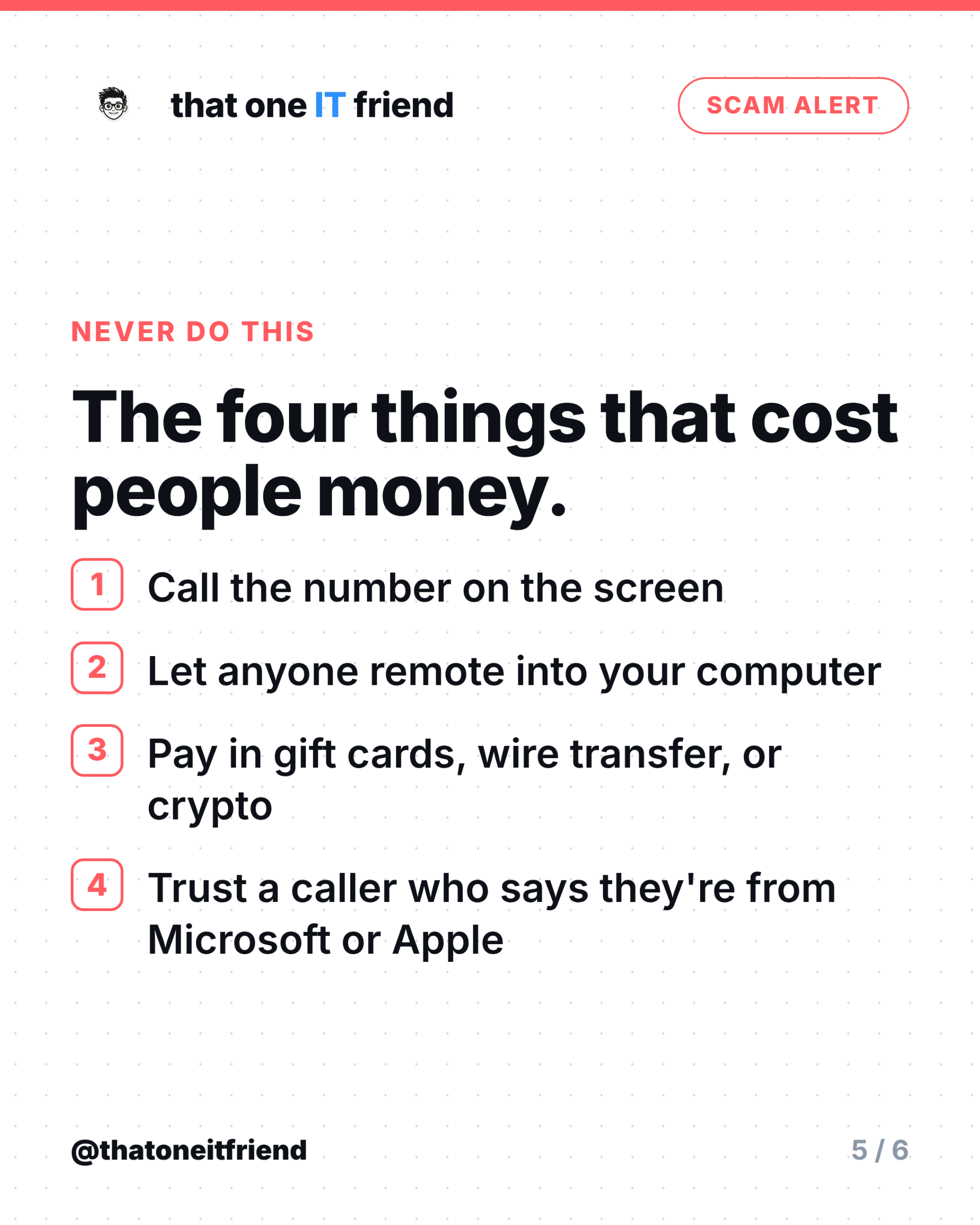
Once you call, the script is consistent. A “technician” asks you to install a remote access tool, shows you harmless system logs as evidence of infection, and sells a multi-year support plan. Sometimes they go further and open your bank account while they have control. Payment is requested in gift cards, wire transfer, or cryptocurrency, because none of those come back.
How to close it, step by step
The page often disables the normal close button and blocks the mouse. Use the keyboard.
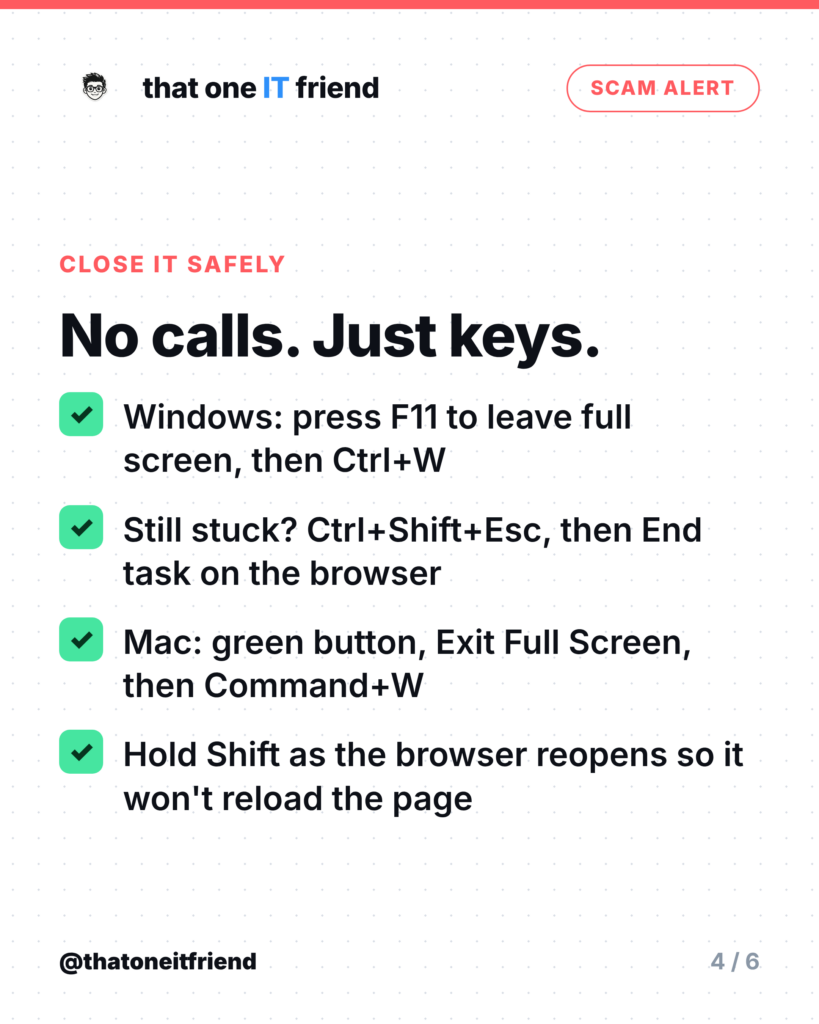
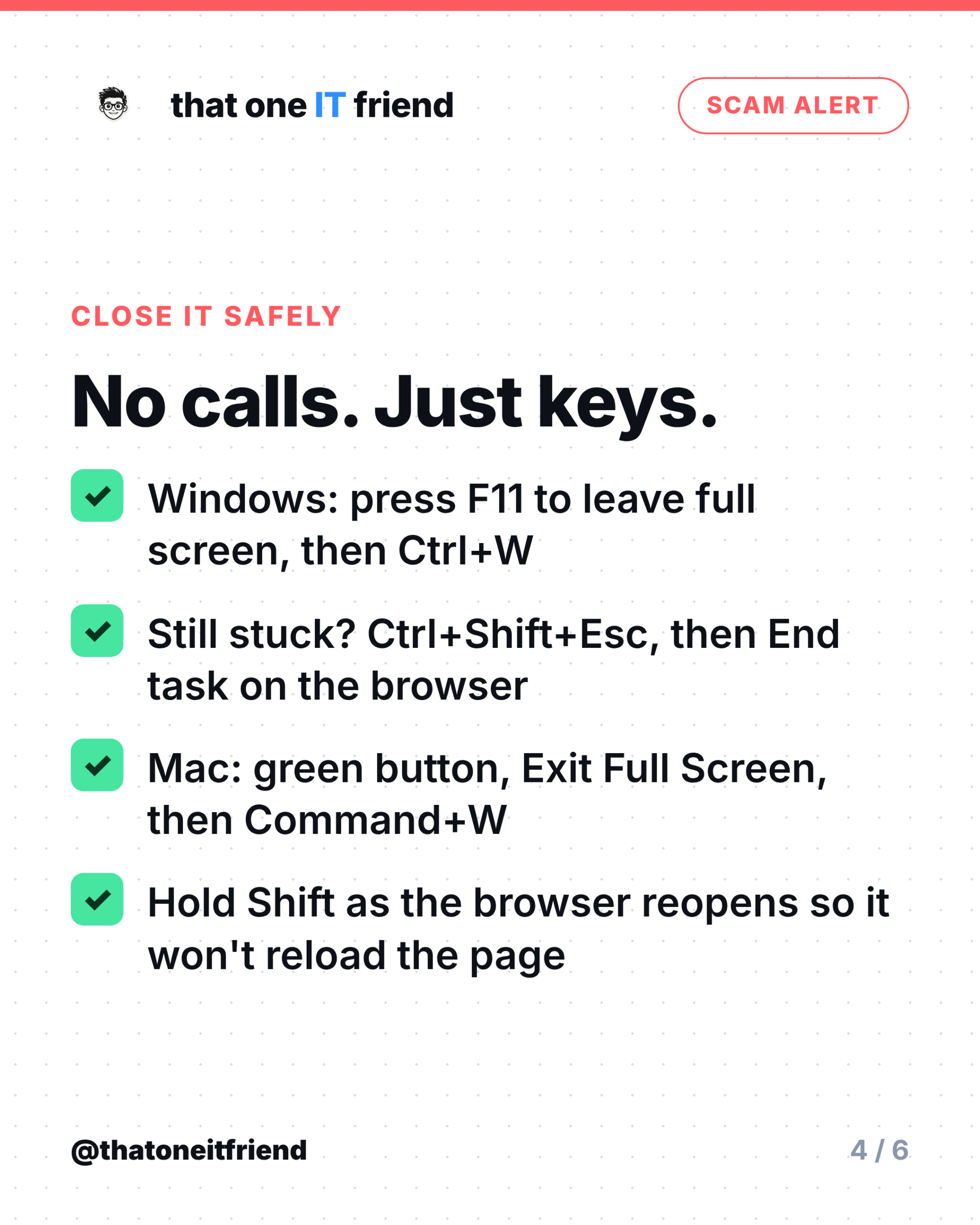
- Windows: press F11 to drop out of full screen, then Ctrl+W to close the tab.
- Still stuck on Windows: press Ctrl+Shift+Esc to open Task Manager, select your browser, and choose End task.
- Mac: move the pointer to the top of the screen, click the green button and choose Exit Full Screen, then press Command+W. If it won’t respond, press Option+Command+Esc and force quit the browser.
- Reopening: hold Shift as the browser starts so it doesn’t helpfully restore the tab you just killed.
If you want to be thorough afterwards, run a scan with the security software you already have. You don’t need to buy anything, and you certainly don’t need to download whatever the popup recommended.
If you already called
- Disconnect from the internet and uninstall any remote access software they had you install.
- Run a full scan with your existing security software, then change your passwords, starting with email and banking, from a different device.
- If you paid, call your card issuer and dispute the charge. Say the words “tech support scam,” because banks know the pattern.
- Report it at reportfraud.ftc.gov and, if money was lost, at ic3.gov. It won’t get your money back on its own, but it’s how these operations get shut down.
The one rule to remember
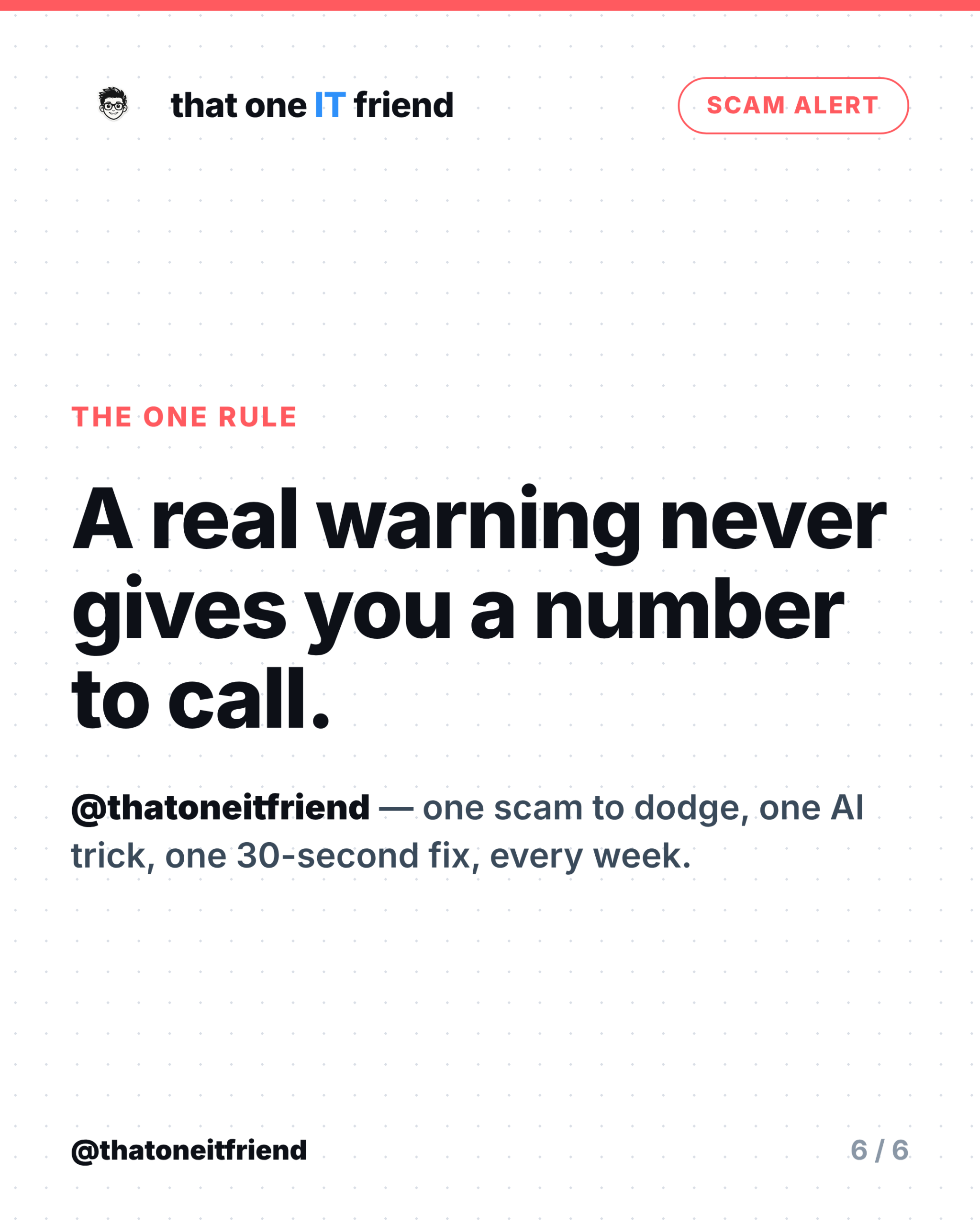
A real warning never gives you a number to call. That single sentence kills this scam, the fake antivirus renewal email, and the “your subscription is auto-renewing” letter. If a message about your computer wants you on the phone, it isn’t from your computer.
Frequently asked questions
Is my computer infected if I saw this?
Almost certainly not. It’s a web page, and closing the browser closes it. A quick scan with the security software you already have will confirm it.
Why does my mouse stop working on the page?
The page is deliberately built to trap the pointer and block the close button. That’s why the keyboard shortcuts work when clicking doesn’t.
Can this happen on a phone or tablet?
Yes, and the same rule applies. Close the browser tab, and never call a number a web page gives you. On iPhone and Android, closing the browser and clearing recent tabs is enough.
Does Apple have a statement like Microsoft's?
Microsoft is the one that spells it out about phone numbers in error messages. Apple’s guidance also tells people not to trust unsolicited calls or pop-ups claiming a problem, but treat the phone-number line as Microsoft’s wording.
The caller knew my name and address. Doesn't that prove it's real?
No. Names, addresses and phone numbers are widely available and often bought in bulk from data breaches. Knowing your details is a sales tactic, not proof of identity.
Every week I break down one scam to dodge, one genuinely useful AI trick, and one 30-second tech fix, in plain English. Follow @thatoneitfriend on Instagram, TikTok, and Facebook, or get the weekly rundown by email at thatoneitfriend.com.