
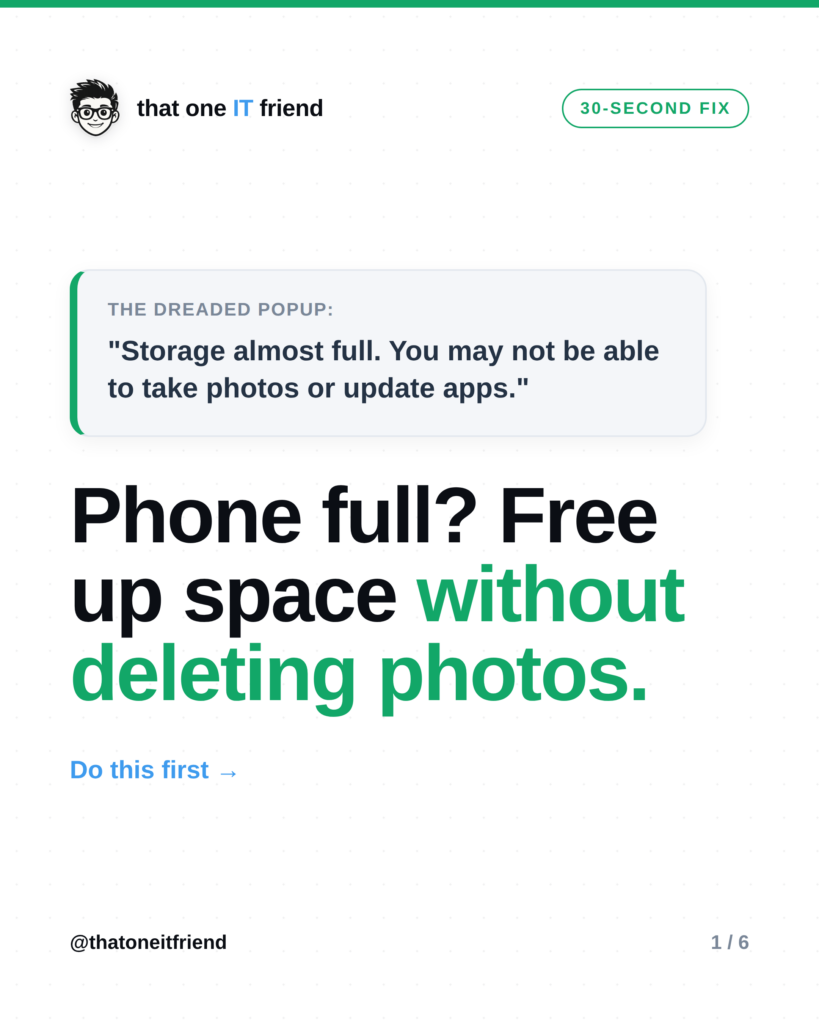
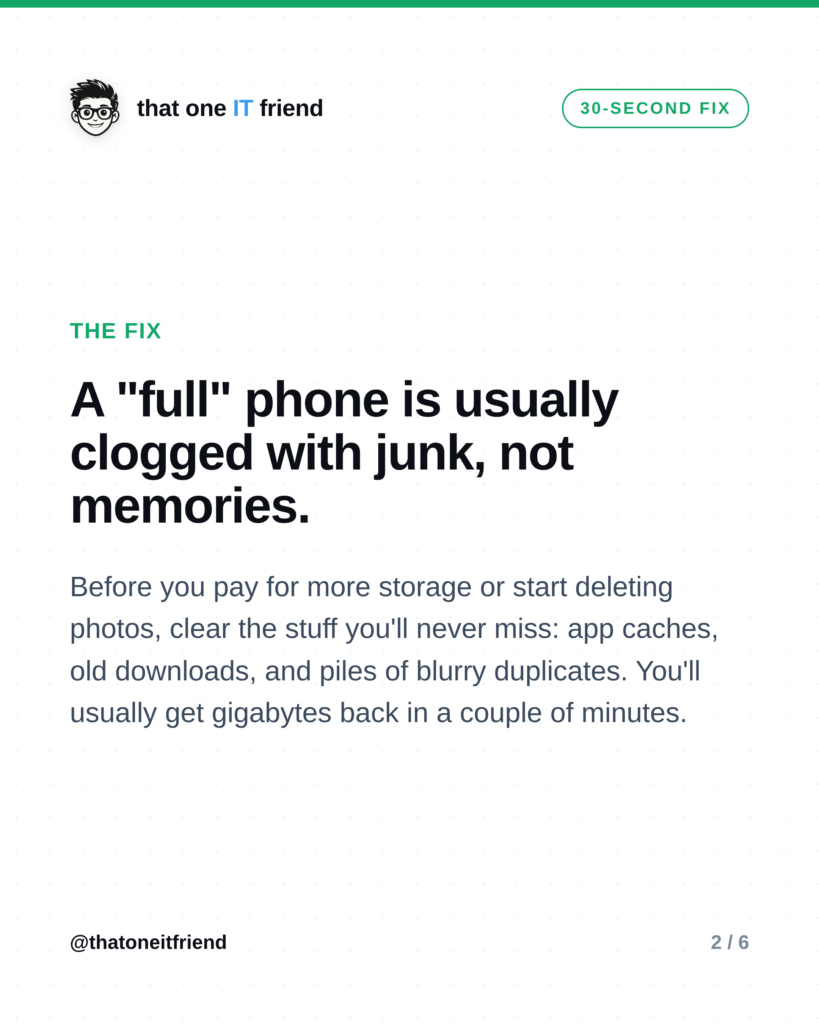
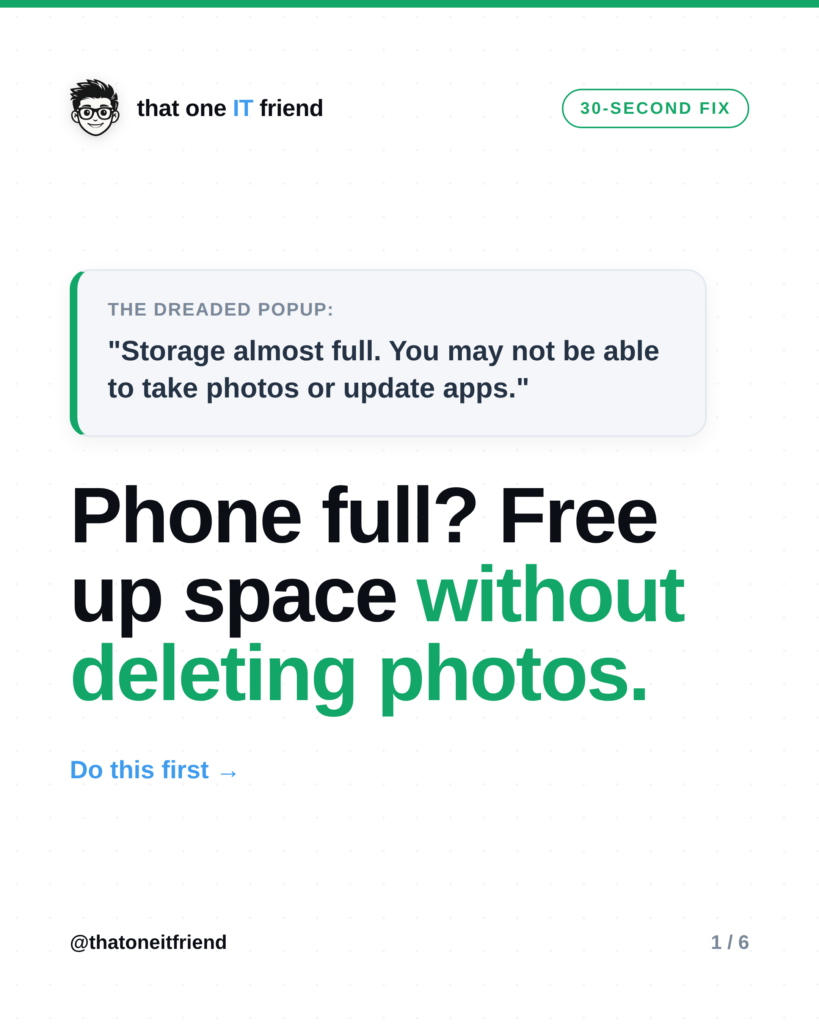
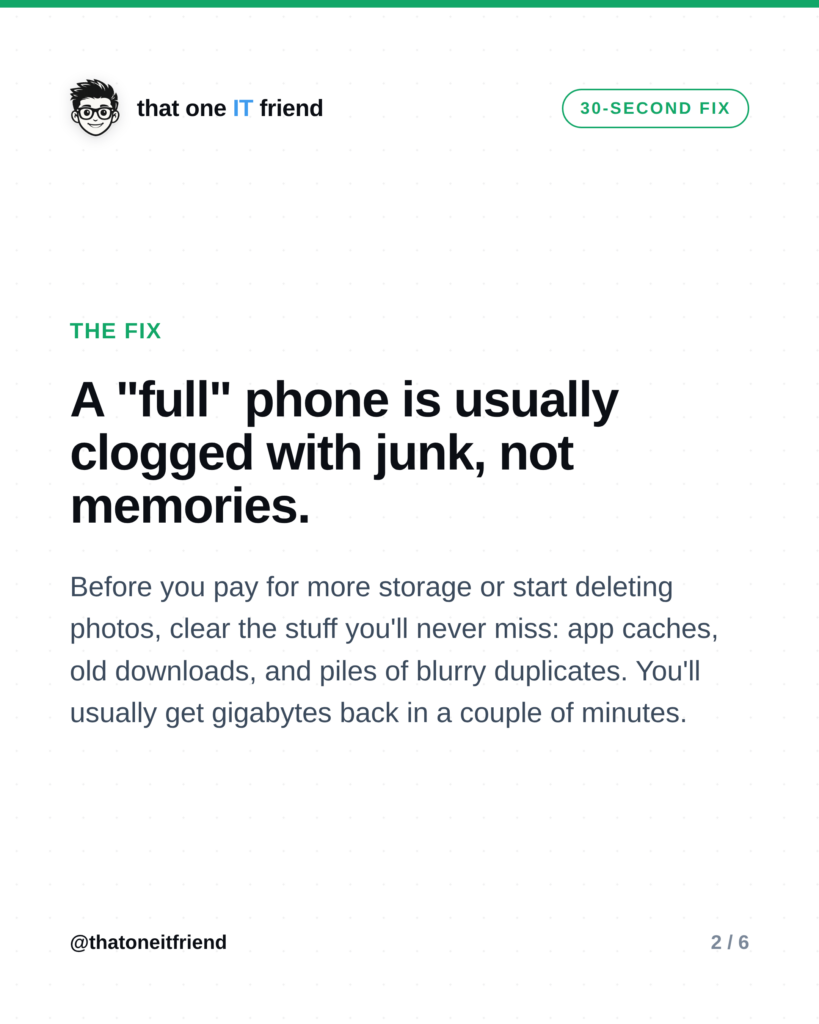
Before you delete precious photos or pay for more storage: most “full” phones are clogged with junk, not memories. App caches, old downloads, and piles of blurry duplicate pictures quietly eat your space. Clear those first and you’ll usually get gigabytes back in a couple of minutes, no hard choices required.
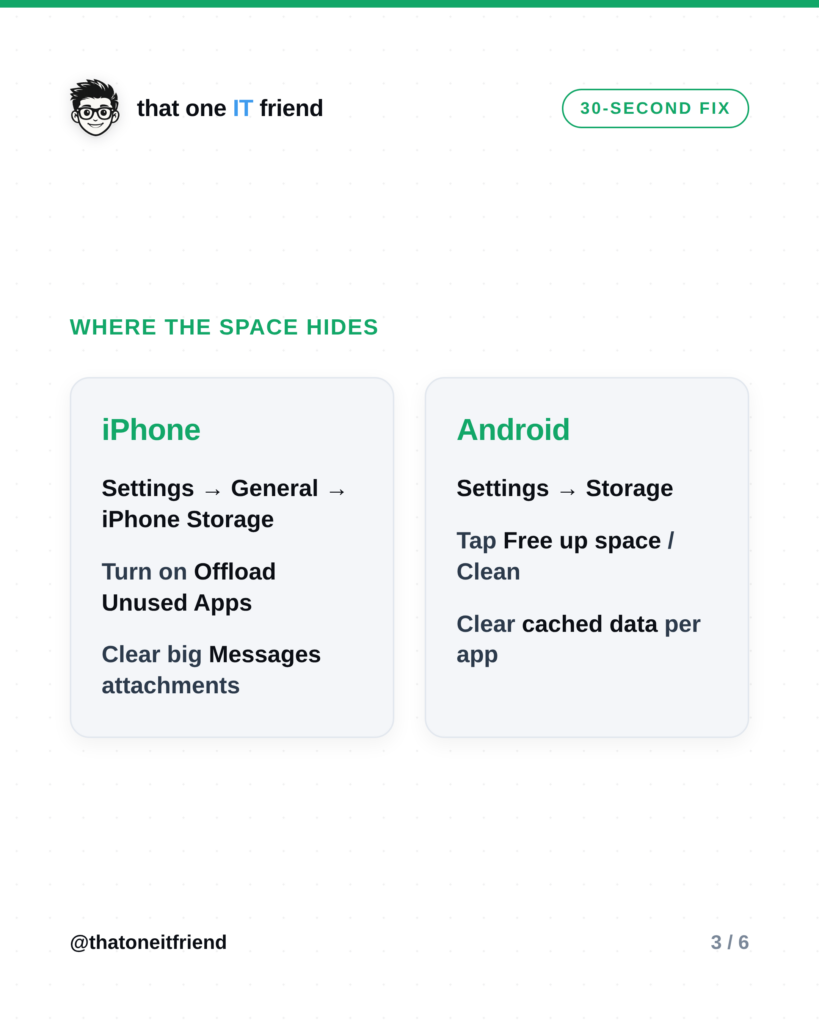
Where the space actually hides
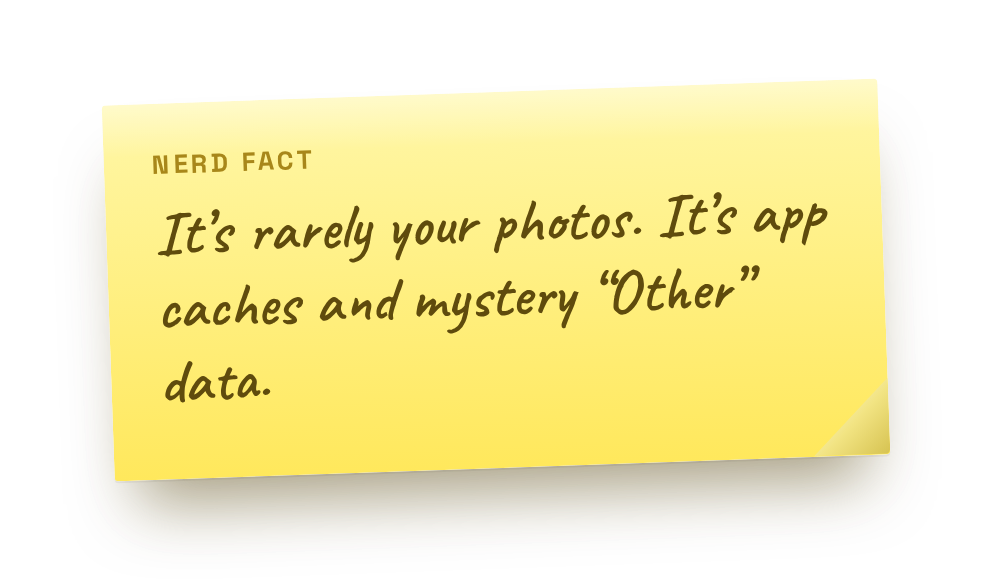 When your phone says it’s full, the culprit is rarely your photos. It’s cached data from apps, videos you downloaded once and forgot, giant message attachments, and the same shot taken eight times. Your phone will show you the breakdown, and it’s usually eye-opening.
Clear the junk (a couple of minutes)

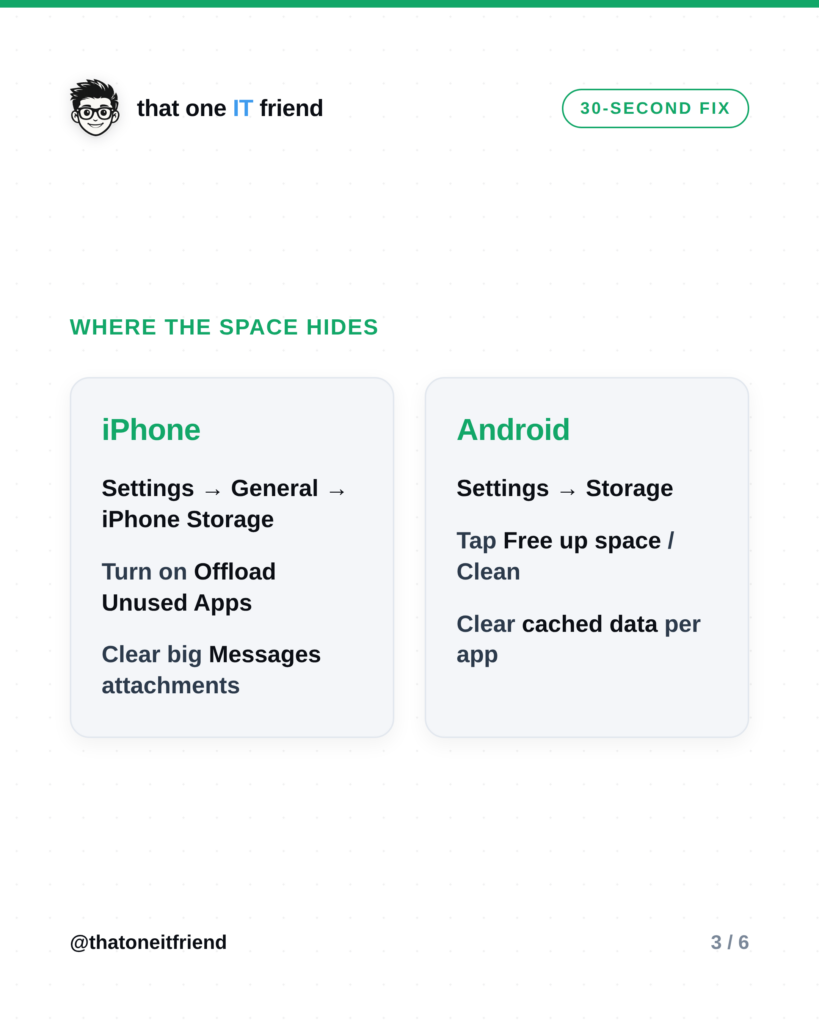
iPhone: open Settings → General → iPhone Storage. Turn on Offload Unused Apps (it removes the app but keeps your data), and clear big Messages attachments.
Android: open Settings → Storage, tap Free up space (or your phone’s “Clean” tool), and clear cached data for the apps hogging the most.
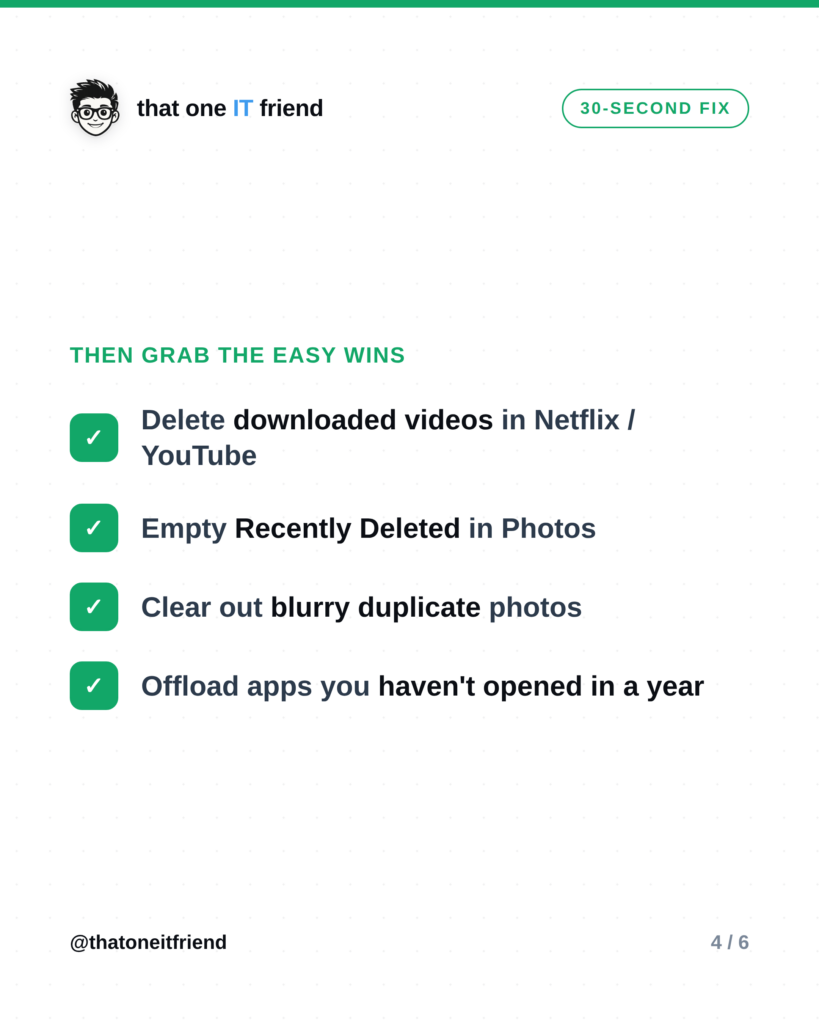
Then grab the easy wins

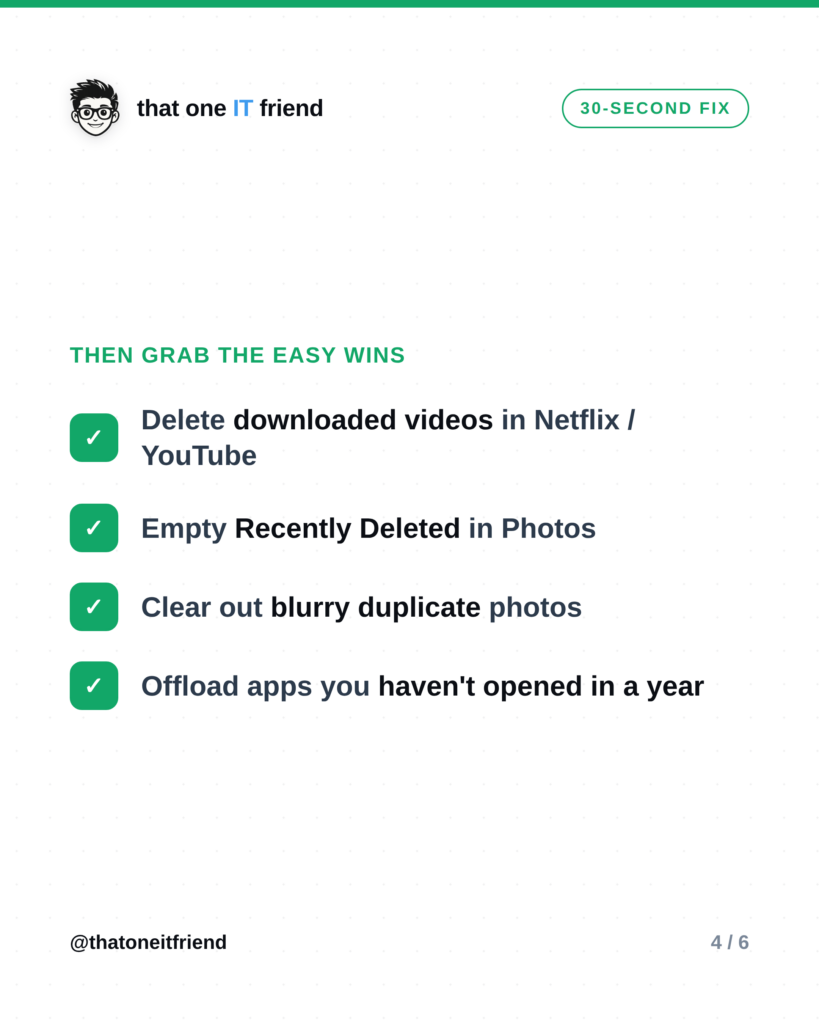
- Delete downloaded videos in Netflix, YouTube, and similar apps, you can re-download anytime.
- Empty Recently Deleted in Photos (those deleted pics still take up space for ~30 days).
- Clear out blurry and duplicate photos, the “hidden” storage hog.
- Offload apps you haven’t opened in a year.
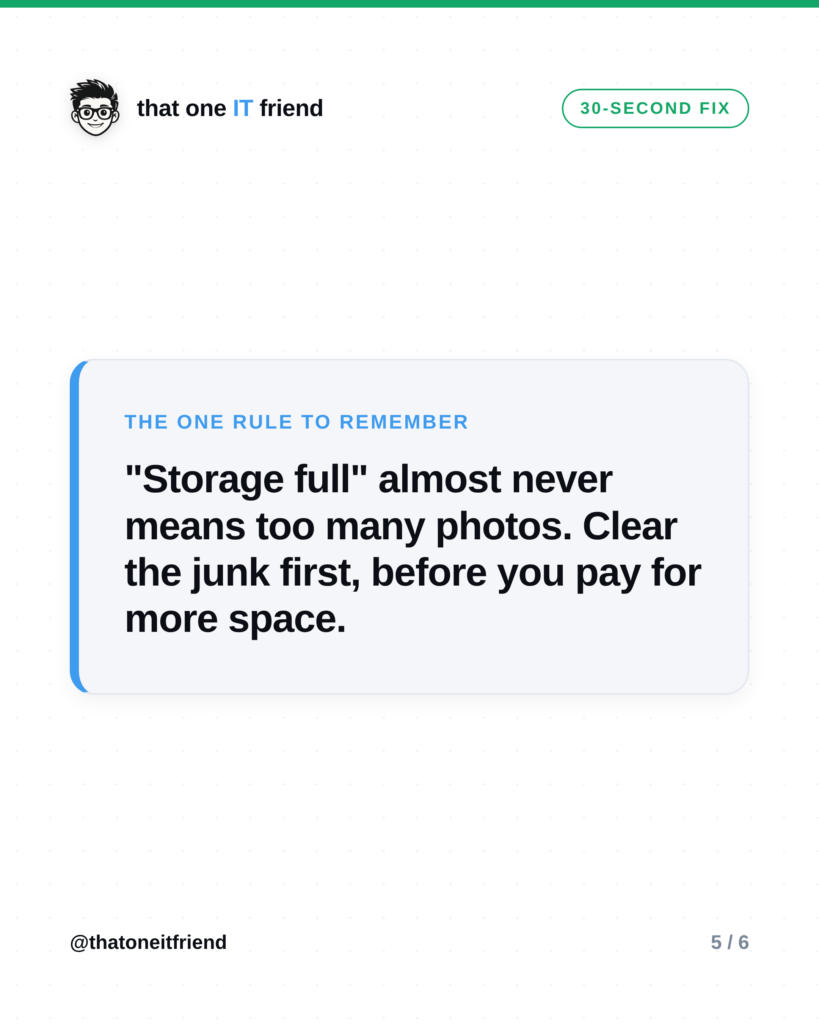
The one rule to remember
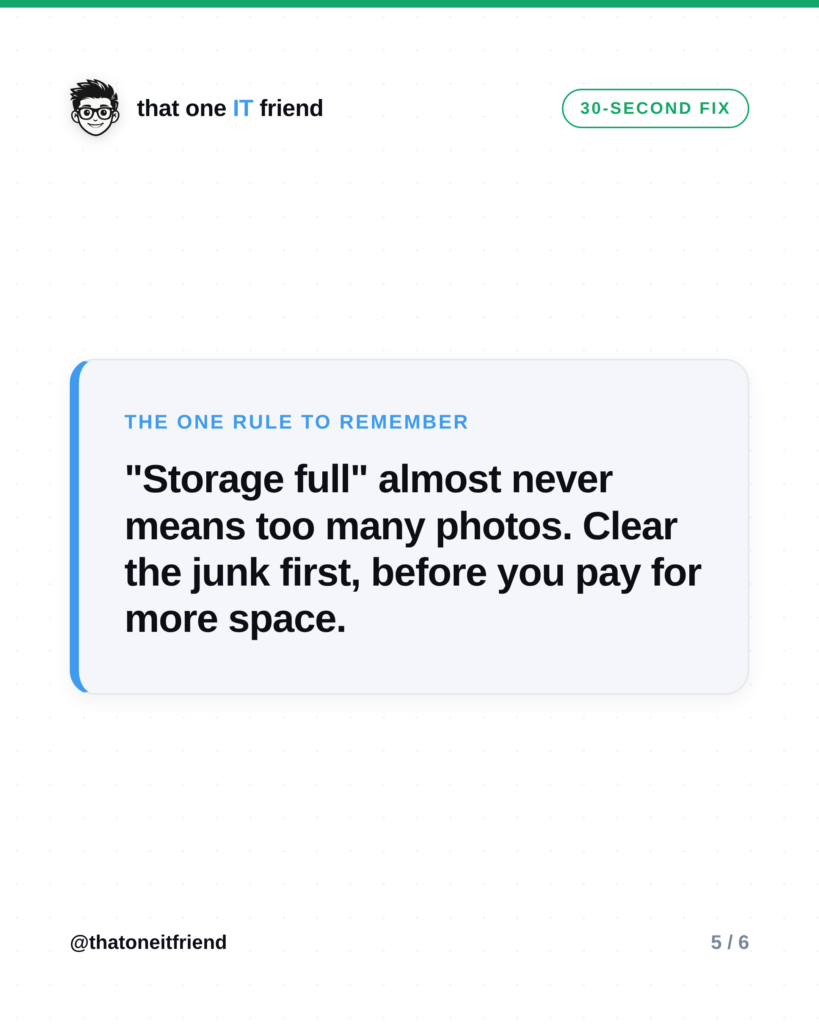
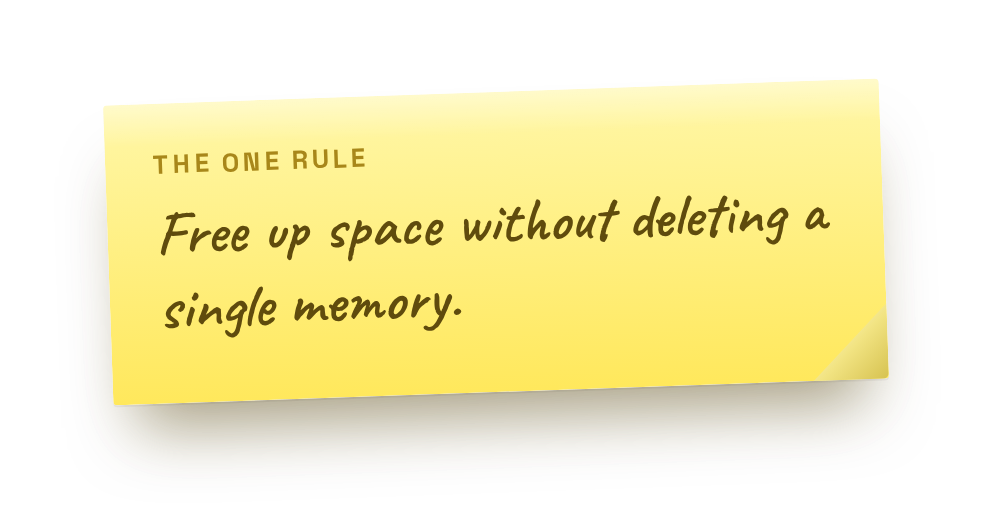 “Storage full” almost never means too many photos. Clear the junk first, before you start deleting memories or paying for more space. Nine times out of ten, that’s all you needed.
Frequently asked questions
Will offloading an app delete my stuff?
No. Offloading removes the app itself but keeps your documents and data. Tap it again later and it re-downloads with everything right where you left it.
Is it safe to clear an app’s cache?
Yes. The cache is just temporary files the app rebuilds as needed. Clearing it frees space and doesn’t touch your accounts or content, the app might open a hair slower once while it rebuilds.
What if it’s still full after all that?
Then it may genuinely be your photos and videos. Turn on cloud backup (so they’re safe), then remove the local copies of the biggest, oldest ones, or add a cheap storage plan. But try the junk cleanup first, it’s usually enough.
Prefer the visual version?
Swipe through, then save it or send it to someone who needs it.
Every week I break down one scam to dodge, one genuinely useful AI trick, and one 30-second tech fix, in plain English. Follow @thatoneitfriend on Instagram, TikTok, and Facebook, or get the weekly rundown by email at thatoneitfriend.com.