
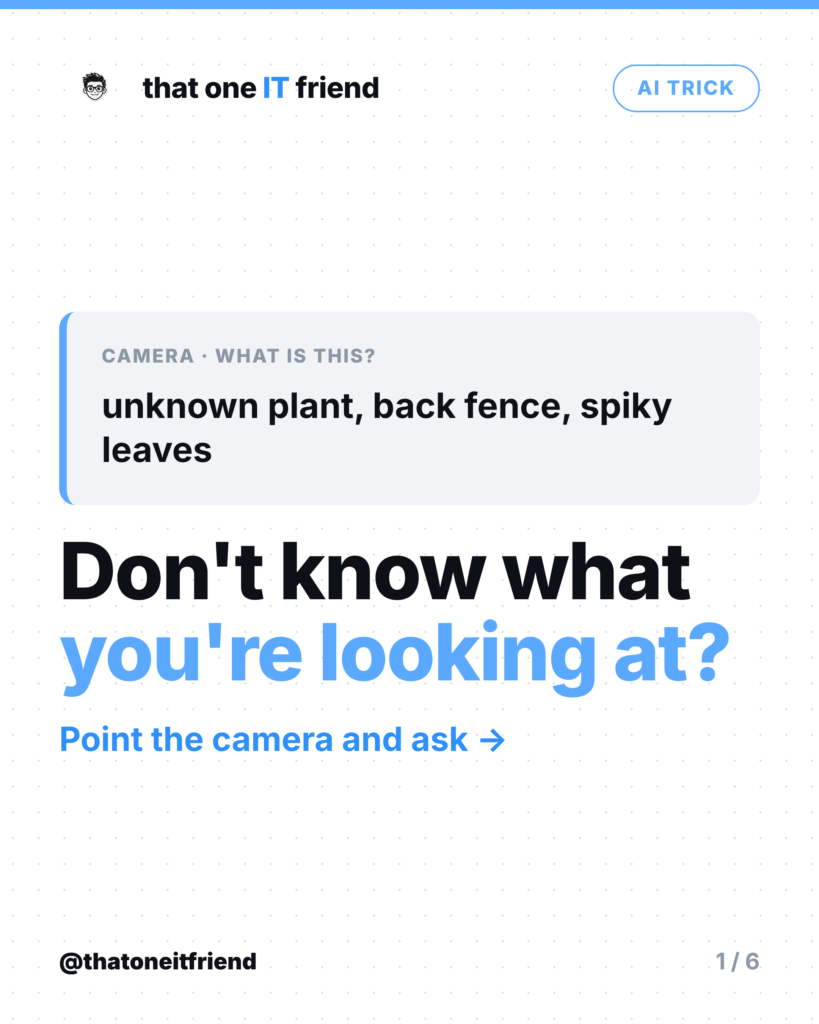
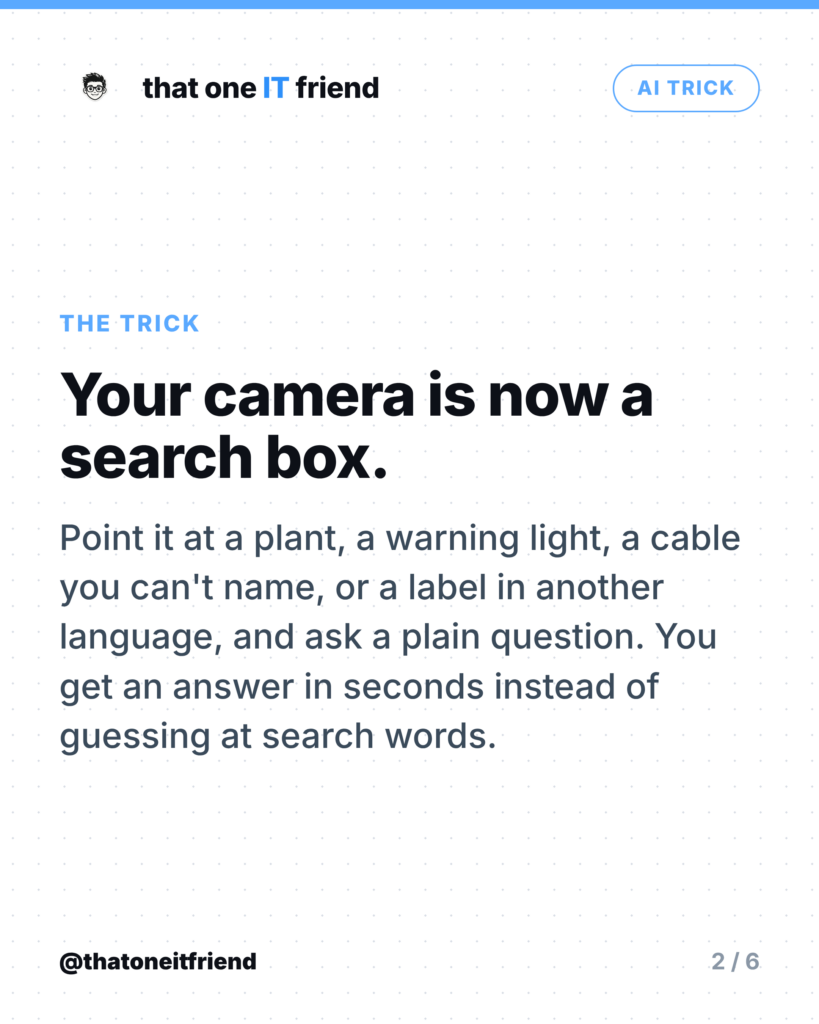

The trick: hold your camera up to something you don’t recognise and ask a plain-English question about it. A plant in the yard, a warning light on the dashboard, a cable in the drawer, an ingredient list in another language, a form you can’t parse. Instead of guessing at search terms for something you can’t name, you point and ask. Both iPhone and Android do this now, and it’s the single most useful AI feature most people haven’t tried.
Why this beats searching
Search only works when you already know the words. “Small white flowers spiky leaves” gets you nowhere; a photo of the actual plant gets you the species. The same goes for the round plug with three pins you found behind the TV, the orange symbol that lit up on your dash, and the mystery switch in the basement. If you can see it, you can ask about it.
iPhone: Visual Intelligence
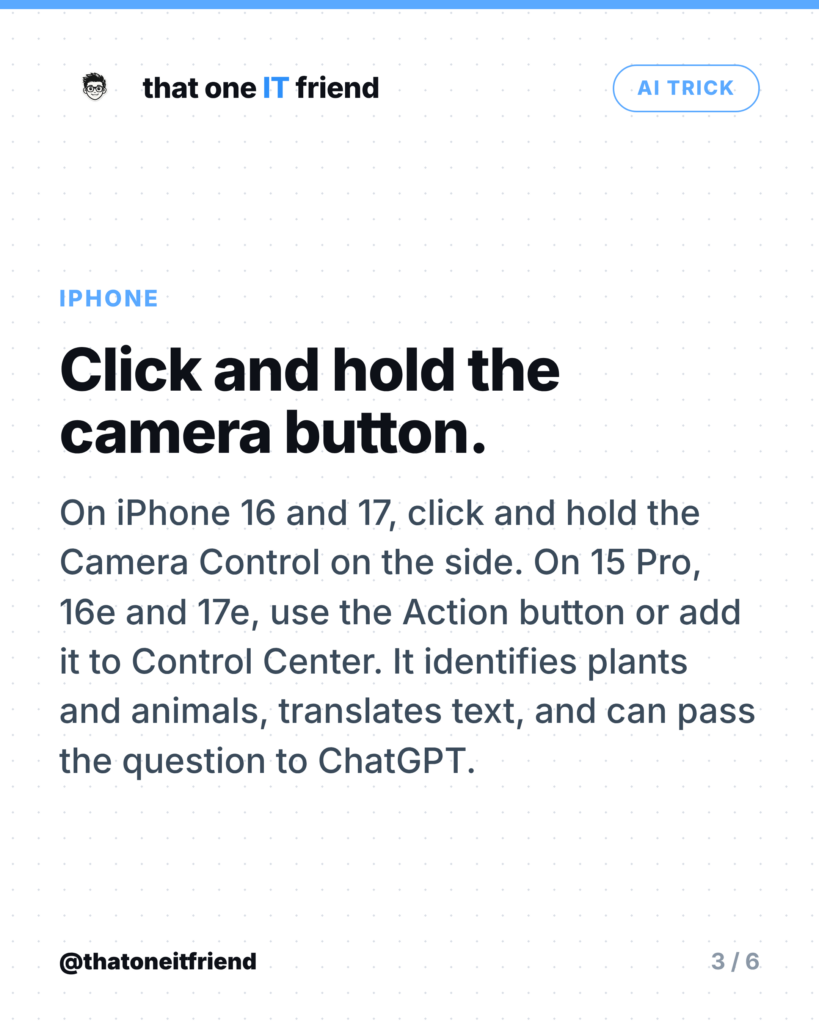
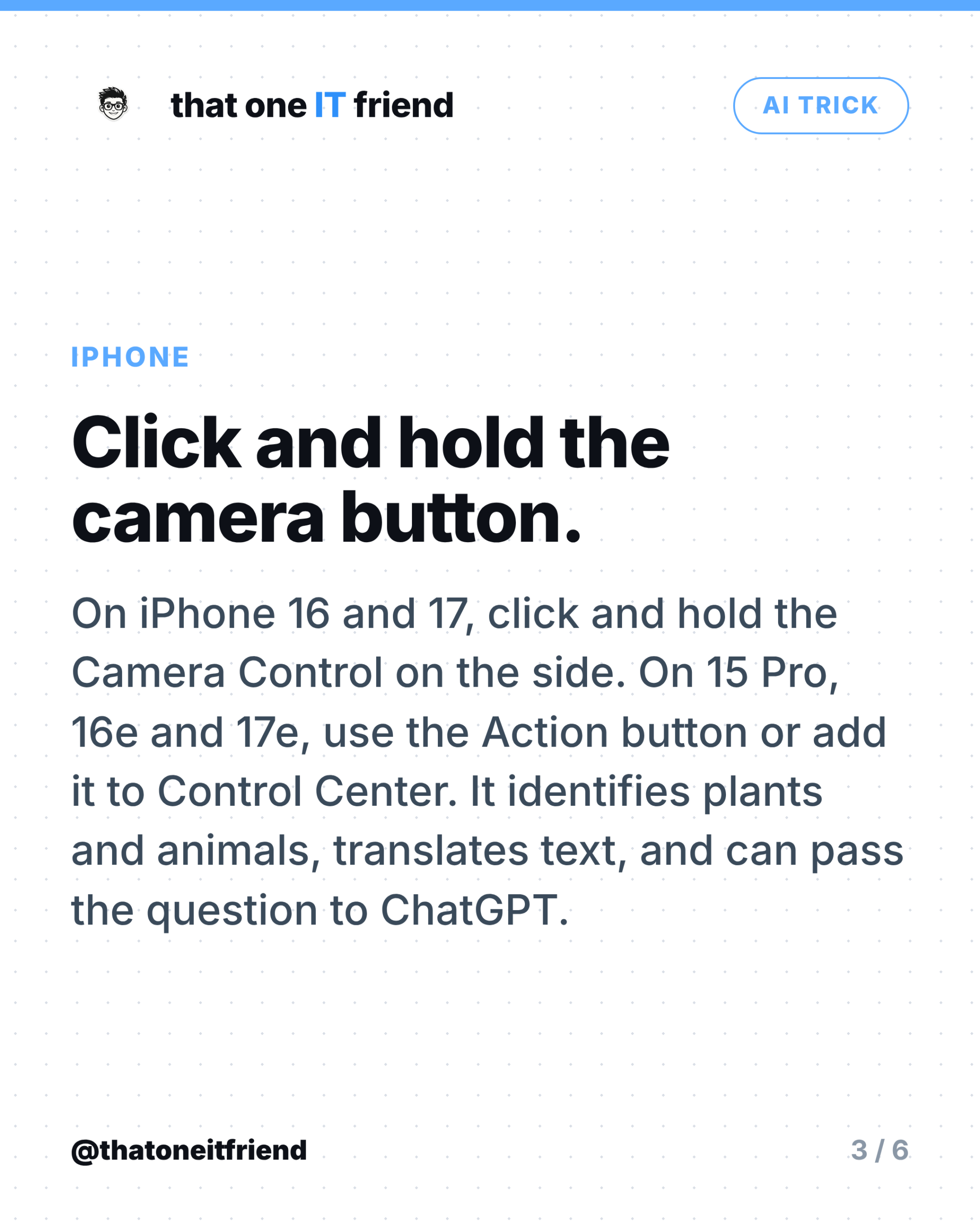
On iPhone 16 and 17 models, and iPhone Air, you click and hold the Camera Control button on the side of the phone. Apple’s wording is specific here: click and hold, not press and hold. On iPhone 15 Pro, 15 Pro Max, 16e and 17e there’s no Camera Control, so you use the Action button instead, or add Visual Intelligence to Control Center or your Lock Screen. Anything older than iPhone 15 Pro doesn’t have it at all, because it needs Apple Intelligence.
What Apple says it does: identify animals and plants, translate text, summarize text, read text aloud, pull details out of a business or a flyer, add an event to your calendar, search for visually similar images, and hand a question about what’s on screen to ChatGPT. New in iOS 26, you can also run it on something already on your screen by taking a screenshot the usual way, with the side button and volume up.
Android: Lens, and Gemini Live
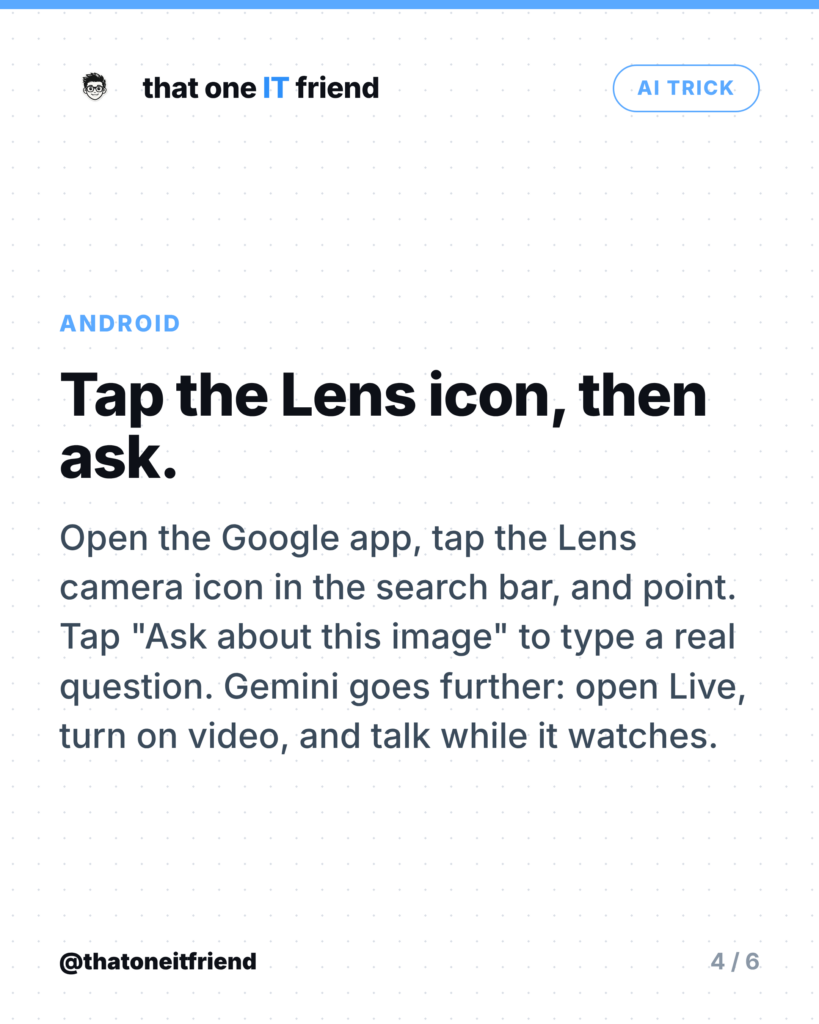
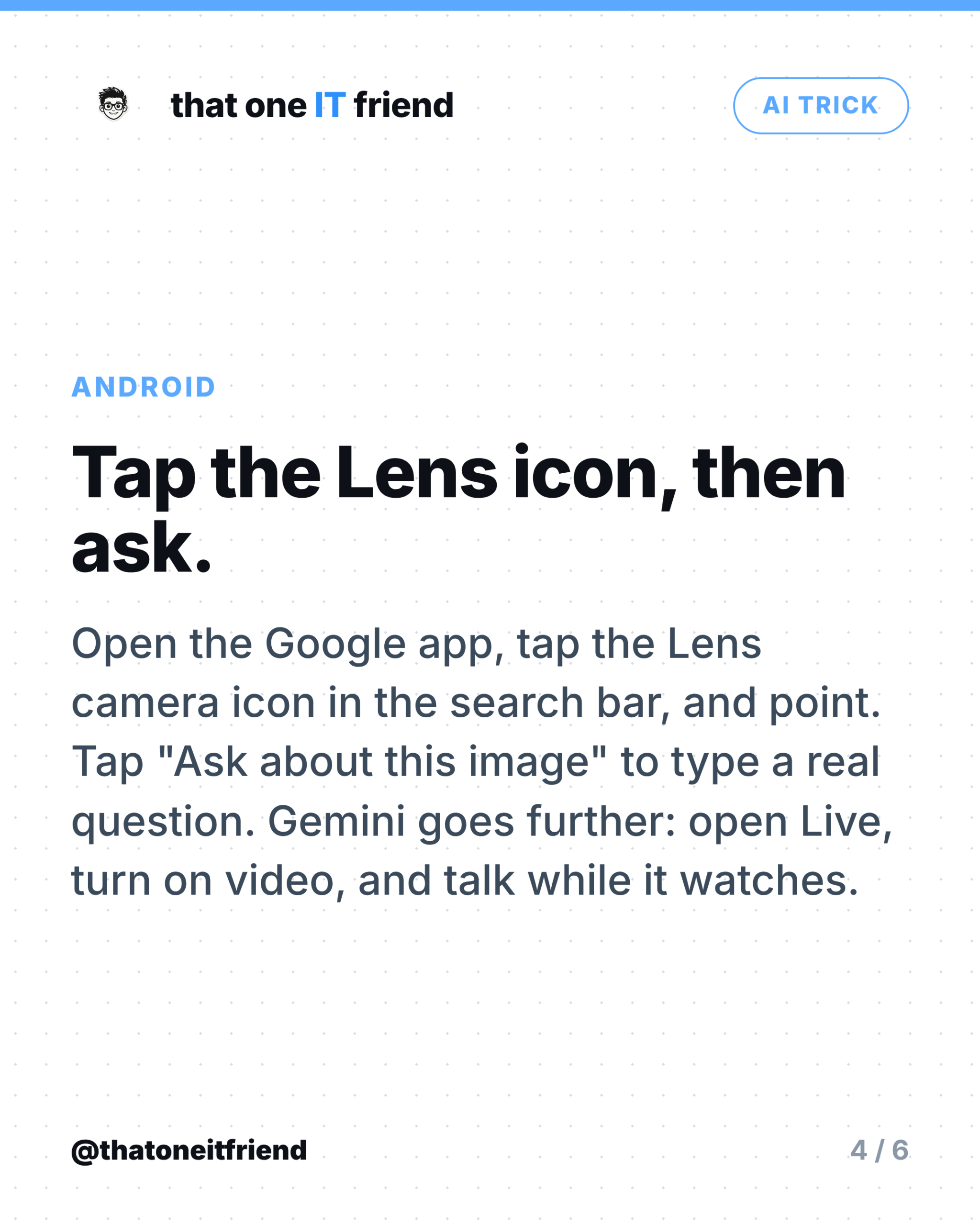
Open the Google app, tap the Lens camera icon in the search bar, point at the thing, and drag the corners to select just the part you care about. Then tap Ask about this image and type an actual question rather than accepting whatever it guessed you wanted. Google’s list of what Lens handles includes clothing and home goods, barcodes, business cards, books, flyers, landmarks, paintings, and plants and animals.
Gemini goes a step further with a live camera. In the Gemini app, tap Live at the bottom, then turn on video streaming, and you can hold the camera on something and talk to it while it watches. It’s genuinely useful for anything with steps, like tracing which cable goes where. Note that Circle to Search is a different feature: that’s a long press on the home button or navigation handle to search what’s already on your screen, not a camera tool.
ChatGPT, if you pay for it
The ChatGPT app can do the same live camera conversation, and it’s often the best of the three at open-ended “what am I looking at and what should I do about it” questions. The catch is the tier: OpenAI’s own FAQ says video is enabled on the iOS and Android apps for subscribers, and that usage is limited daily even on eligible plans. Free accounts get voice but not the camera.
Where it's confidently wrong
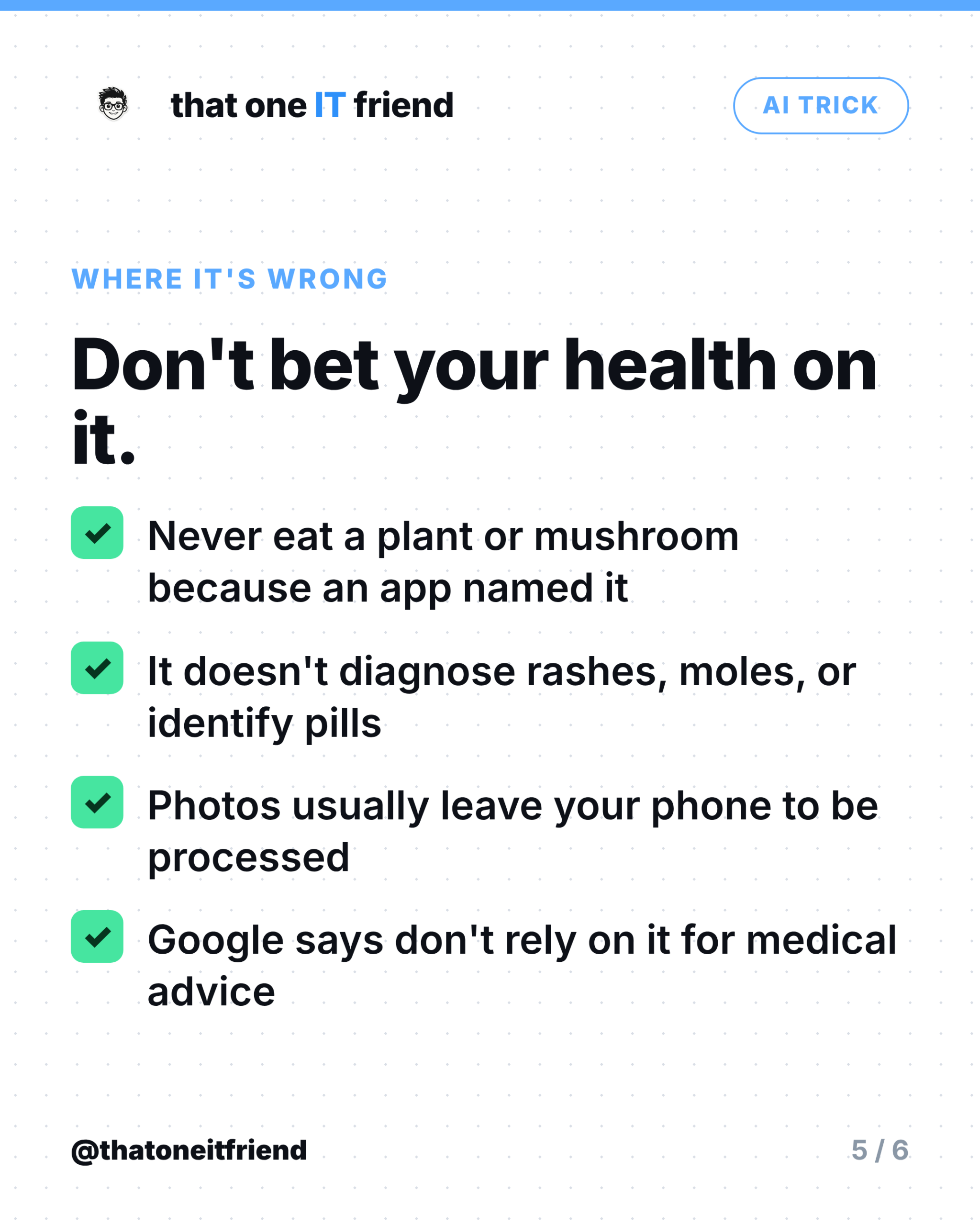
This is the part nobody puts on the marketing page. These tools produce a fast, plausible guess, and plausible is not the same as right. Apple’s own footnote on Apple Intelligence says outputs may vary and to check important information for accuracy. Google states outright that its AI may produce inaccurate information and tells users not to rely on it for diagnosis, treatment, or medical advice.
- Never eat something because an app named it. No vendor makes any claim about foraging safety, and mushroom identification from a photo gets people hospitalised.
- It’s not a doctor. Nobody claims it diagnoses a rash, a mole, or an unmarked pill. Treat any health answer as a prompt to ask a real one.
- The photo usually leaves your phone. Apple leans hard on on-device processing and Private Cloud Compute, but it never says Visual Intelligence runs entirely on device, and both web search and the ChatGPT hand-off leave Apple’s systems. Google’s Gemini terms say a subset of chats are reviewed by humans and retained for up to three years, and that you shouldn’t enter confidential information.
- Ask better questions. “What is this?” gets a guess. “What is this and is it safe to touch?” or “What does this warning light mean on a 2015 Honda?” gets something you can act on.
The one rule to remember
It’s a very fast guess, not an expert. For “what’s this plant called” or “what does this label say,” it’s better than anything you had five years ago. For anything you’d eat, swallow, touch, or rewire, it’s the starting point for a real check, not the answer.

Frequently asked questions
Do I need a new iPhone for this?
You need iPhone 15 Pro or newer, because it depends on Apple Intelligence. iPhone 16 and 17 models get the click-and-hold Camera Control shortcut; 15 Pro, 16e and 17e use the Action button or Control Center instead.
Is Google Lens free?
Yes, it’s part of the Google app and Google Photos on Android and iPhone. Gemini Live’s camera sharing lists an account, being 18 or over, and the latest app as its requirements.
Can I do this on a free ChatGPT account?
Not the live camera. OpenAI’s FAQ restricts video to subscribers on the mobile apps, and even then with daily limits. You can still upload a photo and ask about it in some cases.
Can it identify mushrooms safely?
No, and no vendor claims it can. Photo identification of fungi is unreliable in a way that has real consequences. Don’t use it to decide what’s edible, ever.
Does the image stay on my phone?
Assume it doesn’t. Apple describes on-device processing as the cornerstone of Apple Intelligence and makes strong privacy claims for its cloud, but any web search or ChatGPT hand-off leaves Apple’s systems entirely, and Google’s terms describe human review and retention. Don’t point it at documents you wouldn’t email.
Every week I break down one scam to dodge, one genuinely useful AI trick, and one 30-second tech fix, in plain English. Follow @thatoneitfriend on Instagram, TikTok, and Facebook, or get the weekly rundown by email at thatoneitfriend.com.