
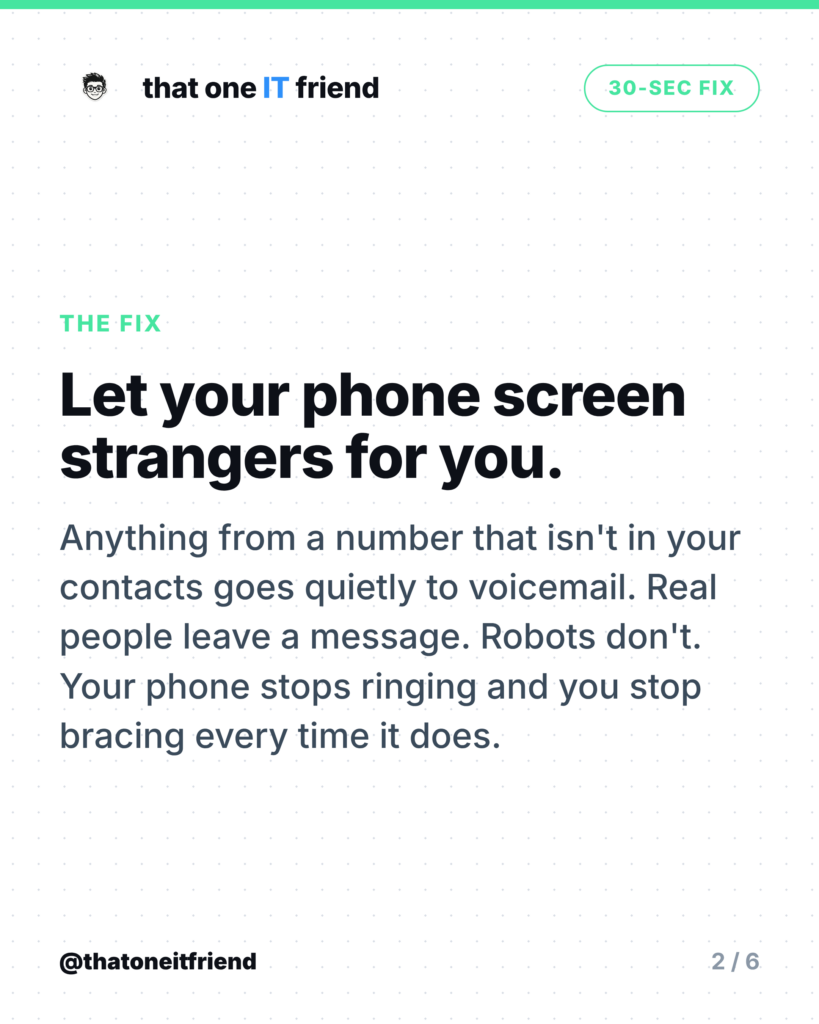
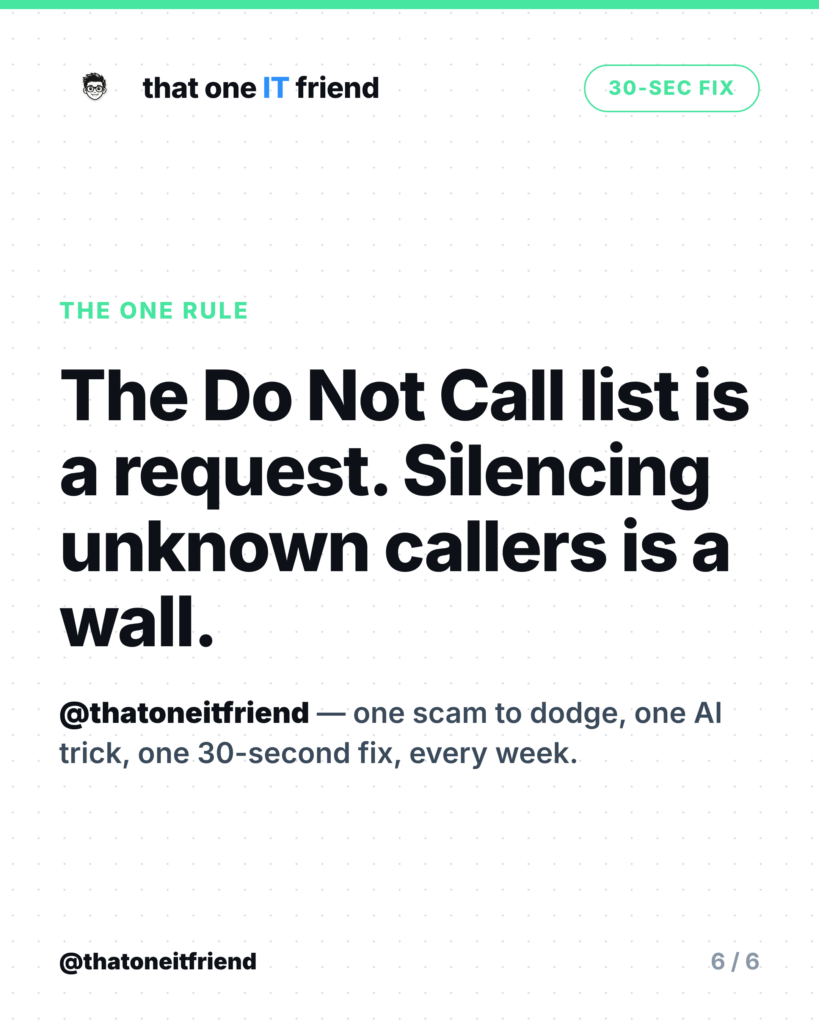
The fix: tell your phone to silence or screen every number that isn’t in your contacts. It takes about thirty seconds, it’s built in on both iPhone and Android, and it does more than every app, registry and complaint form combined. Real callers leave a voicemail. Automated dialers don’t, because there’s nobody there to leave one.
iPhone: it moved, so old instructions are wrong
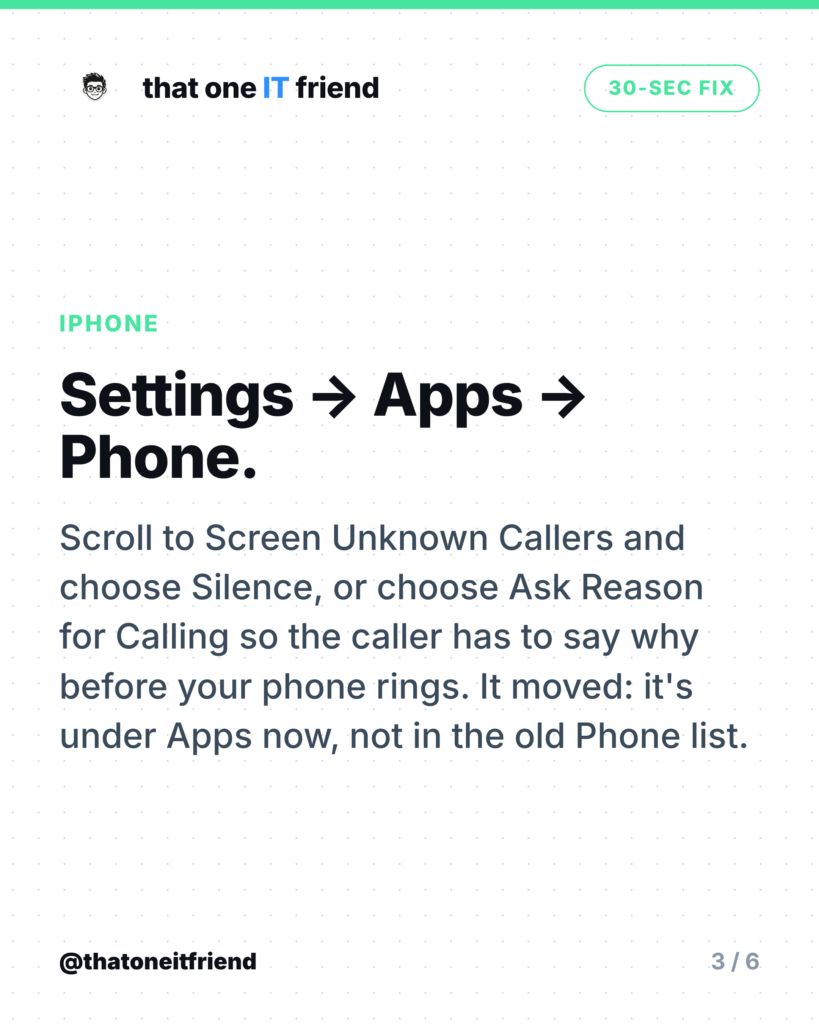
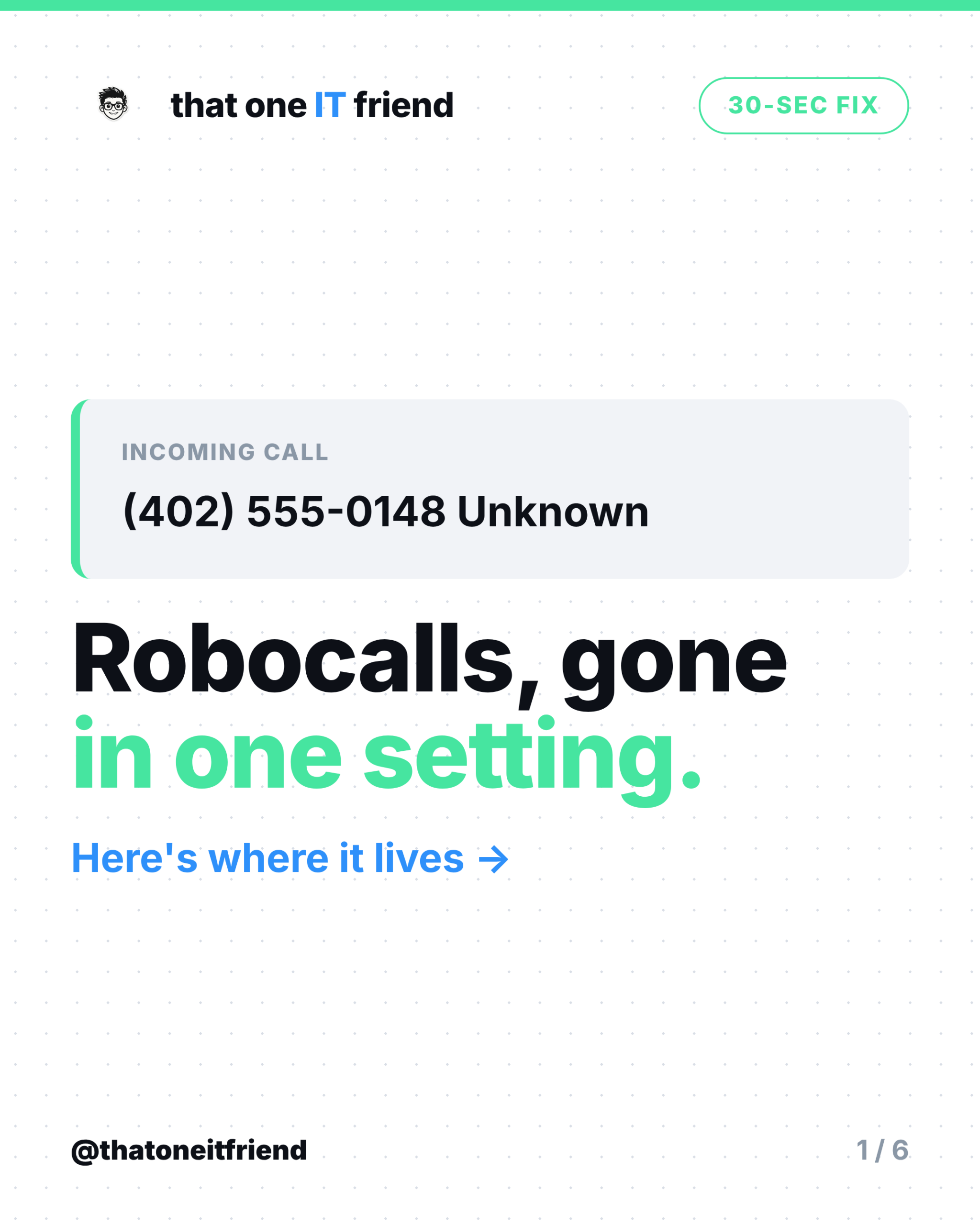
If you’ve looked for “Silence Unknown Callers” in the Phone settings recently and couldn’t find it, you’re not going mad. On current iPhones the path is Settings, then Apps, then Phone. Scroll to Screen Unknown Callers and pick one of three options:
- Never. Calls from unsaved numbers ring like any other call. This is the default, and it’s why your phone rings all day.
- Ask Reason for Calling. The caller is asked why they’re calling before your phone rings at all. Robots fail this immediately. Humans with a legitimate reason don’t.
- Silence. Unknown numbers are silenced and sent to voicemail without a ring.
“Ask Reason for Calling” is the option worth trying first, because it keeps a path open for the delivery driver and the doctor’s office while stopping everything automated. If you’d rather have absolute quiet, pick Silence. Note that Silence Unknown Callers still exists as a separate switch for FaceTime, which is part of why the old instructions cause confusion.
Android: two switches in the Phone app
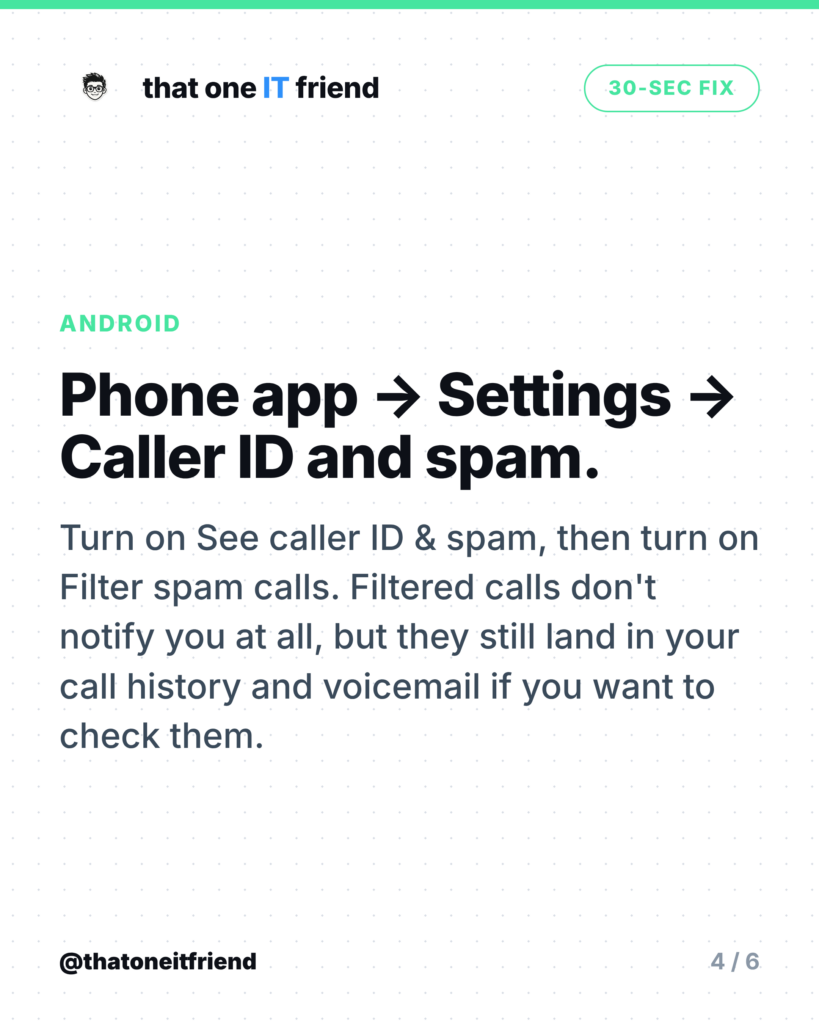
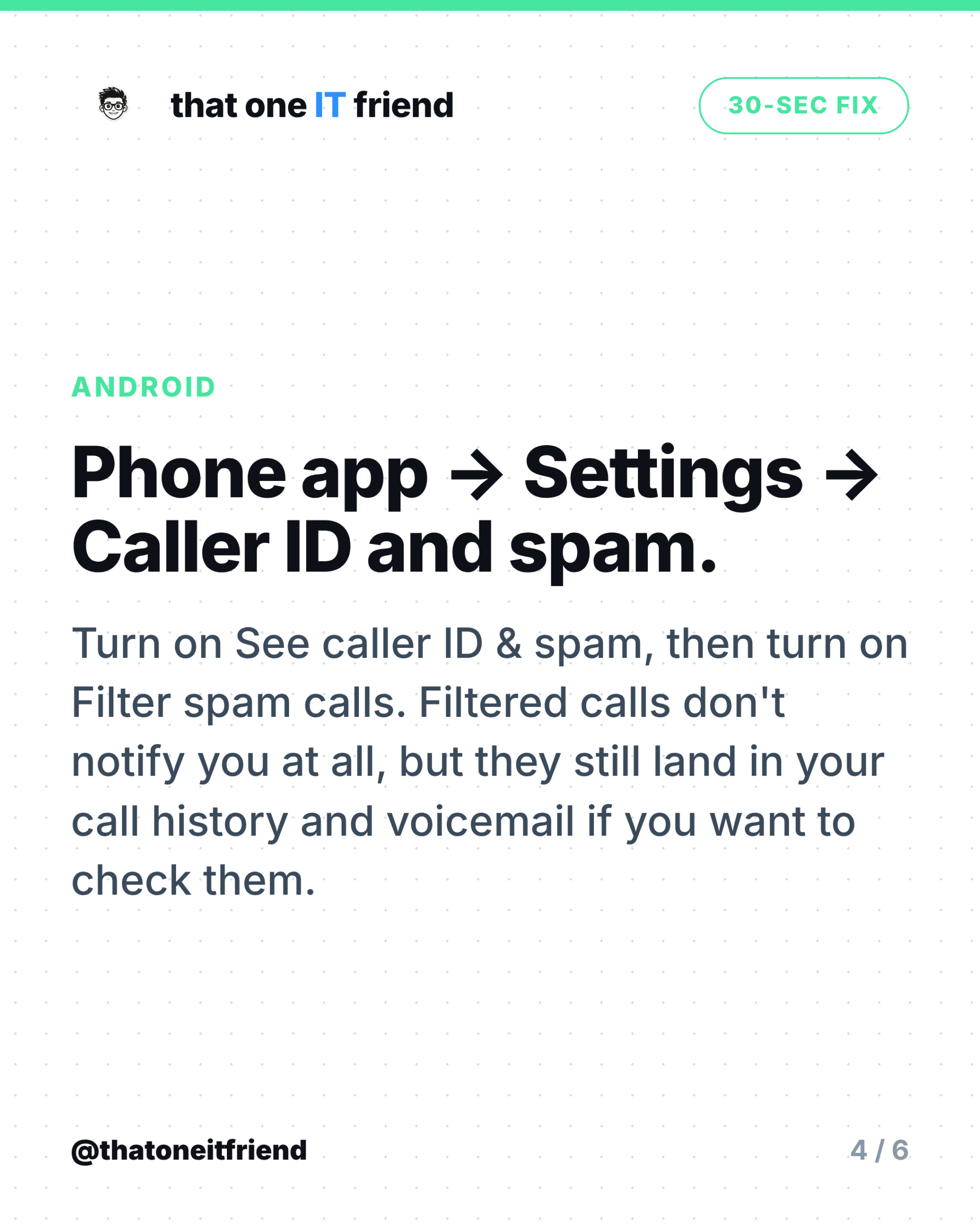
Open the Phone app, tap More options, then Settings, then Caller ID and spam. Turn on See caller ID & spam so Google labels suspected spam, then turn on Filter spam calls.
Filtering is the aggressive one, and it’s worth knowing exactly what it does. Google’s own description: you don’t get missed call or voicemail notifications, but filtered calls are in your call history and you can still check your voicemail. So nothing is deleted; it’s just silent. If you’re waiting on a callback from a number you don’t have saved, glance at your call history rather than trusting your notifications.
Then stack the free layers
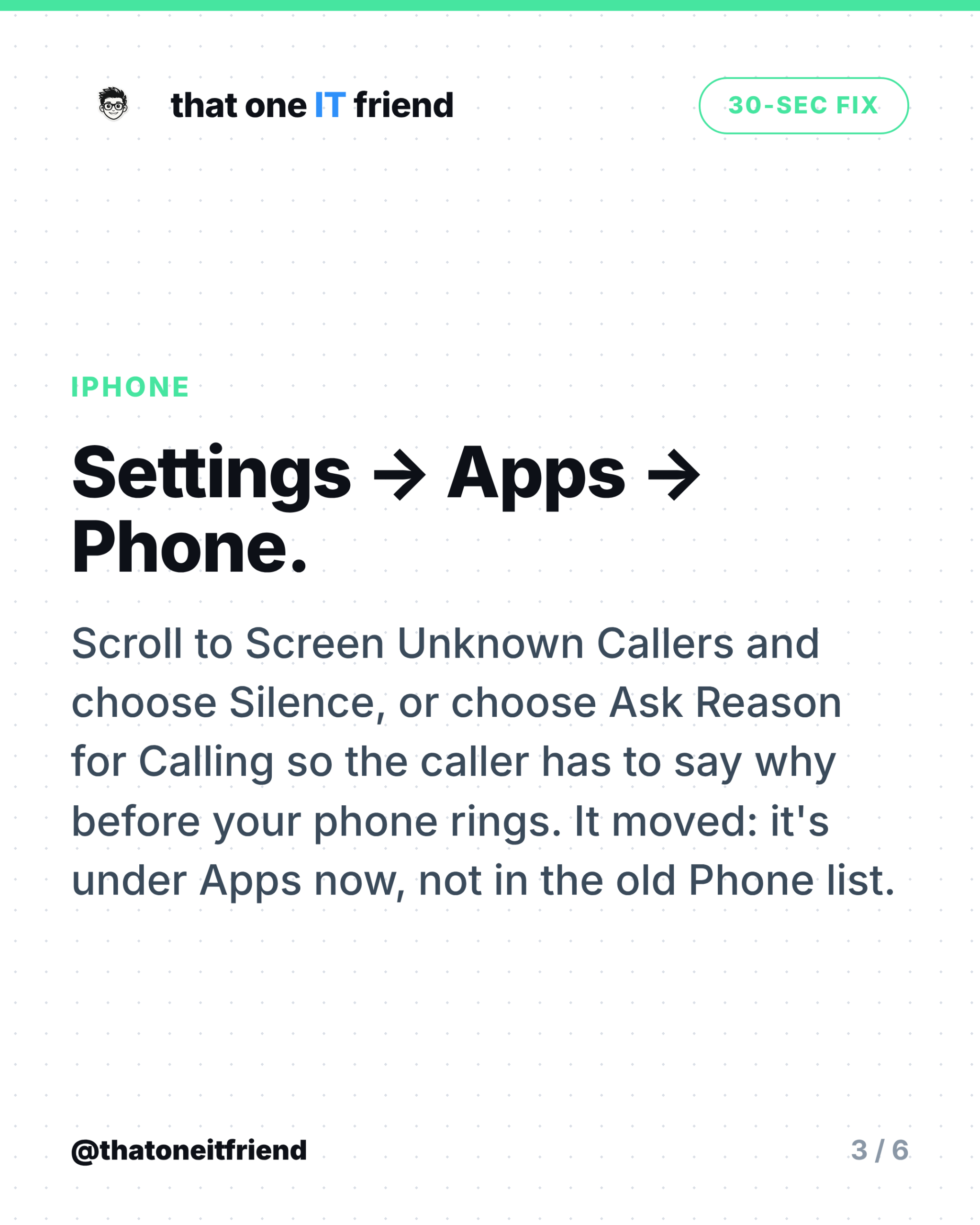
- Turn on your carrier’s blocking. All three major US carriers offer a free tier of call labelling and blocking. The FTC’s advice is to check your provider’s website or call customer service to find out what it offers.
- Don’t interact. The FTC is blunt: “If you get an illegal robocall, hang up and don’t call back. Don’t press a number, which could lead to more robocalls.” Pressing a key to be removed from the list is how you get moved to the list of numbers with a live human attached.
- Report it. Reporting at donotcall.gov feeds the FTC’s enforcement data. It won’t stop your phone ringing tomorrow, but it’s how the cases get built.
Why the Do Not Call Registry disappoints everyone
The registry does exactly one thing: it tells legitimate telemarketers which numbers to leave alone. The FTC says so directly, describing it as “a list that tells registered telemarketers what numbers not to call” and warning that being on it “won’t stop scammers from making illegal calls.” A criminal operation running a spoofed number out of another country was never going to consult a list. Enforcement is real but slow: the FCC ordered $6 million in robocall forfeitures for 2024 and collected none of it.
Which is the whole argument for doing this in your phone’s settings instead. A registry asks. A setting decides.
The one rule to remember
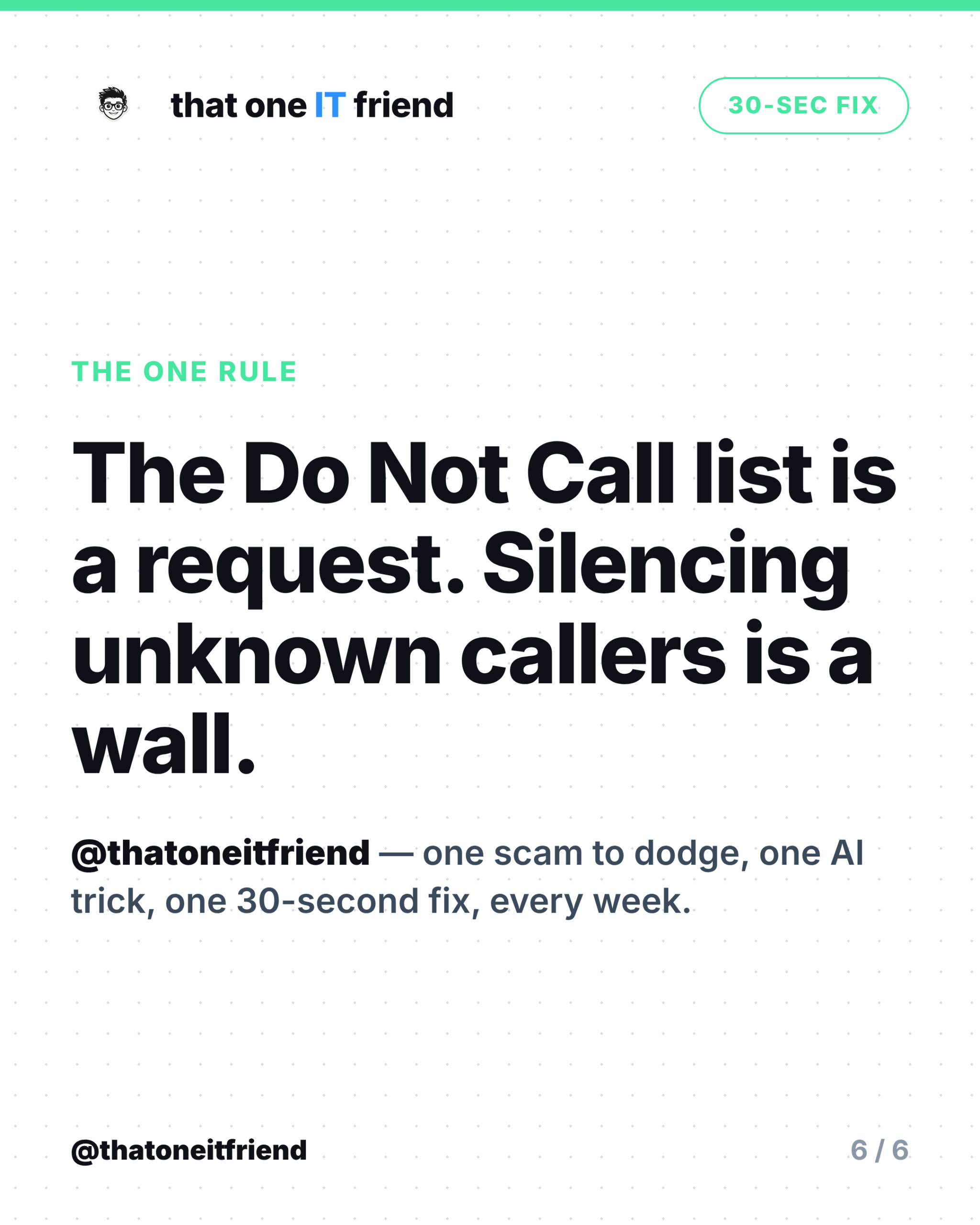
The Do Not Call list is a request. Silencing unknown callers is a wall. Sign up for the registry by all means, but the thirty seconds that actually changes your day is the one you spend in Settings.
Frequently asked questions
Will I miss important calls?
Anyone real leaves a voicemail, and the call still shows in your history. If you’re expecting a call from a number you don’t have saved, add it as a contact first, or use Ask Reason for Calling on iPhone so genuine callers can get through.
Does saying nothing when I answer help?
“Never say hello” is folklore with no official source behind it. The sourced advice is simpler: hang up, don’t press any keys, and don’t call the number back.
Do I need a paid call-blocking app?
Usually not. The built-in setting plus your carrier’s free service handles most of it. Paid apps can add labelling, but start with the free layers and see whether you still have a problem.
Why do the calls come from my own area code?
Spoofing. The number shown is chosen by the caller, and a local-looking number gets answered more often. It tells you nothing about where the call came from.
Does this stop spam texts too?
No, these settings are for calls. For texts, don’t reply or tap links, forward the message to 7726 to flag it with your carrier, then delete and block.
Every week I break down one scam to dodge, one genuinely useful AI trick, and one 30-second tech fix, in plain English. Follow @thatoneitfriend on Instagram, TikTok, and Facebook, or get the weekly rundown by email at thatoneitfriend.com.