
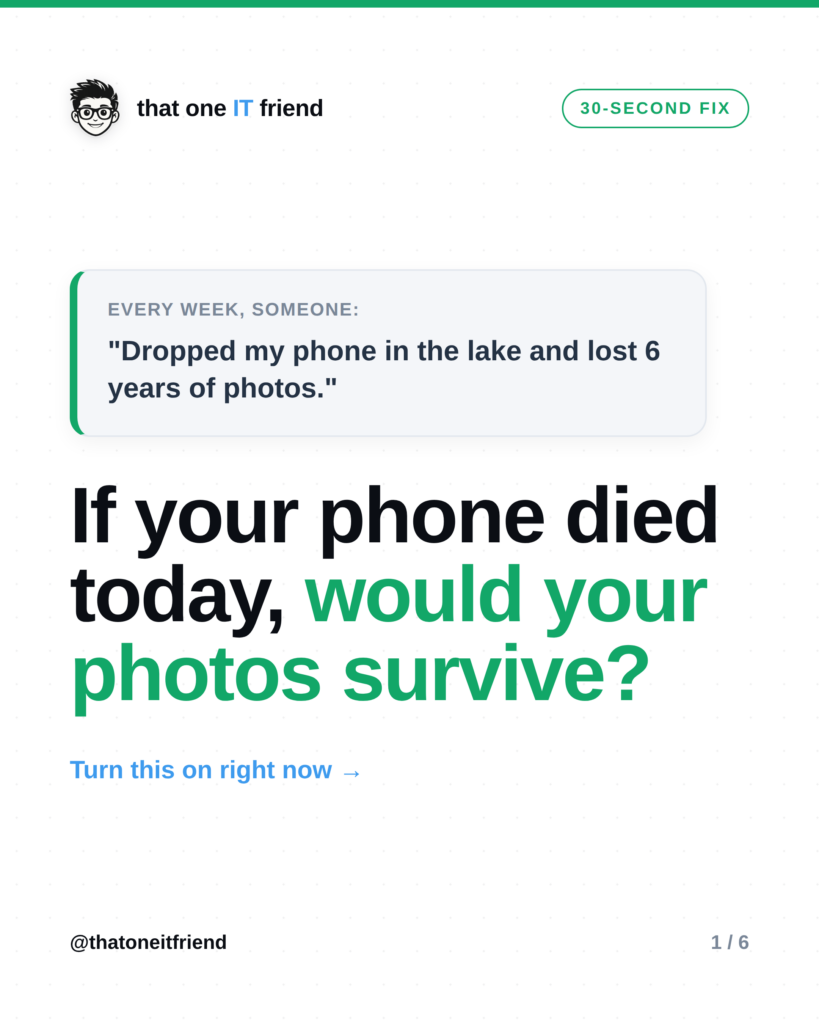
The fix: turn on automatic photo backup so every picture you take copies itself to the cloud. On iPhone that’s iCloud Photos; on Android it’s Google Photos. Most people assume it’s already on. Half the time it isn’t, and they only find out after a phone is lost, stolen, or dropped in a lake. Two minutes now saves years of memories.
Why “it’s probably on” isn’t good enough
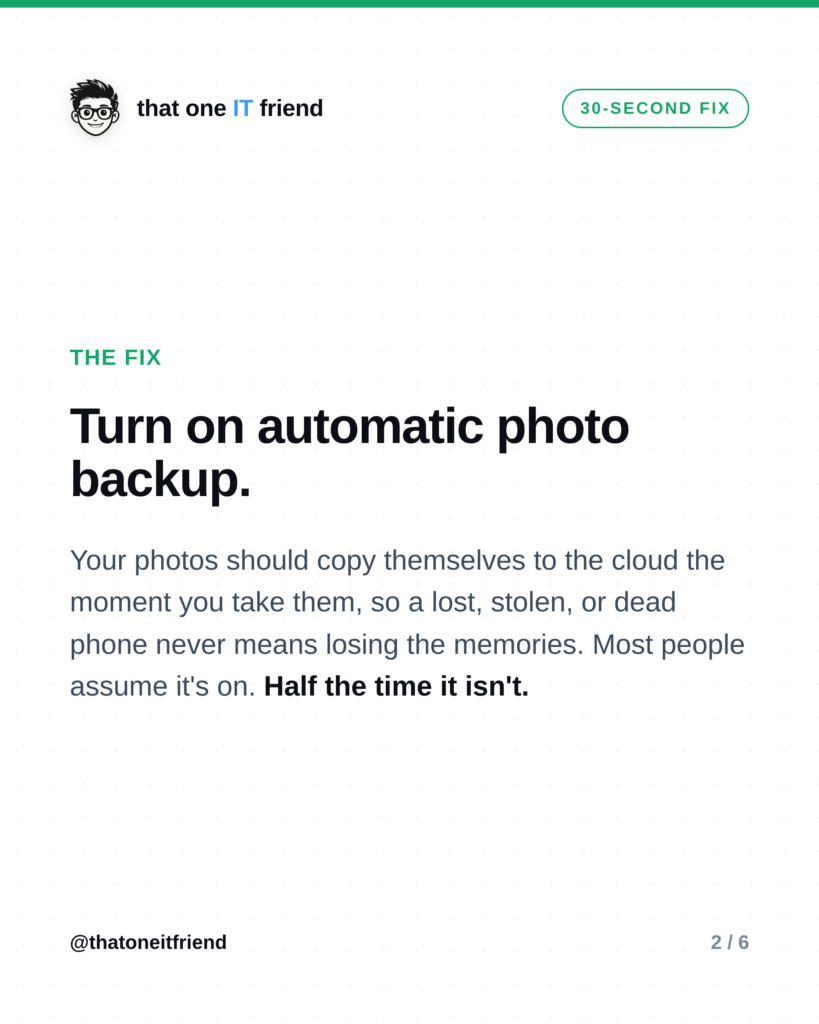
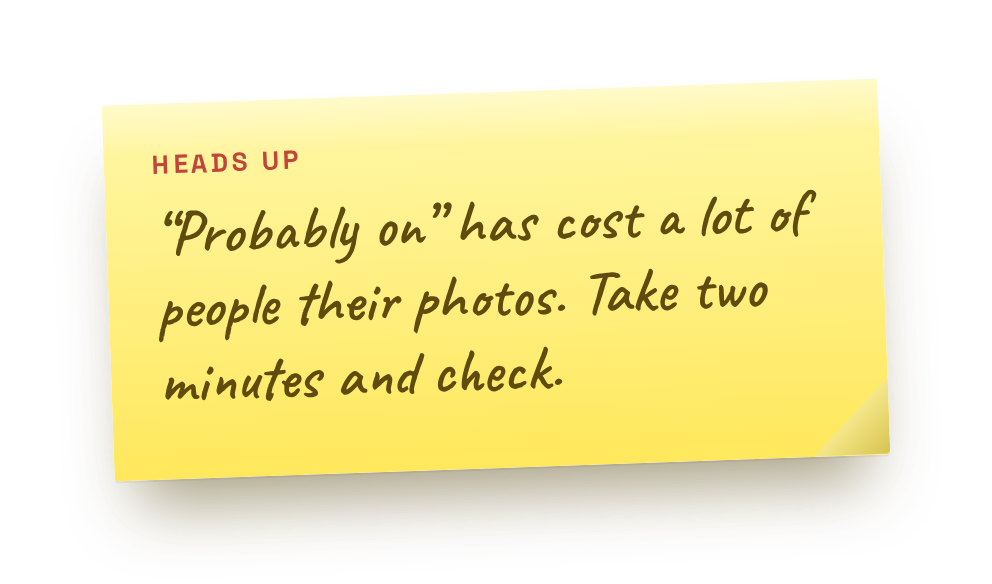 If your photos only live on your phone, they’re one accident away from gone. Backup means a second copy lives in the cloud, so a dead or missing phone is an inconvenience, not a tragedy. The catch is that backup can quietly switch off, after a settings change, a storage-full warning you dismissed, or a new phone you never finished setting up. So don’t assume. Check.
Turn it on (2 minutes)

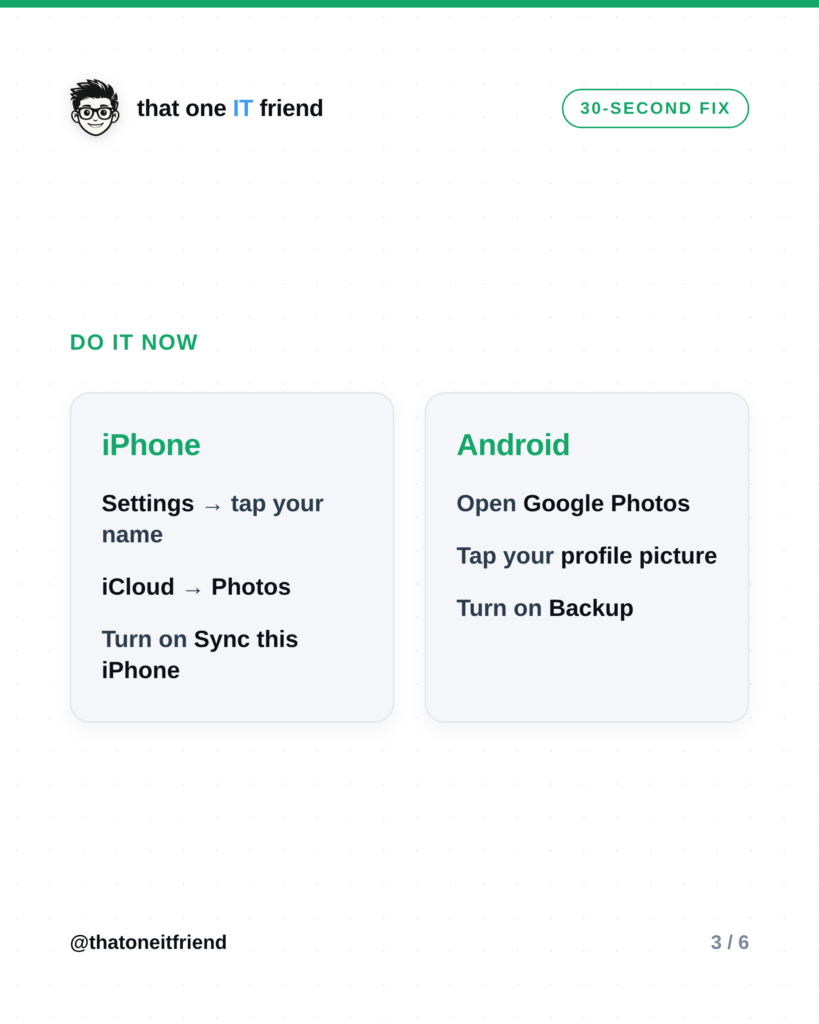
iPhone: open Settings, tap your name at the top, tap iCloud, then Photos, and turn on Sync this iPhone.
Android: open the Google Photos app, tap your profile picture in the top corner, and turn on Backup.
Then double-check it’s actually working

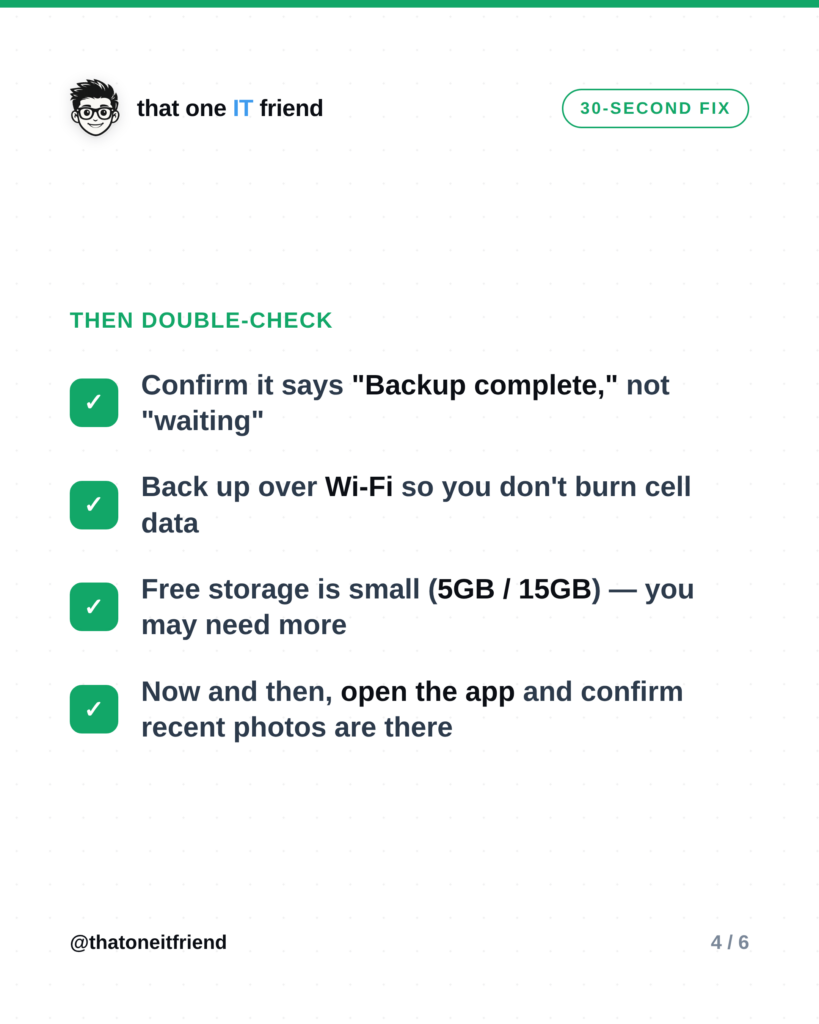
- Confirm it says “Backup complete,” not “waiting” or “paused.”
- Make sure it backs up over Wi-Fi so you don’t burn through cell data.
- Know your free limit: iCloud gives 5GB, Google gives 15GB. Photos fill that fast, so you may need a cheap storage upgrade.
- Every so often, open the app and confirm your most recent photos are really up there.
The one rule to remember
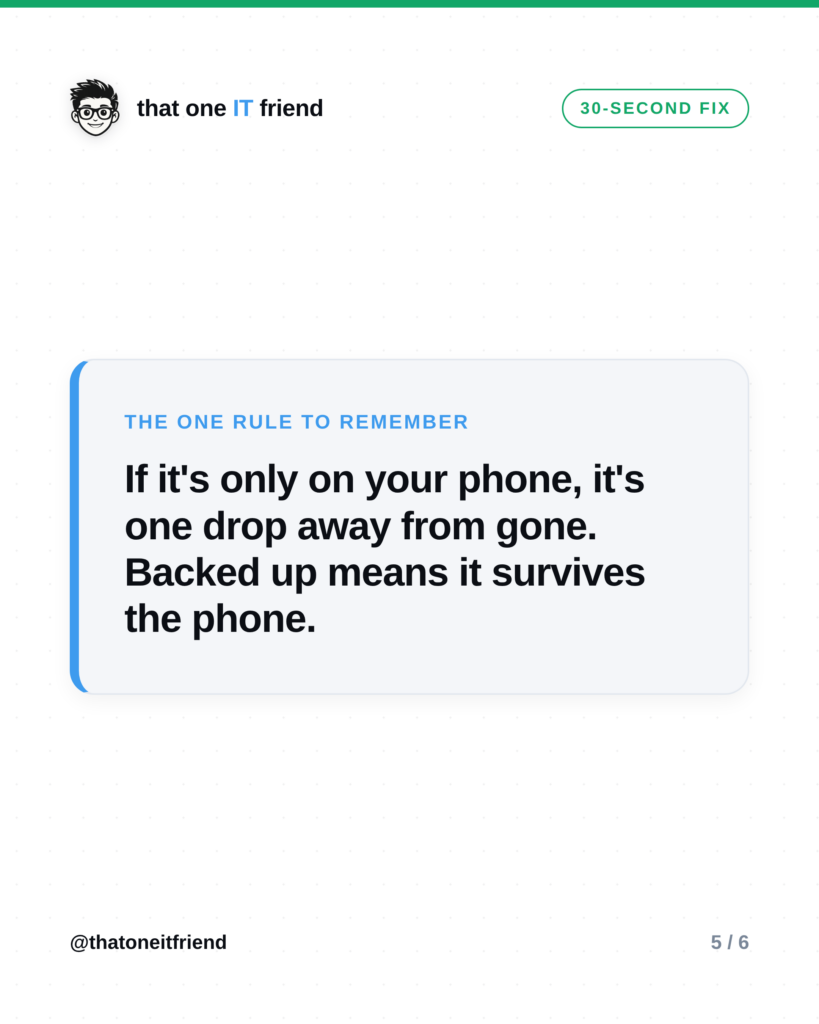
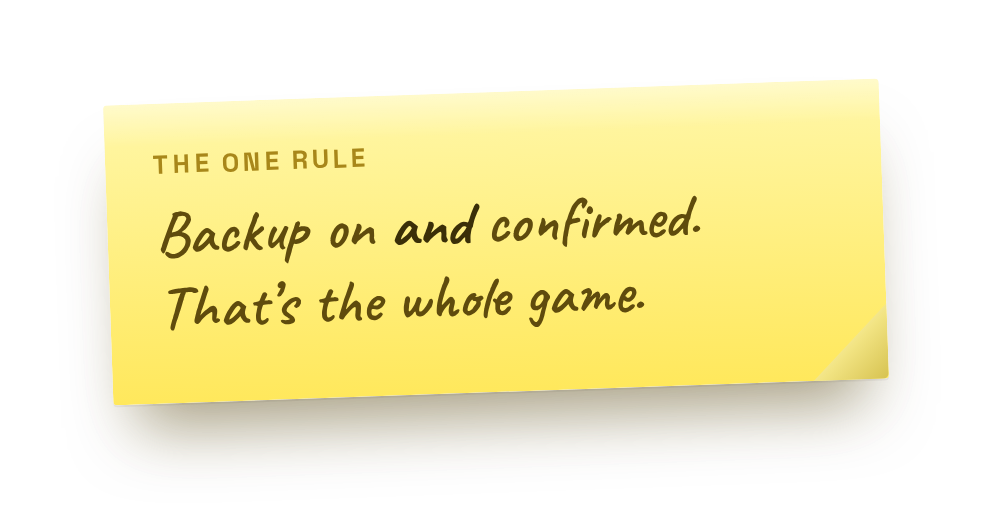 If it’s only on your phone, it’s one drop away from gone. Backed up means the memories survive the phone. That’s the whole point.
Frequently asked questions
Does backup cost money?
Turning it on is free. You only pay if your photos outgrow the free storage (5GB on iCloud, 15GB on Google), and plans start around a couple of dollars a month. Cheap insurance against losing everything.
Will this use up my phone data?
Not if you set it to back up on Wi-Fi only, which both apps let you do. Then it uploads when you’re home on Wi-Fi and leaves your data plan alone.
If I delete a photo from my phone, is it gone from backup too?
Usually yes, if sync is on, deleting on your phone deletes from the cloud (it lands in a “Recently Deleted” folder for about 30 days first). To keep something safe long-term, save it somewhere separate too.
Prefer the visual version?
Swipe through, then save it or send it to someone who needs it.
Every week I break down one scam to dodge, one genuinely useful AI trick, and one 30-second tech fix, in plain English. Follow @thatoneitfriend on Instagram, TikTok, and Facebook, or get the weekly rundown by email at thatoneitfriend.com.